ineo+ 650/550/451 7-7
Fax Operations (Option)
7
Faxing a multi-page original using the original glass
All pages of a multi-page original that cannot be loaded into the ADF can be faxed together using the original
glass.
1 Press [Fax/Scan] key to display the Fax/Scan screen.
2 Specify the destination.
3 Specify functions if required.
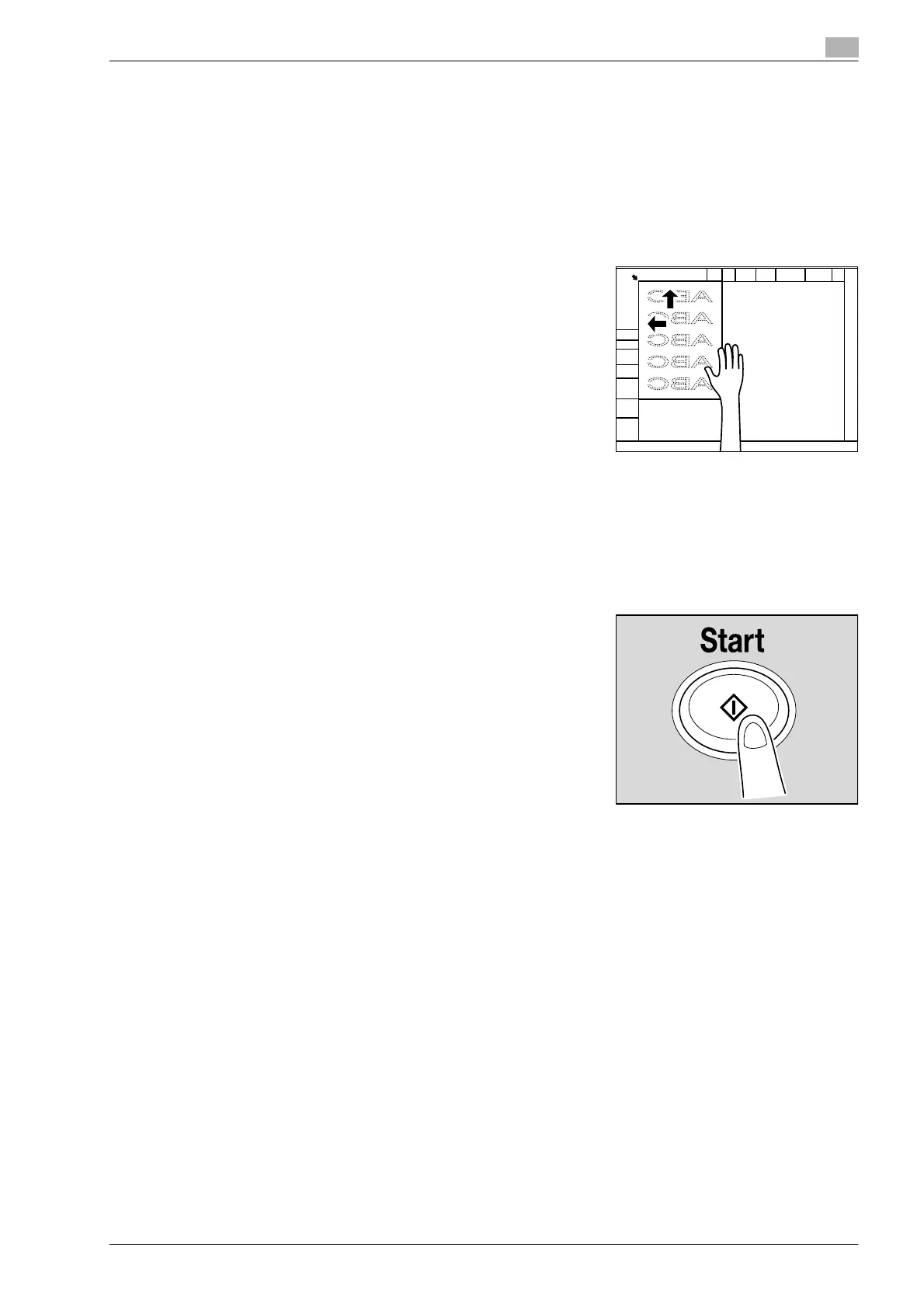
4 Load the original on the original glass, and touch [Scan
Settings], [Separate Scan], [OK] and then press [Start] key.
5 Load the original sequentially on the original glass and press [Start] key.
– Touching [Change Setting] enables you to alter Simplex/Duplex settings and Frame Erase settings.
– Repeat this operation until you have scanned the entire original you wish to send.
The scanned original is stored in the memory.
6 Touch [Finish].
7 Press [Start] key.
Transmission begins.









 To Next Page