ineo+ 650/550/451 5-45
Network Scanner Operations
5
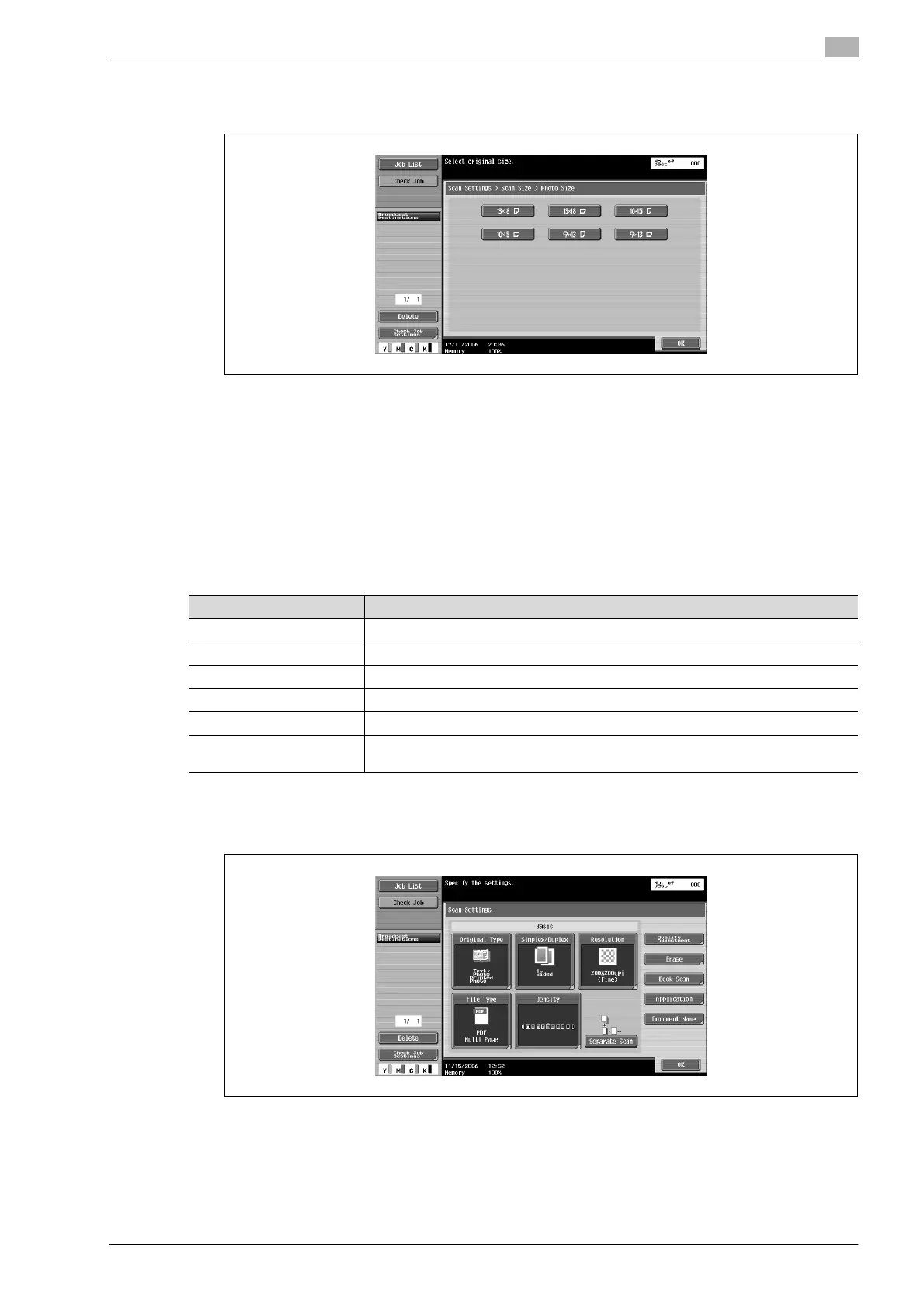
– Touching [Photo Size] displays the Photo Size screen. Select the orientation and size of the photo
to be scanned, and then touch [OK].
5 Touch [OK], and then touch [OK] in the next two screens that appear.
Annotation (Application)
Previously specified text, numbers or the date/time can be added to a document when it is scanned and
saved in a user box.
Date/Time (Application)
The scanning date and time can be added to all pages of a document.
Settings can be specified for the following.
1 Touch [Scan Settings] in the Fax/Scan mode screen.
2 Touch [Application].
Parameter Description
Date Format Select the format for the date.
Time Format Select the whether or not the time is added and select its format.
Pages Select the pages to be printed on (either all pages or 1st page only).
Text Color Select the printing color (black, red, blue, green, yellow, cyan and magenta).
Text Size Select the size (minimal or std.) in which text is printed.
Print Position Select the position within the page where the image is printed. After a position is se-
lected, it can be finely adjusted.









 To Next Page