4
Box Operations
4-50 ineo+ 650/550/451
4.14 Secure print user box
Available printing parameters
Settings can be specified for the following when a document is printed.
!
Detail
The Fold/Bind and Center Staple/Fold settings are available only if the optional finisher is installed.
The Punch settings are available only if the punch kit is installed on the optional finisher.
To print a document (Mode 1)
Follow the procedure described below when "Prohibited Functions When Authentication Failed" (displayed
by touching [Security Settings] on the Administrator Settings screen, then [Security Details]) is set to
"Mode 1".
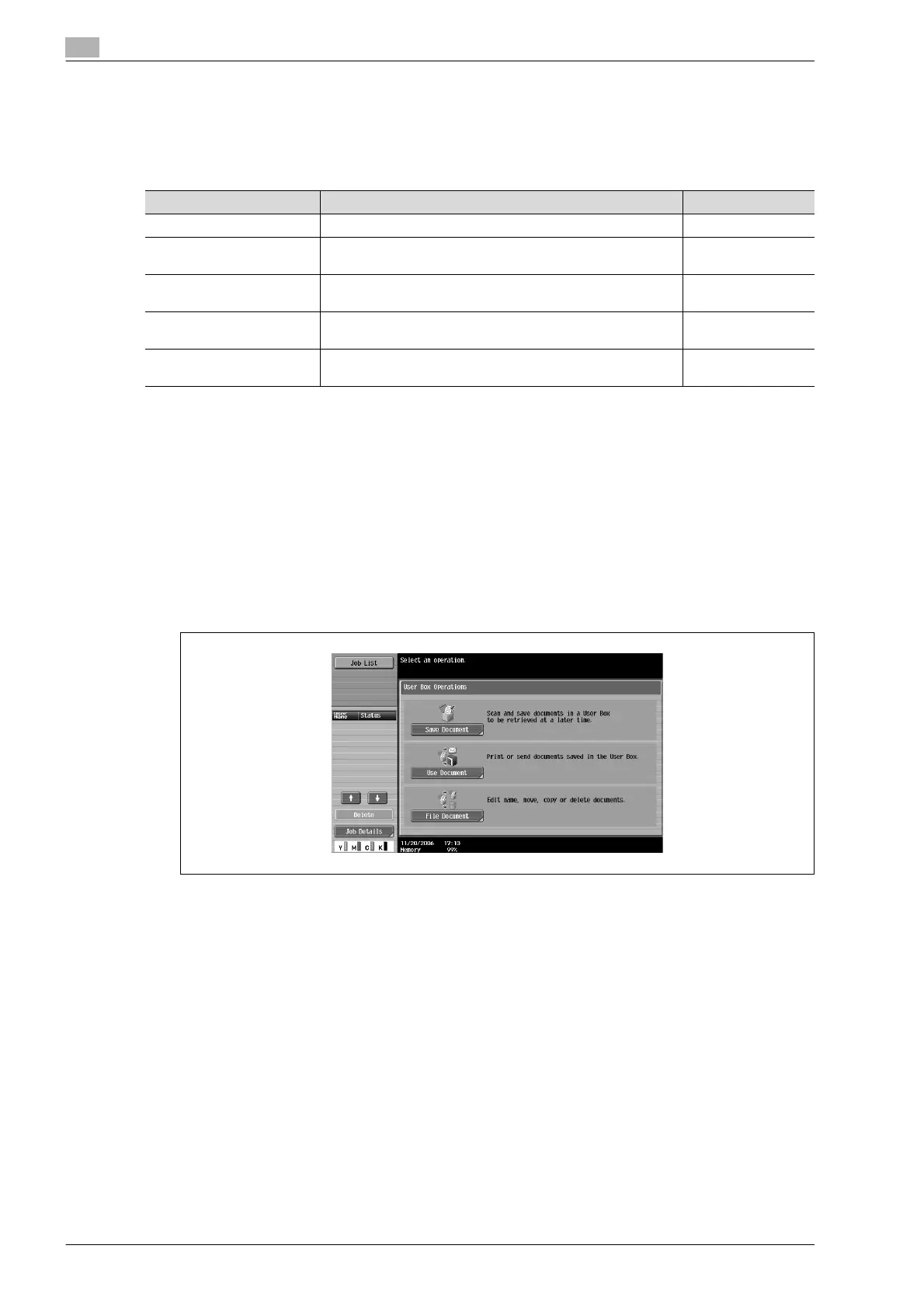
1 Touch [Use Document].
Available parameters Description Page reference
Copies Specify the number of copies to be printed. p. 4-38
Print Select whether a single-sided or double-sided copy is to be
printed.
p. 4-38
Finishing Specify settings for collating, grouping, stapling, hole punch-
ing, folding/binding or center stapling/folding.
p. 4-39
Sheet/Cover/Chapter Insert Print the document with other paper added as cover sheets,
insertions or chapter title pages.
Stamp/Composition Print the document with the date/time, page number or a
stamp added.









 To Next Page