ineo+ 650/550/451 7-25
Fax Operations (Option)
7
7.9 Reserving a transmission
It is possible to reserve the next transmission while the machine is communicating or printing. This function
is called reserved transmission.
2
Note
[Off-Hook] cannot be used for reserved transmission.
1 Touch [Next Fax/Scan Job].
– If [TX Display] or [Copy Operating Screen] is not set to [Yes], [Next Fax/Scan Job] will not be
displayed.
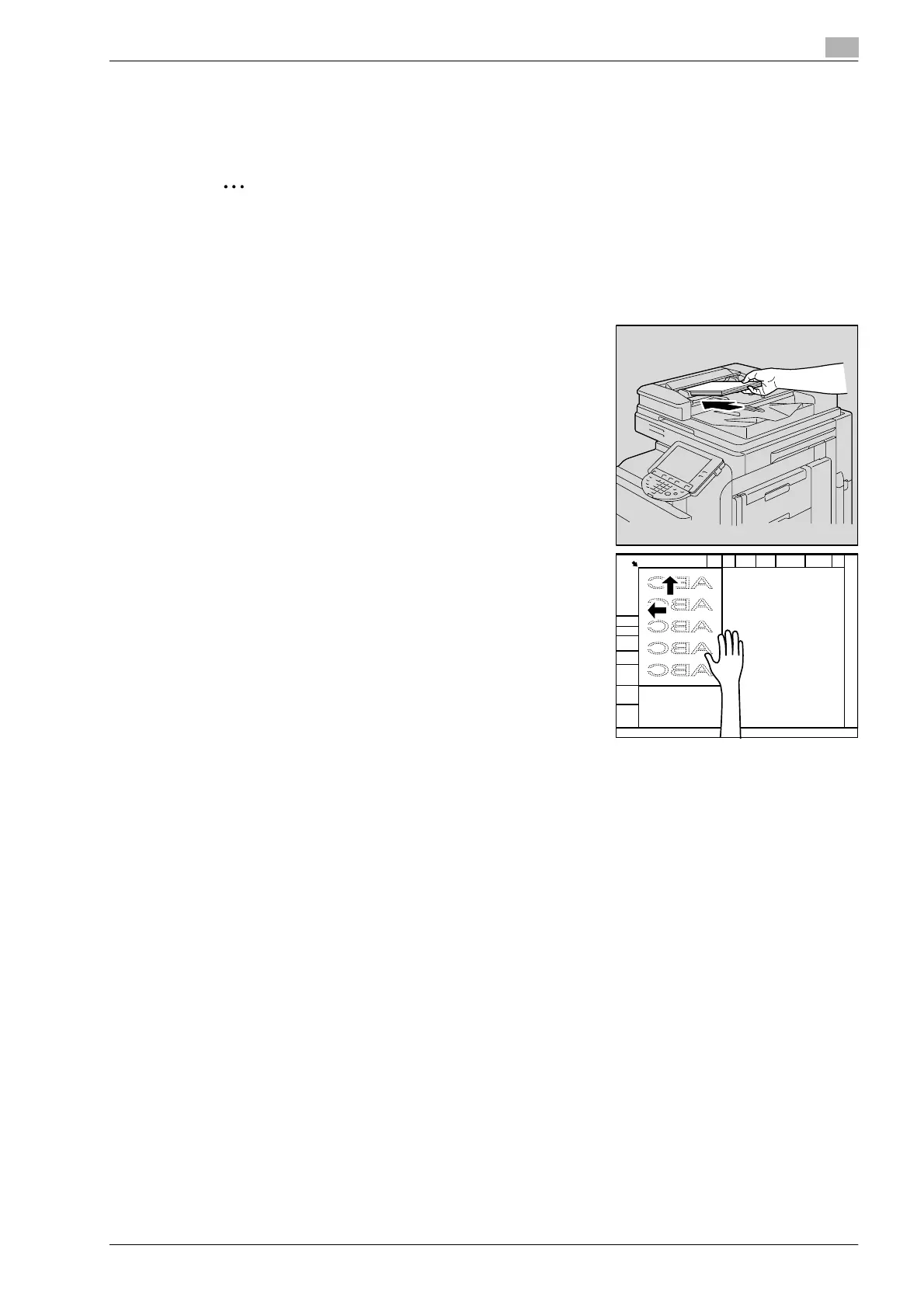
2 Load the original to be faxed.
– Refer to "Loading the original" on page 7-6 for details on
loading the original.
– When you wish to release a reserved transmission, touch
[Job List] and then touch [Delete].
3 Specify functions if required.
4 Specify the destination.
5 Press [Start] key.









 To Next Page