2
Copy Operations
2-68 ineo+ 650/550/451
2.18 Temporarily stopping scanning/printing
Follow the procedure described below to temporarily stop scanning the document and stop the printing
operation.
0 If a document is being scanned for a job, pressing the [Stop] key stops scanning.
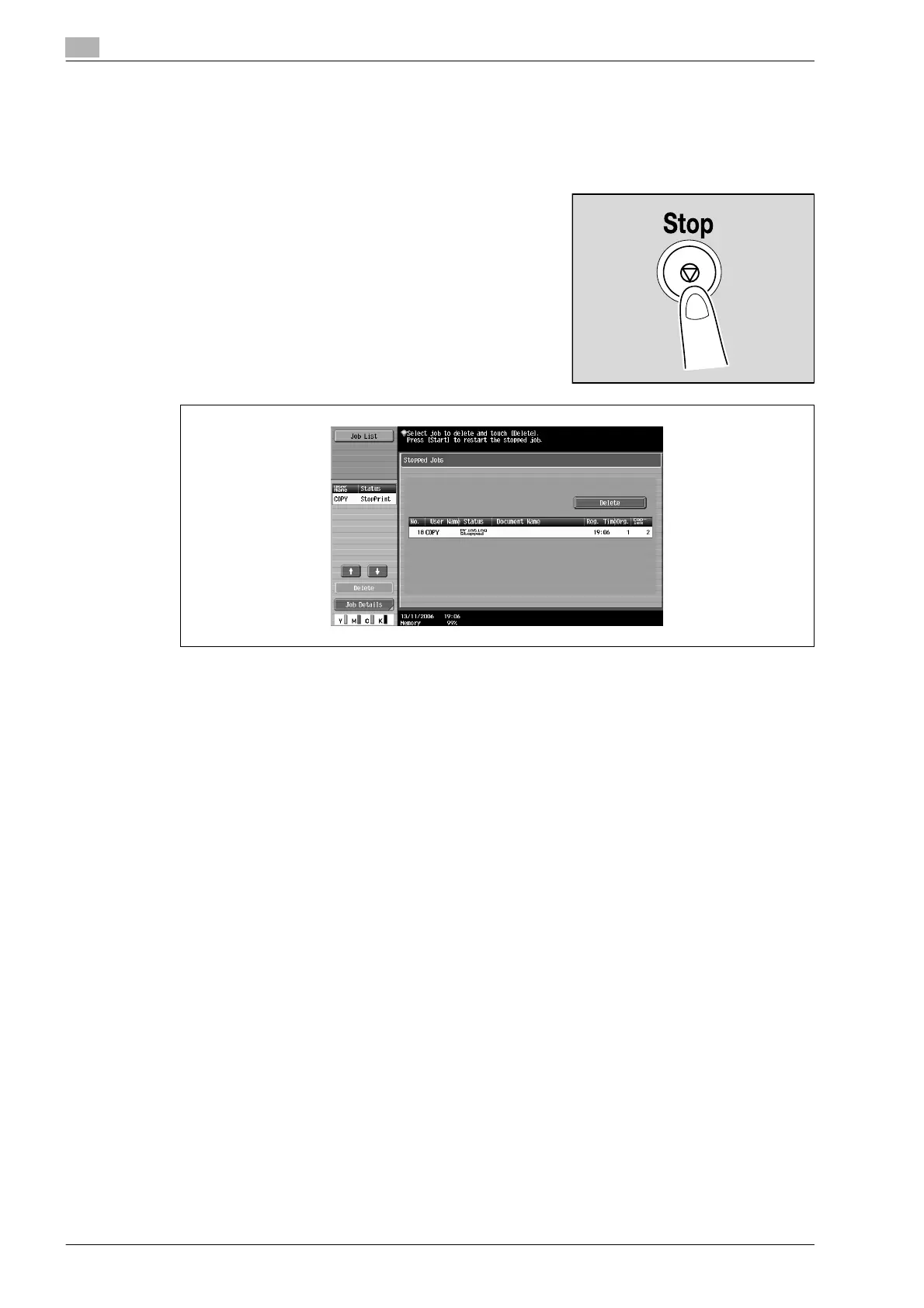
1 Press the [Stop] key while a document is being scanned or a
job is being printed.
Scanning/printing stops.
The Stopped Jobs screen appears.
2 To continue all stopped jobs, press the [Start] key.









 To Next Page