4
Box Operations
4-28 ineo+ 650/550/451
4.8 Duplicating a document
Document data that is currently saved in a user box can be copied to a different public user box/personal
user box/group user box.
2
Note
A document cannot be copied if multiple documents are selected.
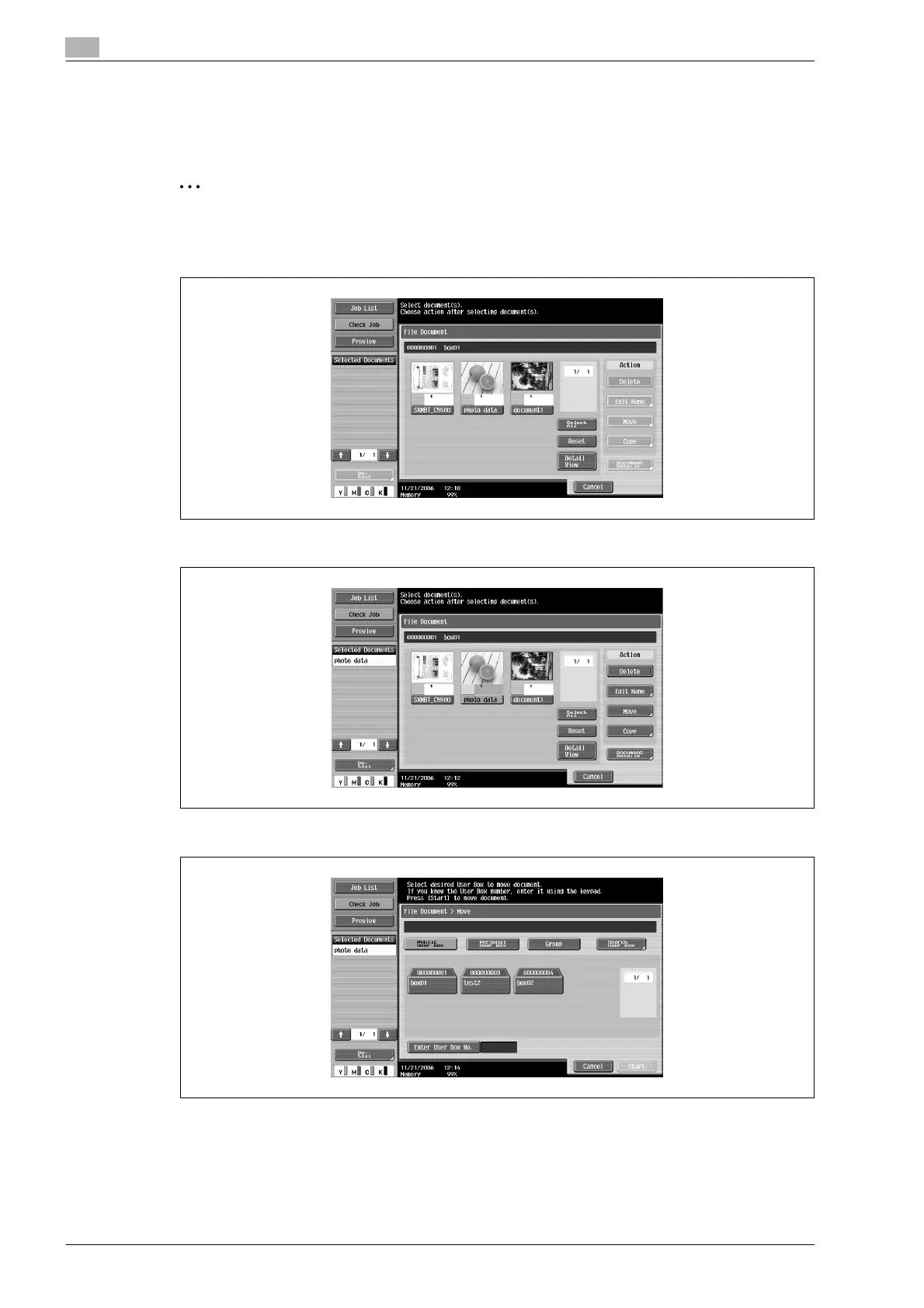
1 From the File Document screen, select the document to be copied.
2 Touch [Copy].
3 Specify the user box where the document is to be copied.
?
Is a password required for copying data to a different user box?
% It is not necessary to enter the password when copying data to a different user box, even if a
password has been specified for the box.









 To Next Page