2
Copy Operations
2-60 ineo+ 650/550/451
2.17 Selecting a folding setting
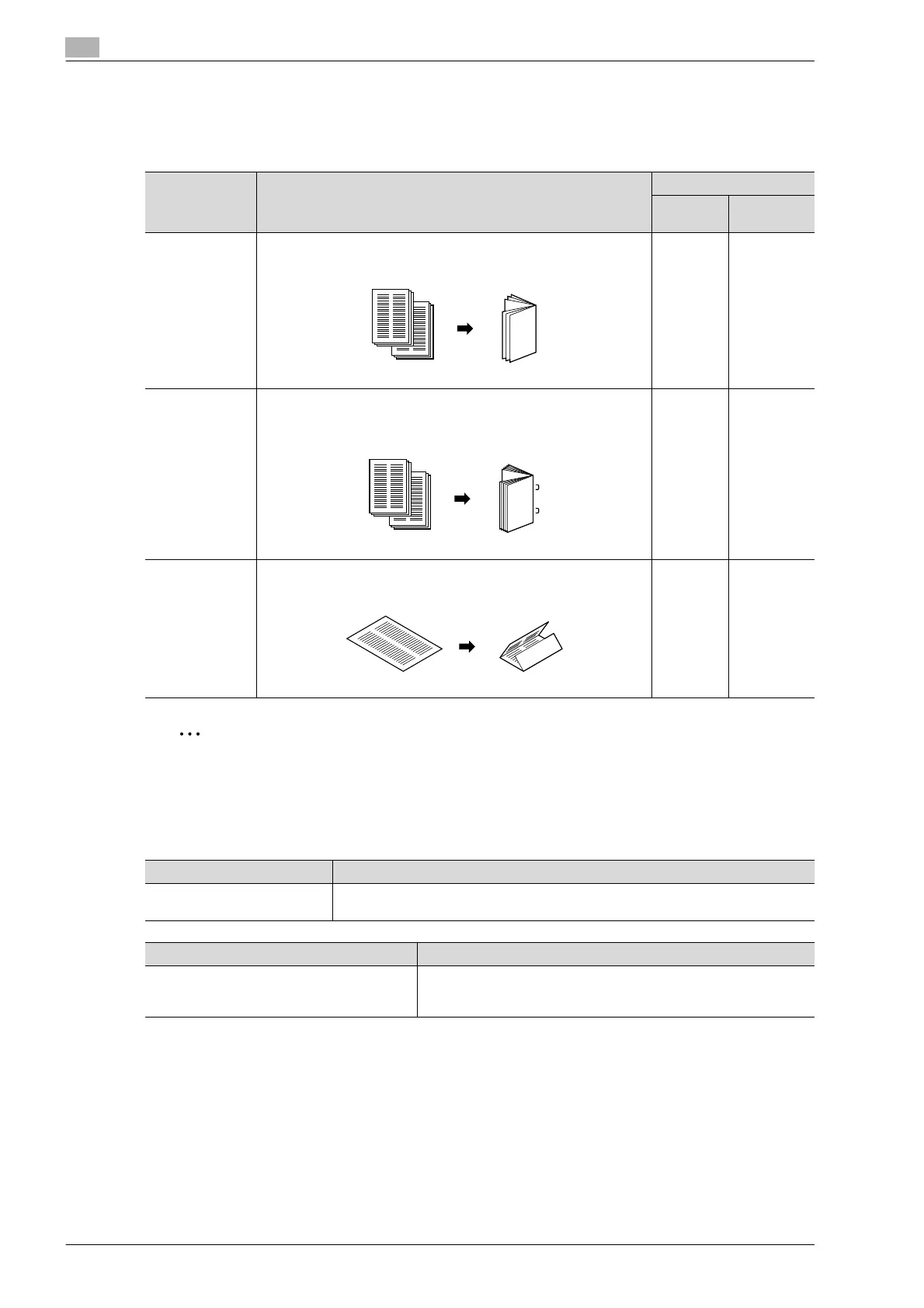
If options are installed, copies can be folded before being fed out. The following folding settings are available.
The available settings differ depending on the options that are installed.
2
Note
Copies can be folded in half or in three or bound at the center only if a finisher is installed.
Folding copies in half ("Half-Fold" setting)
When Finisher FS-608 is installed
Setting Description Compatible models
ineo+ 451 ineo+ 550/
650
Half-Fold Select this setting to fold copies in half before feeding them out. (Re-
fer to page 2-60.)
FS-608
FS-519 +
Saddle
Stitcher
FS-608
Center Staple &
Fold
Select this setting to staple copies at two places along the center,
then fold the copies in half before feeding them out. (Refer to
page 2-63.)
FS-608
FS-519 +
Saddle
Stitcher
FS-608
Tri-Fold Select this setting to fold copies in three before feeding them out.
(Refer to page 2-66.)
FS-608 FS-608
Paper weight Paper size
Plain paper
(64 g/m
2
to 90 g/m
2
)
A3 w, B4 w, A4 w, 12-1/4 e 18 w, 11 e 17 w, 8-1/2 e 14 w,
8-1/2 e 11 w, 8K w
Maximum number of folded sheets Paper capacity
3 sheets When folding 3 sheets:
25 sets or less (with a paper length of 299 mm or less)
33 sets or less (others)









 To Next Page