5
Network Scanner Operations
5-18 ineo+ 650/550/451
5 Select the desired destination, and then touch [OK].
Selecting a destination with an address search
If LDAP server settings are specified in Administrator mode, [Address Search] appears in the Fax/Scan mode
screen.
!
Detail
If the if "Manual Destination Input" (displayed by touching [Security Settings] on the Administrator
Settings screen, then [Security Details]) is set to "Restrict", [Address Search] does not appear.
The position of [Address Search] can be changed from the User Settings screen.
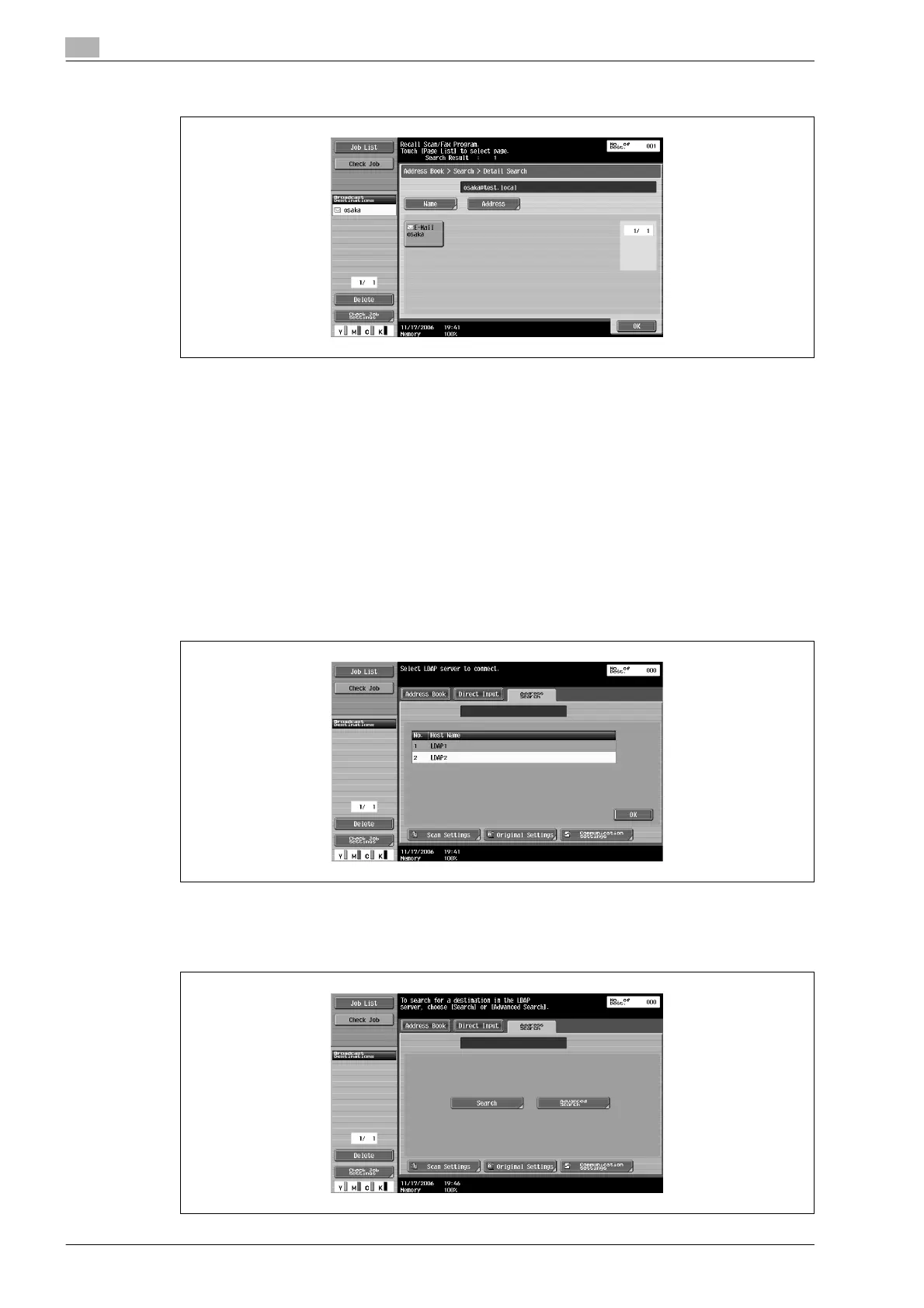
1 Touch [Address Search] in the Fax/Scan mode screen.
2 If multiple LDAP servers are specified, select the server to be searched, and then touch [OK].
3 Select the desired search type.
– Authentication may be necessary, depending on the LDAP server that is specified.
– When there is only one LDAP server









 To Next Page