ineo+ 650/550/451 5-17
Network Scanner Operations
5
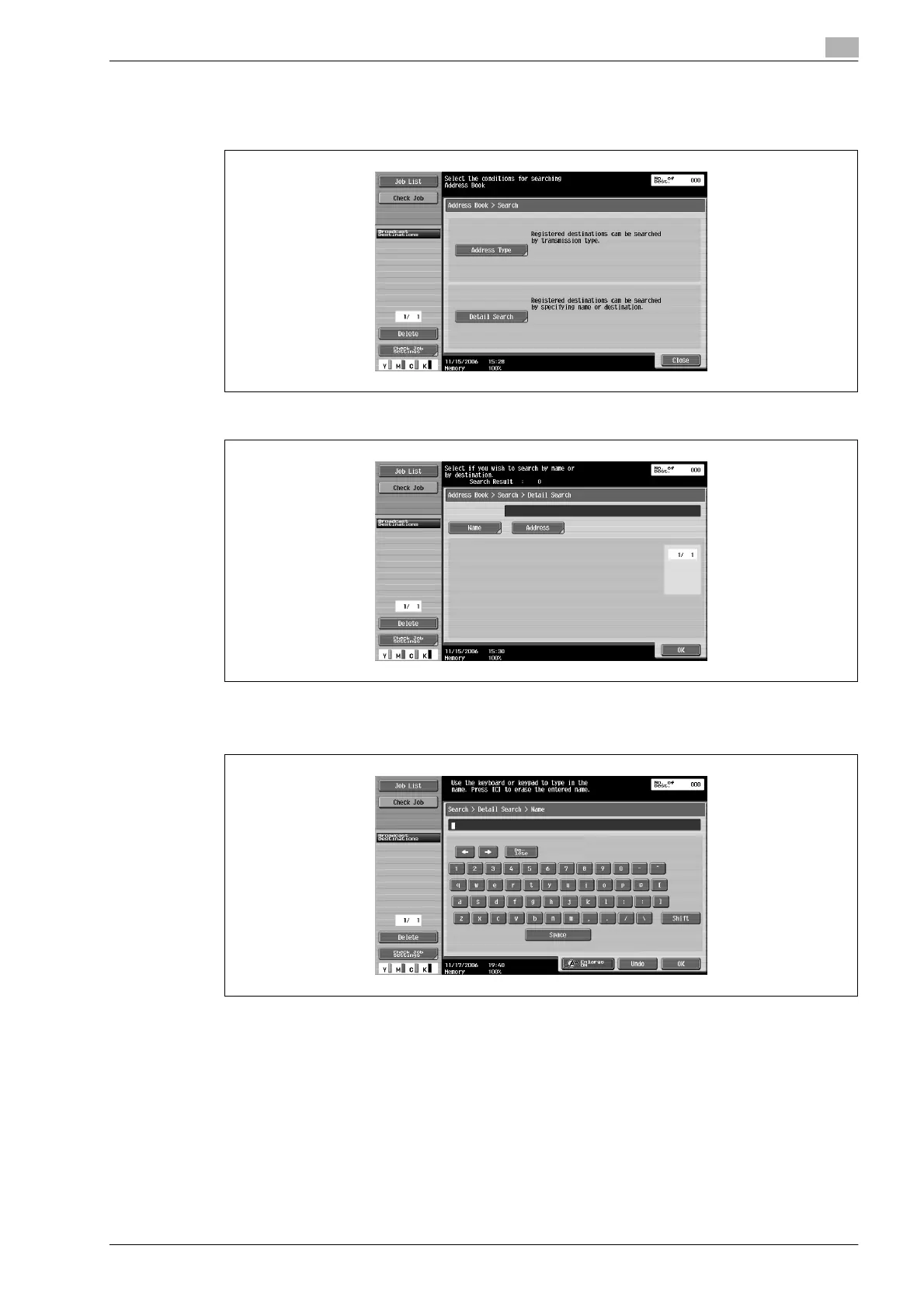
1 Touch [Address Book] in the Fax/Scan mode screen, and then touch [Search].
2 Touch [Detailed Search].
3 Touch [Name] or [Address] to select the search to be performed.
4 Type in the text to be searched for, and then touch [OK].
The Detailed Search screen appears again, and the search results are displayed.









 To Next Page