4
Box Operations
4-30 ineo+ 650/550/451
4.9 Checking document details
The details of saved documents can be checked from the touch panel.
The following information can be checked from the Document Details screen.
!
Detail
The preview screen can be displayed by touching a button in the sub display area or by touching a
button in the Document Details screen.
Check the details
2
Note
Multiple documents can be selected.
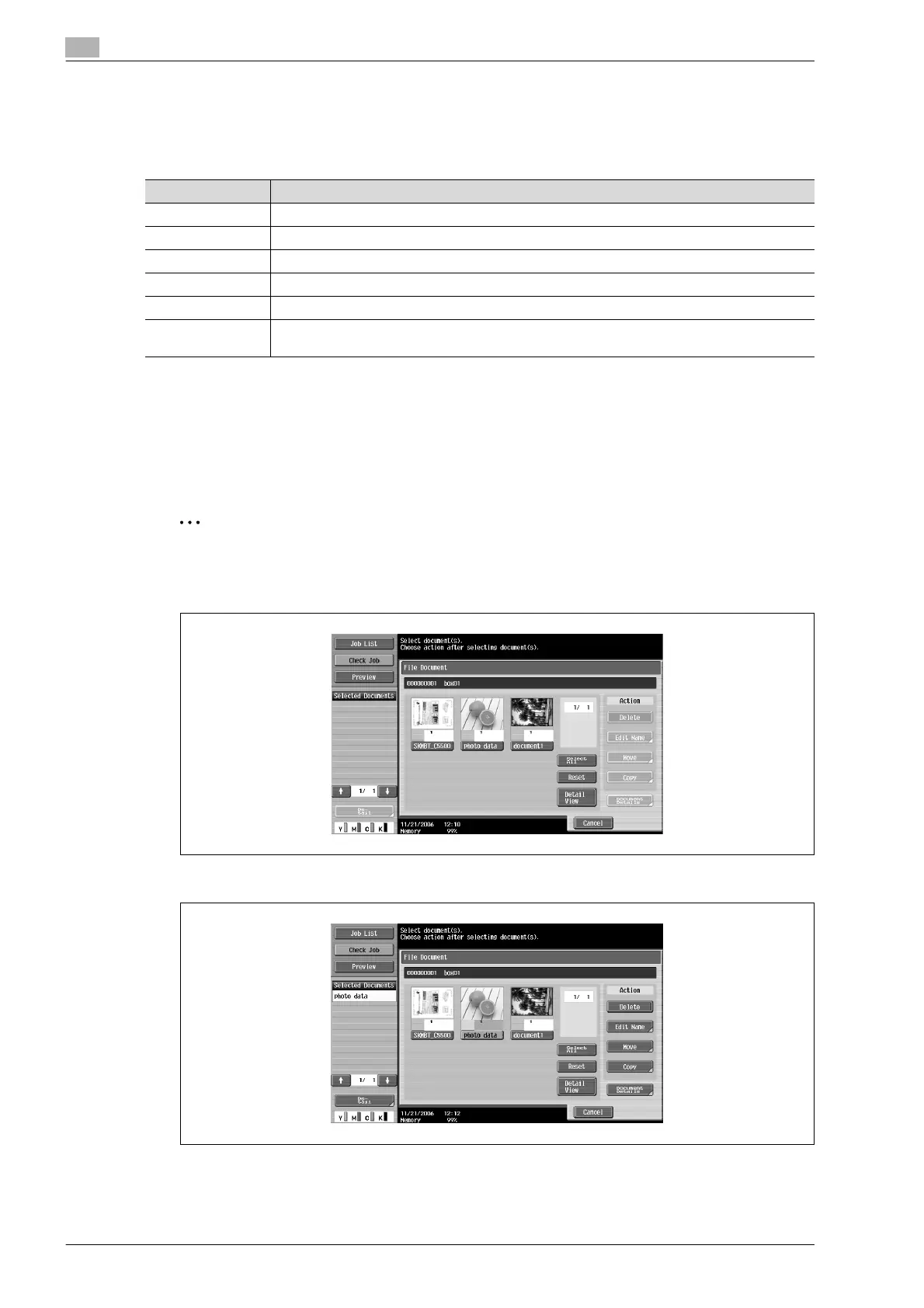
1 From the File Document screen, select the document to be checked.
2 Touch [Document Details].
The Document Details screen appears.
Item Description
Registered Time Displays the date and time that the document was stored.
User Name Displays the mode (Scan, Copy or Print) and name of the user who stored the document.
Document Name Displays the name of the document.
No. of Pages Displays the number of pages in the document.
Job No. Displays the job number when the document was stored.
[Preview] button Touch this button to display the Enlarged Thumbnail View screen. For details, refer to "Preview
screen operations" on page 4-32.









 To Next Page