ineo+ 650/550/451 7-21
Fax Operations (Option)
7
7.7 Operations while scanning
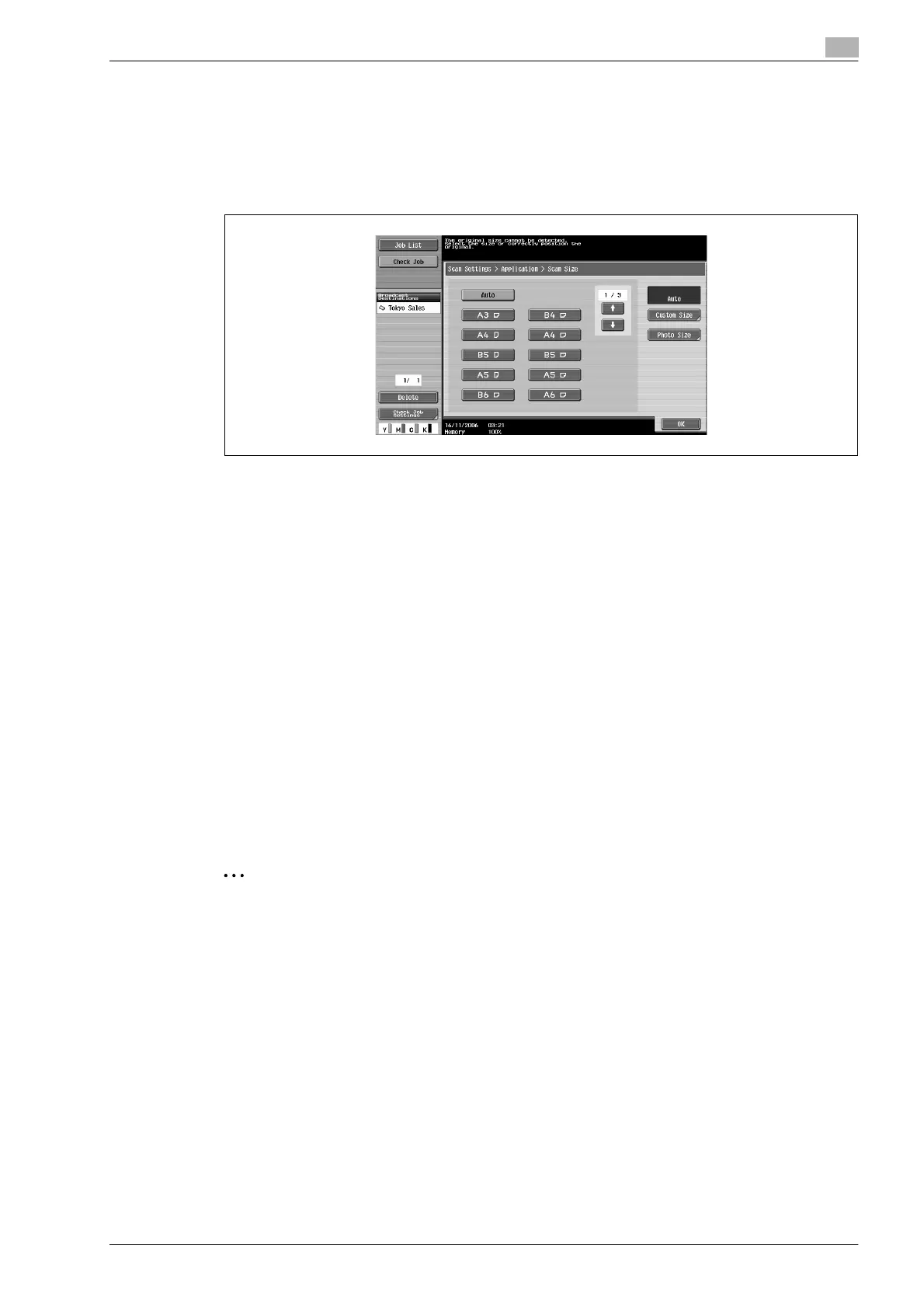
If original size cannot be detected
If the original size cannot be detected, the scan size screen is displayed. Set the original size.
1 Touch the Original Size button and then touch [OK].
2 Touch [Close] and then touch [OK].
Fax/Scan screen is displayed.
3 Press [Start] key.
Fax is sent.
When there is a memory overflow
When using memory transmission, if the original contains many pages or when the original contains images
with fine details creating a large amount of data, the memory may became full.
In such cases, set the machine to Quick Memory TX and send the fax (Quick Memory TX can be set at the
Communication Method Settings in the Communication Settings screen).
Original auto rotation
An A4 or 8-1/2 e 11 original loaded in the v orientation is automatically rotated and sent in
the w orientation.
When A4 or 8-1/2 e 11 document pages are loaded in the v orientation to be sent together with longer
document pages, the A4 or 8-1/2 e 11 document pages are sent without being rotated to the w orientation.
In this case, it can be rotated and transmitted by setting the machine to mixed original.
2
Note
When you do not wish to conduct auto rotation, contact your technical representative.









 To Next Page