ineo+ 650/550/451 5-65
Network Scanner Operations
5
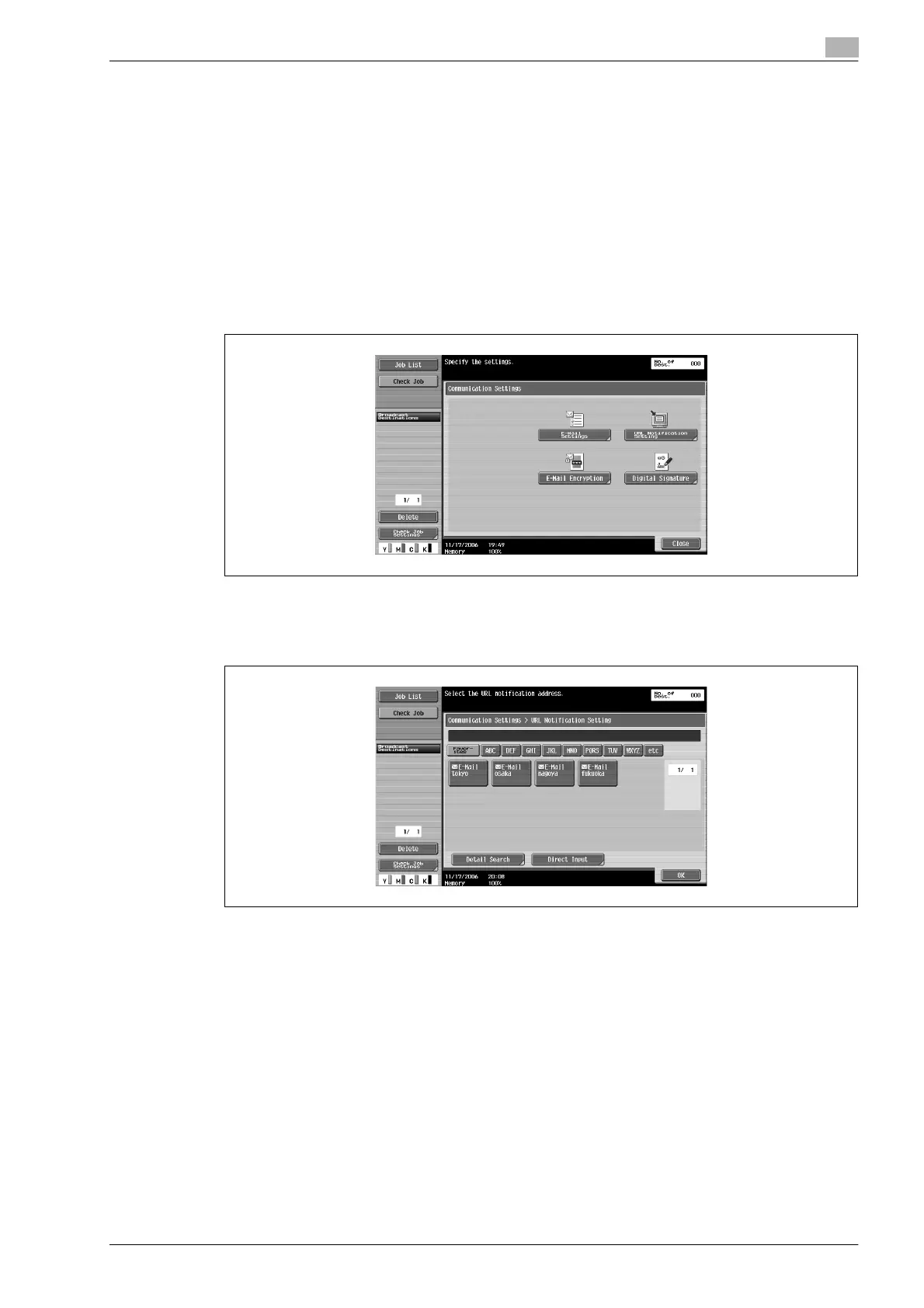
URL notification setting
Specify the e-mail address where notifications of completion of the job are to be sent.
!
Detail
The destinations that can be specified for "URL Notification Setting" include FTP servers, SMB server
or user boxes.
This feature does not function during e-mail transmissions, even if a setting is specified.
1 Touch [Communication Settings] in the Fax/Scan mode screen.
2 Touch [URL Notification Setting].
3 Specify the e-mail address where notifications will be sent.
– Select a registered e-mail address.
– Touch [Direct Input], and then specify the e-mail address for the destination of URL notifications.
4 Touch [Close], and then touch [Close] in the next screen that appears.









 To Next Page