5
Network Scanner Operations
5-16 ineo+ 650/550/451
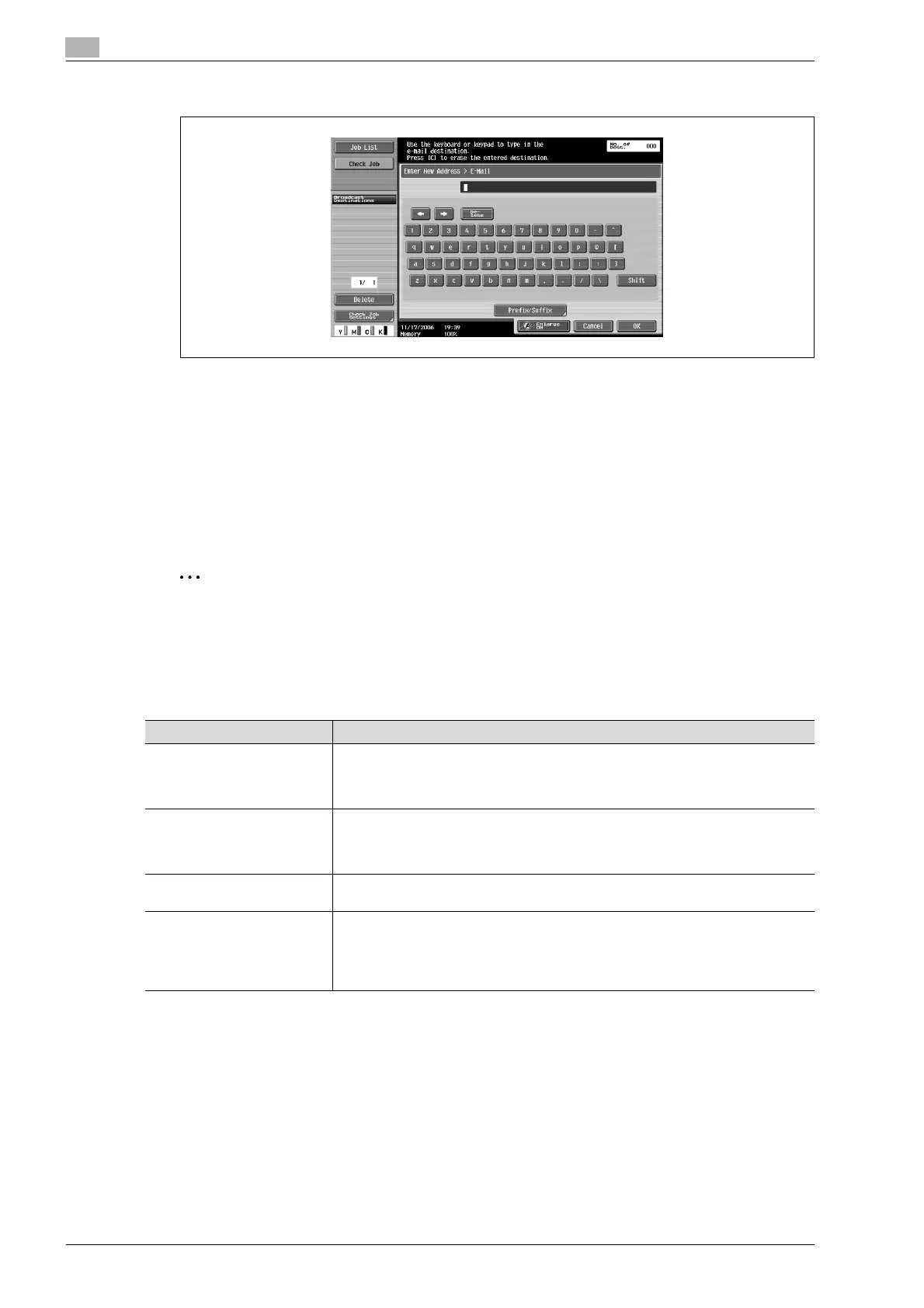
The entered addresses appear under "Broadcast Destinations".
4 Touch [Scan Settings], [Original Settings] or [Communication Settings], and then specify the desired
scan settings.
– For details on the scan settings, refer to "Specifying scan and transmission settings (Scan
settings/original settings/communication settings)" on page 5-28.
5 Load the document into the ADF or place it on the original glass.
6 Press the [Start] key in the control panel.
Scanning of the document begins, and the data is sent.
2
Note
Do not turn off the machine until the scan job is deleted from the Job List screen.
Selecting a destination that was searched for
Follow the procedure described below to search for the desired destination. This procedure describes an
advanced search.
!
Detail
In order to perform an Address Search, settings for the LDAP server must be specified from
Administrator mode.
For details on performing an Address Search, refer to "Selecting a destination with an address search"
on page 5-18.
Parameter Description
Index This button appears if "Address Book Default" (displayed by touching [Custom Dis-
play Settings] on the User Settings screen, then [Fax/Scan Settings]) is set to "Ad-
dress Type". The index characters can be searched based on the character that was
specified when the destination was registered.
Address Type This button appears if "Address Book Default" (displayed by touching [Custom Dis-
play Settings] on the User Settings screen, then [Fax/Scan Settings]) is set to "In-
dex". The destination types can be searched based on the type that was specified
when the destination was registered.
Detail Search Type in the destination name or part of the address to search for the corresponding
address.
Address Search An LDAP search can be performed if an LDAP server is being used, for example, for
user management. Search the addresses registered on the LDAP server for the ad-
dress that corresponds to the conditions. A basic search, where a keyword is en-
tered, and an advanced search, where multiple conditions are used to narrow down
the search, are available.









 To Next Page