ineo+ 650/550/451 8-15
Network Fax Operations (Option)
8
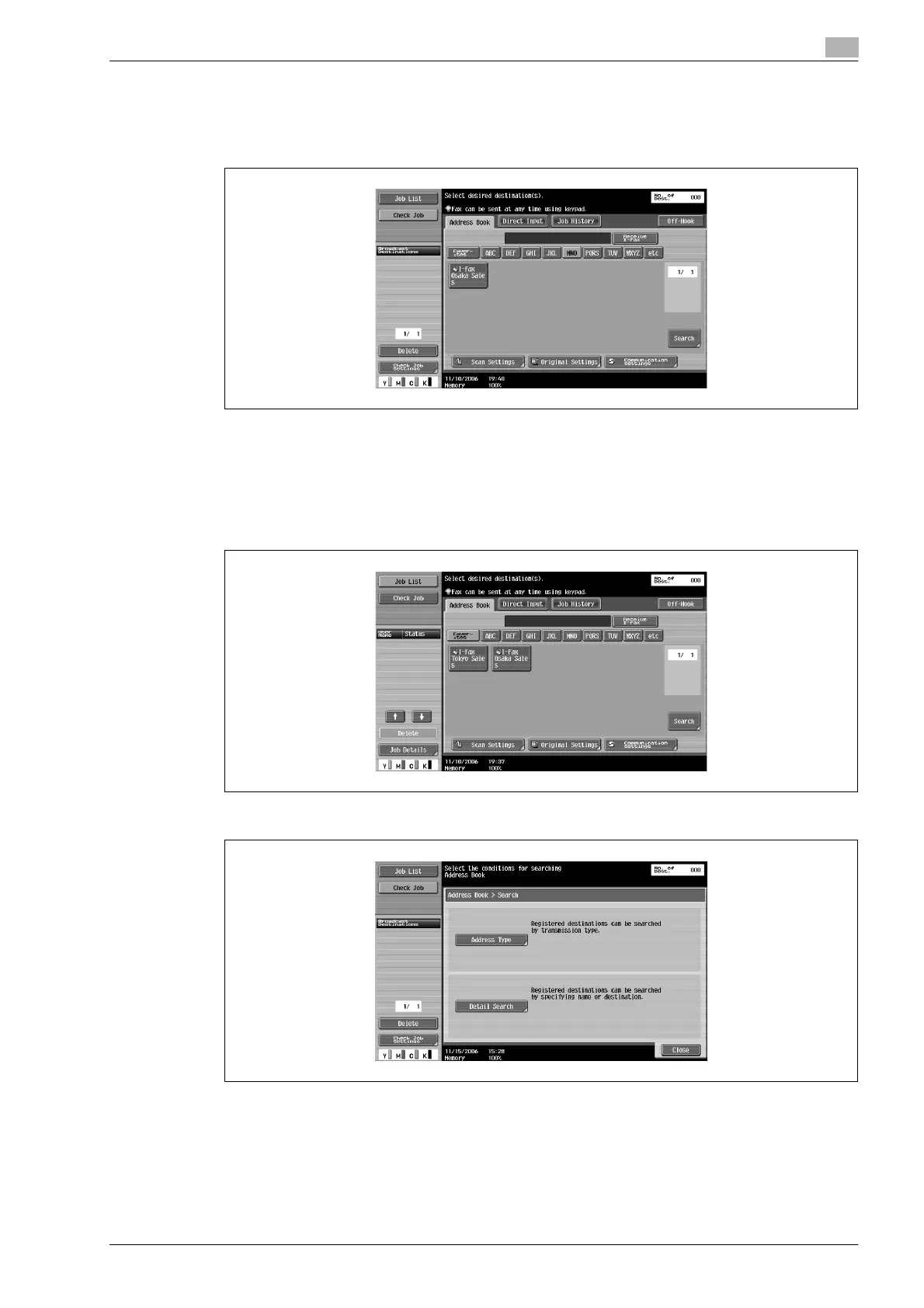
Searching the registered destination (Search text button)
Destination can be searched from the specified search text when destination is registered.
% Touch Index buttons ([favorites], [ABC] - [WXYZ], [etc]) displayed in the [Address Book] tab.
Desired destination button is displayed.
Searching the registered destination (Address type)
Destination can be searched from the address type (Internet Fax, IP Address Fax etc.).
1 Touch [Search] of [Address Book] tab.
2 Touch [Address Type].









 To Next Page