6
Web Connection Operations
6-12 ineo+ 650/550/451
Job History
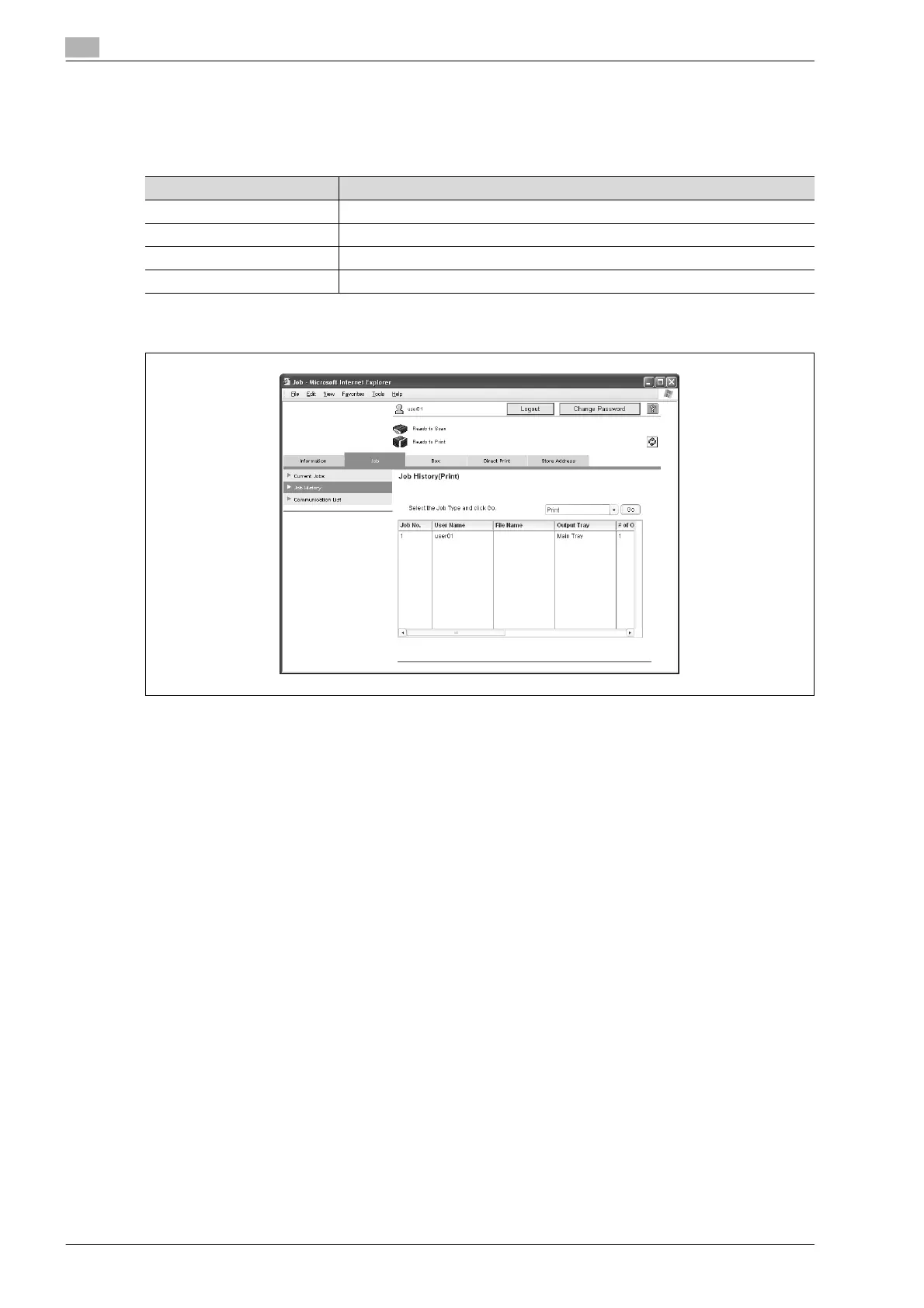
The completed jobs can be viewed. Select a job type, and then click the [Go] button.
Select from the following job types.
* Appears if fax operations are available.
Sample page of print jobs
The number assigned to the job when it was queued in the machine appears as the job number.
!
Detail
If "HTML" was selected as the display format during logon, the page to be displayed can be selected.
If "HTML" was selected as the display format during logon, select a job, and then click the [Detail]
button to view detailed information.
Item Description
Print Displays a list of print jobs and their details.
TX Displays a list of transmission jobs and their details.
RX* Displays a list of fax reception jobs and their details.
Save Displays a list of user box jobs and their details.









 To Next Page