5
Network Scanner Operations
5-54 ineo+ 650/550/451
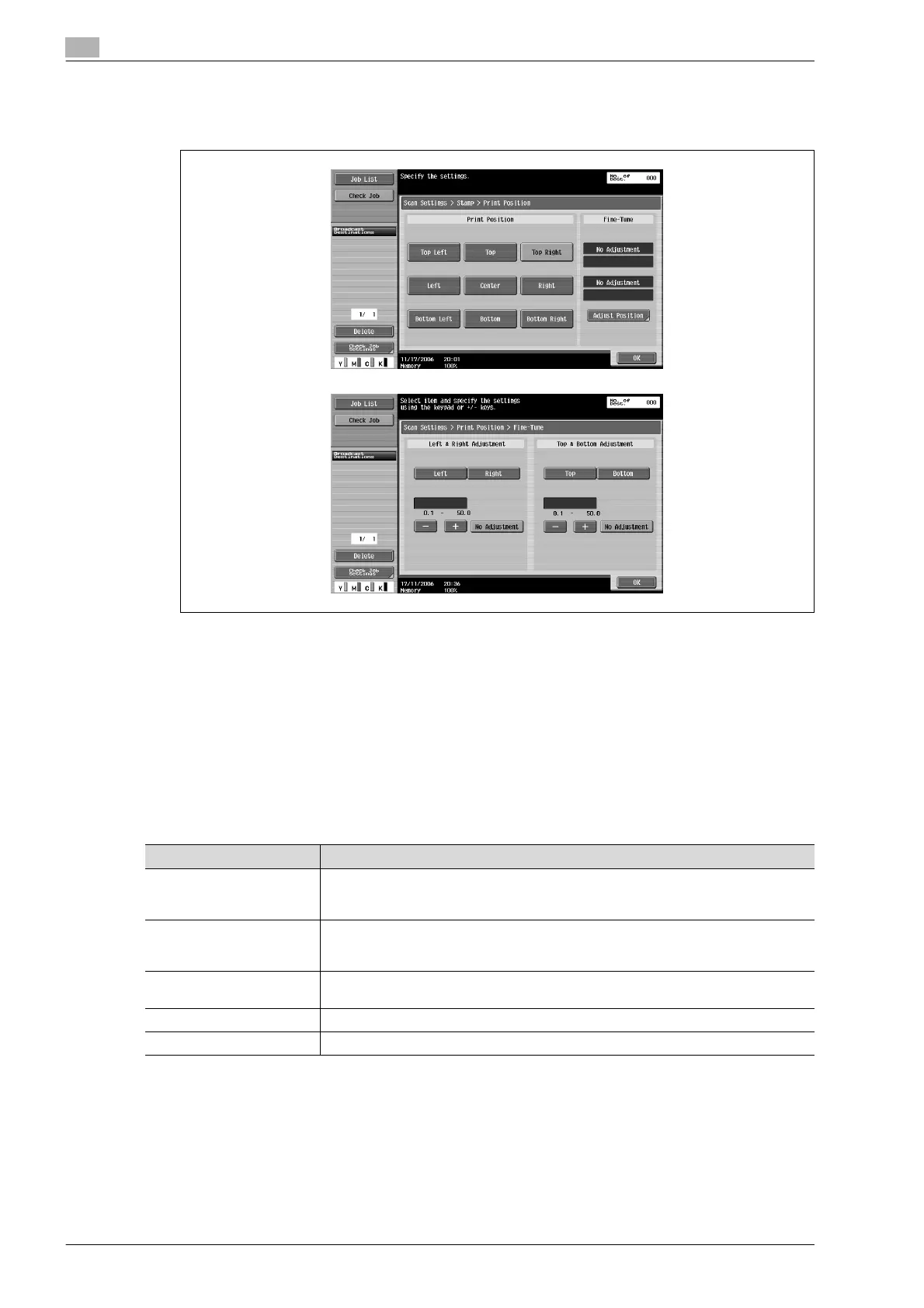
– To make fine adjustments, touch [Adjust Position].
The position can be adjusted between 0.1 and 50 mm in the left/right direction and the up/down
direction.
6 Touch [OK], and then touch [OK] in the next three screens that appear.
Header/Footer (Application)
Headers or footers can be inserted on all pages. The contents of the header/footer must be previously
registered in Administrator mode.
!
Detail
Headers/footers use registered information that is recalled; however, the information can be checked
or changed when scanning. Settings can be specified for the following.
Parameter Description
Header Settings Select whether or not to insert a header. If a header is to be inserted, specify whether
to insert text, the date/time or other information (distribution number, job number or se-
rial number).
Footer Settings Select whether or not to insert a footer. If a footer is to be inserted, specify whether to
insert text, the date/time or other information (distribution number, job number or serial
number).
Pages Select the pages where the header/footer is to be inserted (either all pages or 1st page
only).
Text Color Select the text color (black, red, blue, green, yellow, cyan and magenta).
Text Size Select the size (minimum or standard) in which text is printed.









 To Next Page