ineo+ 650/550/451 7-11
Fax Operations (Option)
7
There are 5 types of resolution settings.
At the time of purchase, resolution is set to [Fine].
- [200e100 (Standard)]:
Touch when you wish to reduce transmission time.
- [200e200 (Fine)]:
Touch when scanning normal originals.
- [300e300 dpi]:
Touch when scanning a normal original at a higher resolution.
- [400e400 (Super Fine)]:
Touch when scanning originals containing small text and images.
- [600e600 (Ultra Fine)]:
Touch when scanning originals containing particularly fine text and drawings.
!
Detail
Using more defined resolutions when scanning increases the volume of data sent and increases
communication time.
If [Super Fine] or [Ultra Fine] are selected, and the recipient’s machine is unable to receive faxes of these
resolutions, the fax is sent at a resolution compatible with recipient’s machine’s capabilities.
Density
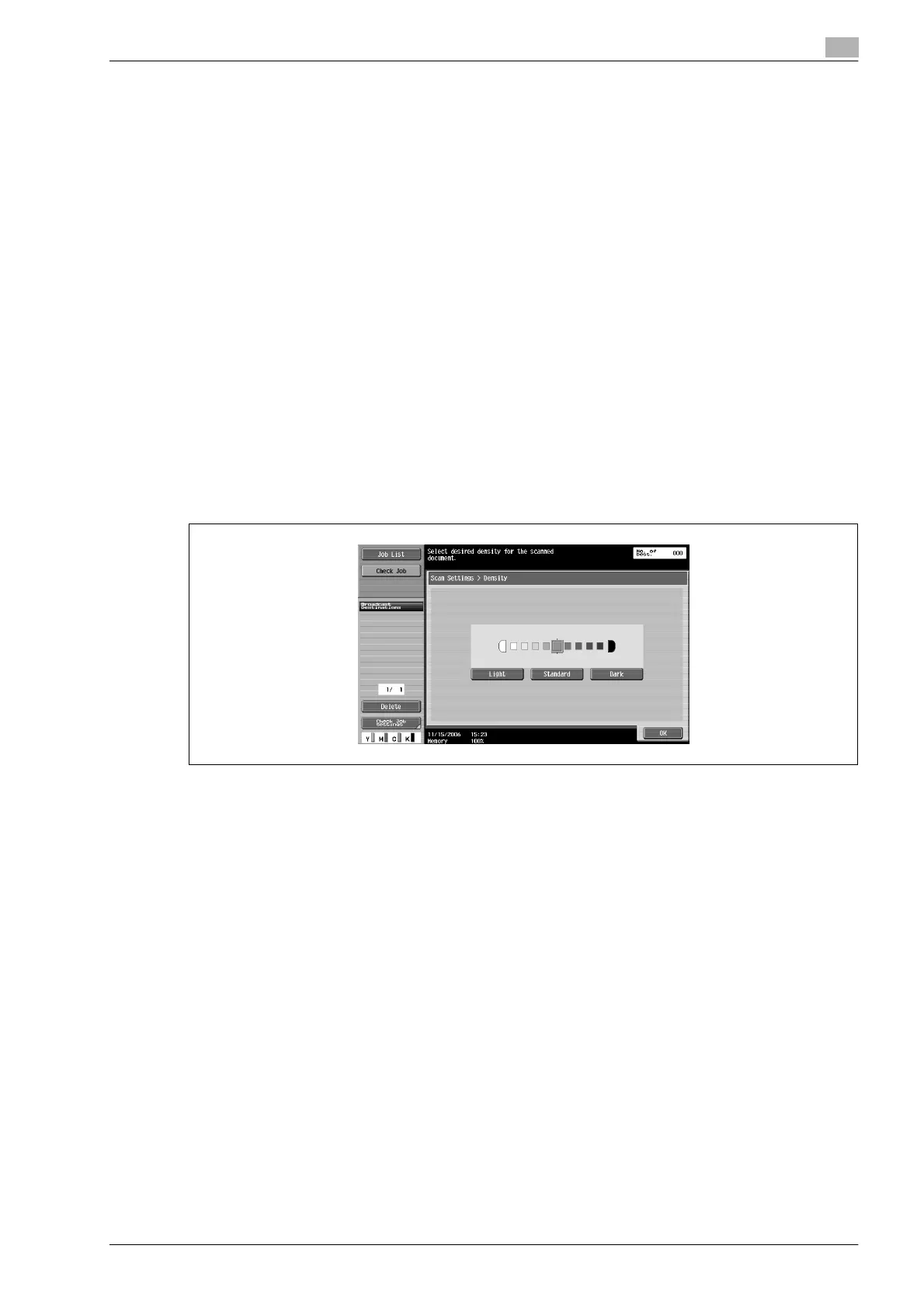
Set the density according to the content of the original.
Density can be set at 9 different levels.
At the time of purchase, density is set to [Standard].
- [Light]:
Touch for light-density scanning.
- [Standard]:
Touch for standard-density scanning.
- [Dark]:
Touch for darker-density scanning.









 To Next Page