3
Print Operations
3-70 ineo+ 650/550/451
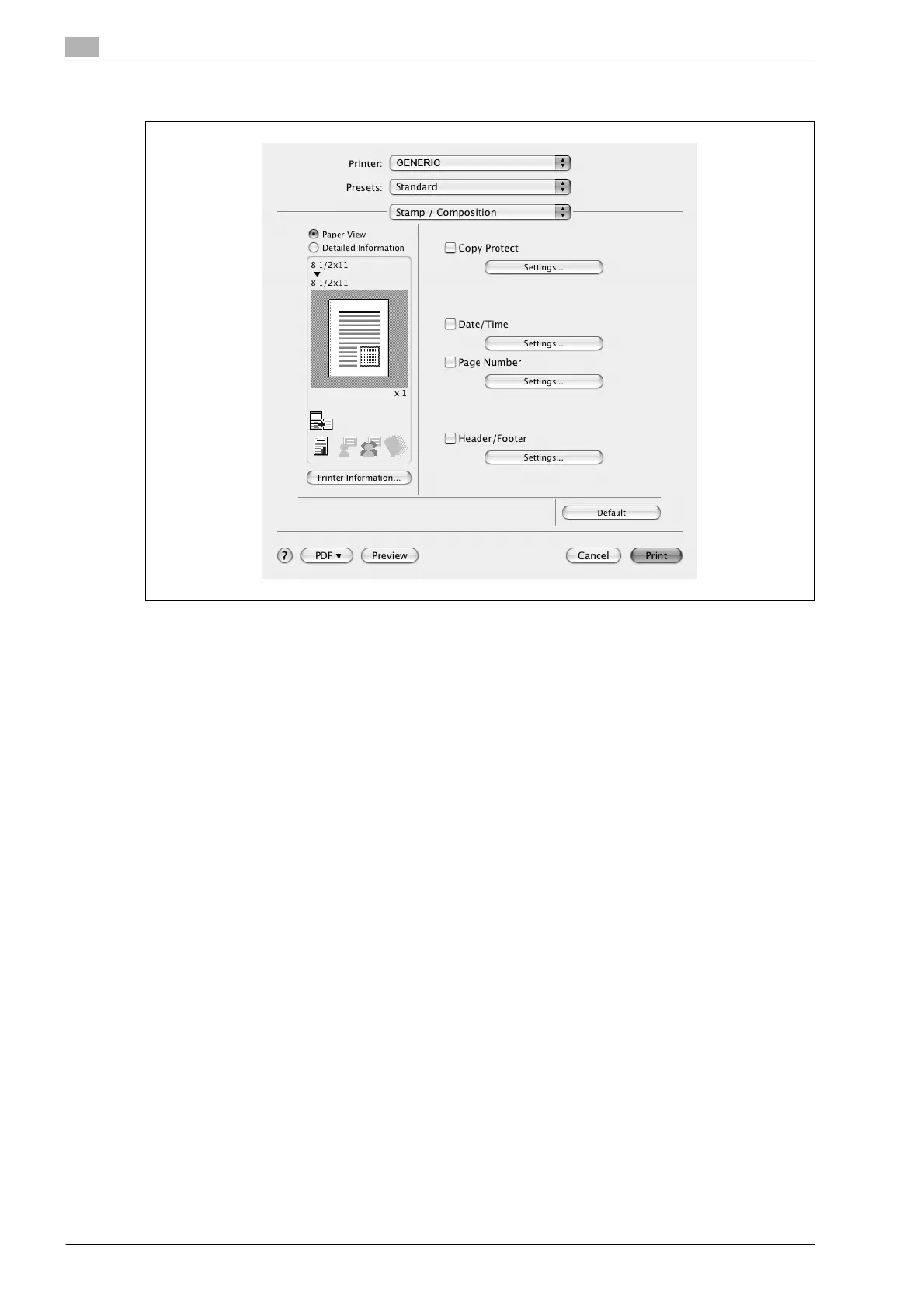
3.21 Stamp/Composition (PPD driver for Mac OS X)
Copy Protect: Prints a special pattern to prevent copying.
Date/Time: Prints the date and time.
Page Number: Prints the page number.
Header/Footer: Prints a header and a footer.
Printing with copy protection
You can print a special pattern on an entire page while printing.
When copying a printed page, the characters embedded in the pattern appear to prevent an illegal copy.
1 Select the "Copy Protect" check box.
The Copy Protect dialog box appears.
2 Specify the copy protection type and the position.
Multiple print items can be specified.









 To Next Page