ineo+ 650/550/451 4-15
Box Operations
4
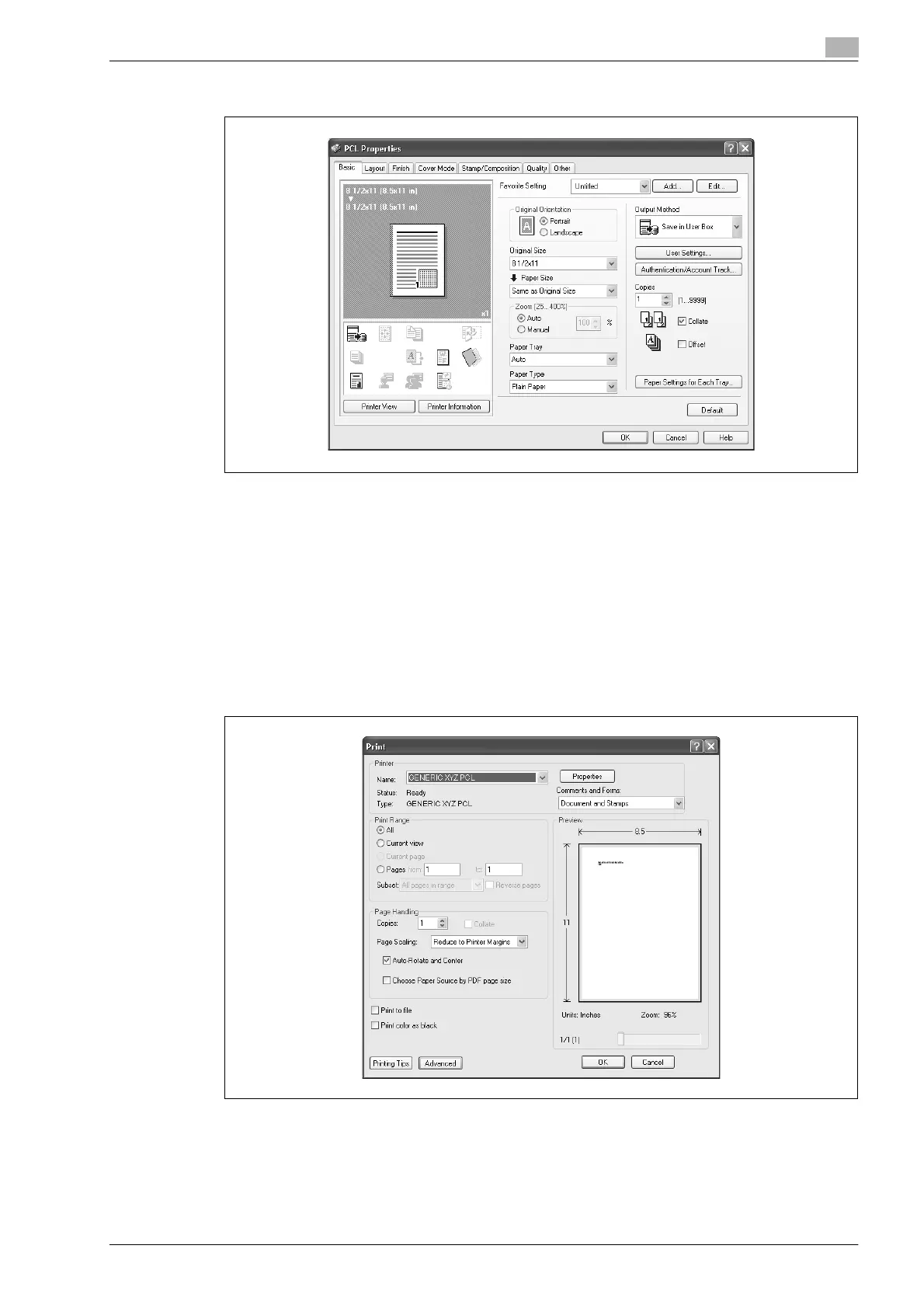
5 Click the [OK] button.
6 Click the [OK] button to start printing.
!
Detail
If user authentication and account track settings have been specified, click the [Authentication/Account
Track] button, and then type in the user name for logging on and account information.
Saving data in the secure print user box
1 In the application, click "Print" on the "File" menu.
2 Click the [Properties] button beside the printer name.









 To Next Page