3
Print Operations
3-42 ineo+ 650/550/451
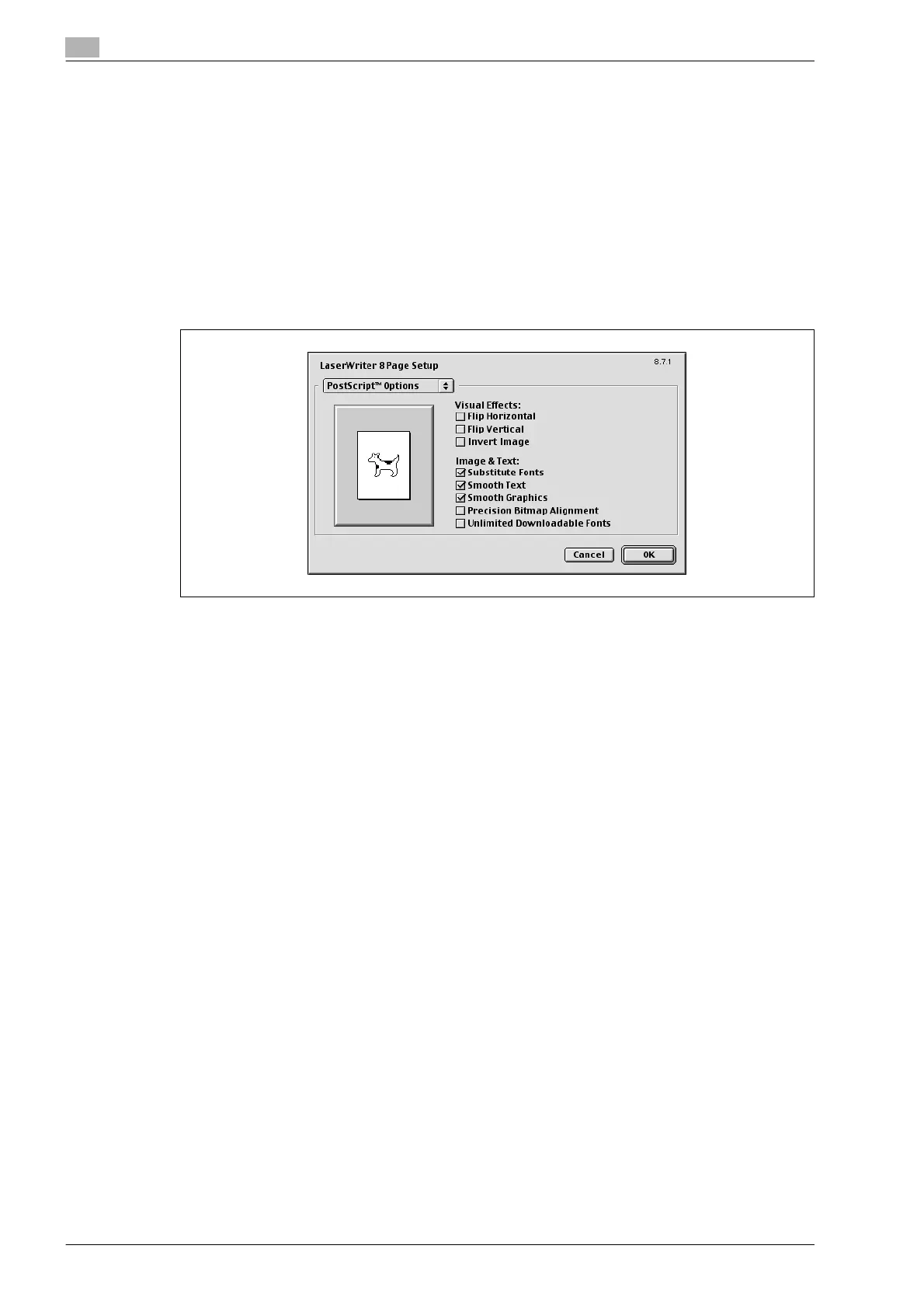
PostScript options
1 Select "Page Setup" or "Paper Setup" from the [File] menu.
2 Select "PostScript Options".
3 Specify settings for the following:
– Visual Effects: Provides "Flip Horizontal", "Flip Vertical", and "Invert Image" (negative image).
– Substitute Fonts: Replaces some fonts with printer fonts.
– Smooth Text: Smooths text data.
– Smooth Graphics: Smooths graphic data.
– Precision Bitmap Alignment: Corrects jagged graphic images.
– Unlimited Downloadable Fonts: Does not limit downloading screen fonts.









 To Next Page