2
Copy Operations
2-46 ineo+ 650/550/451
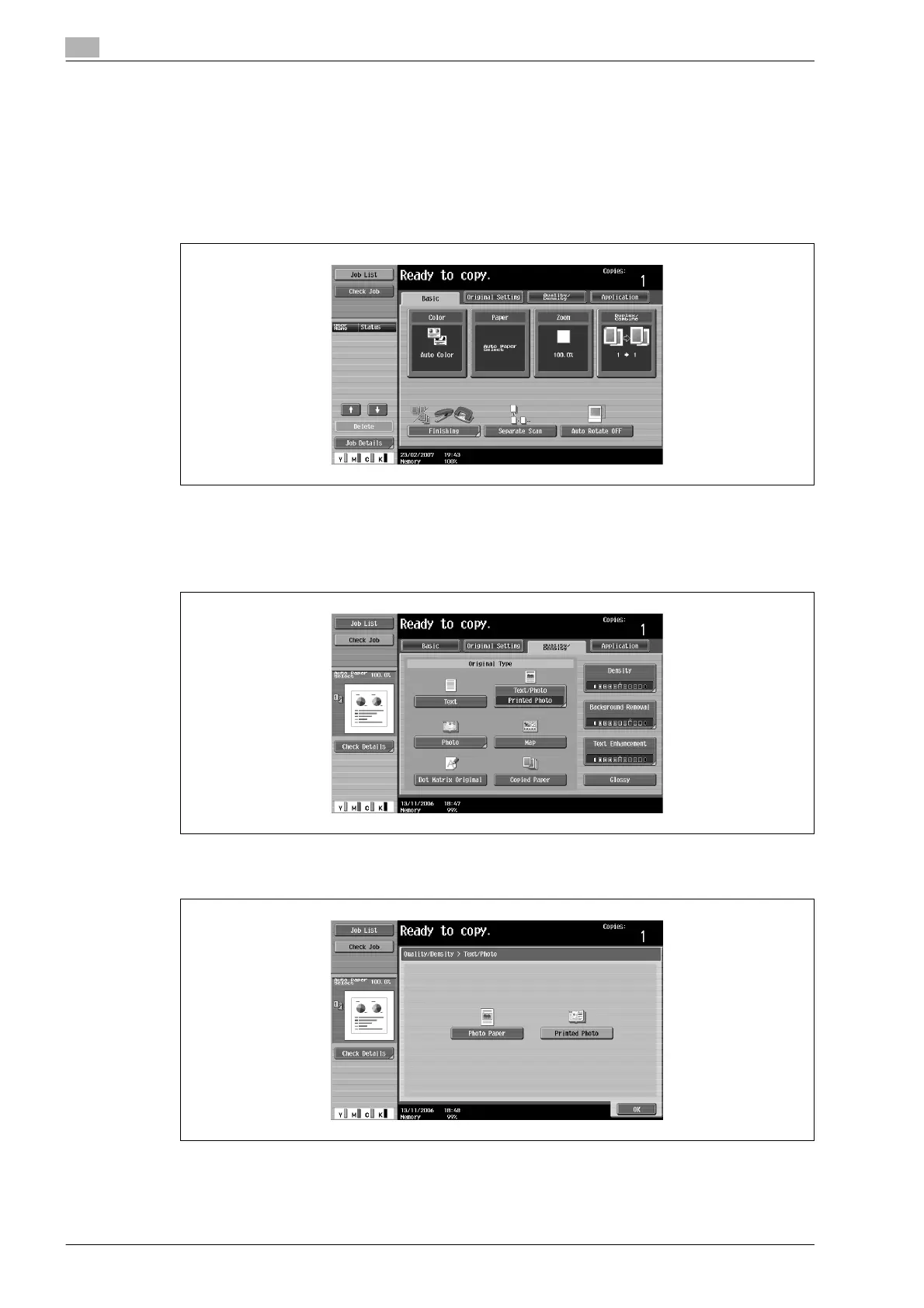
The following procedure describes how to select an Original Type setting.
To select an original type setting
1 Position the document to be copied.
– For details on positioning the document, refer to "Feeding the document" on page 2-26.
2 In the Basic screen, touch [Quality/Density].
The Quality/Density screen appears.
3 Touch the button for the quality setting most appropriate for the loaded document.
– For a document that contains only text, touch [Text].
– For a document that contains both text and photos, touch [Text/Photo] to display the Photo Type
screen. Touch the button for the appropriate setting, and then touch [OK].









 To Next Page