4
Box Operations
4-38 ineo+ 650/550/451
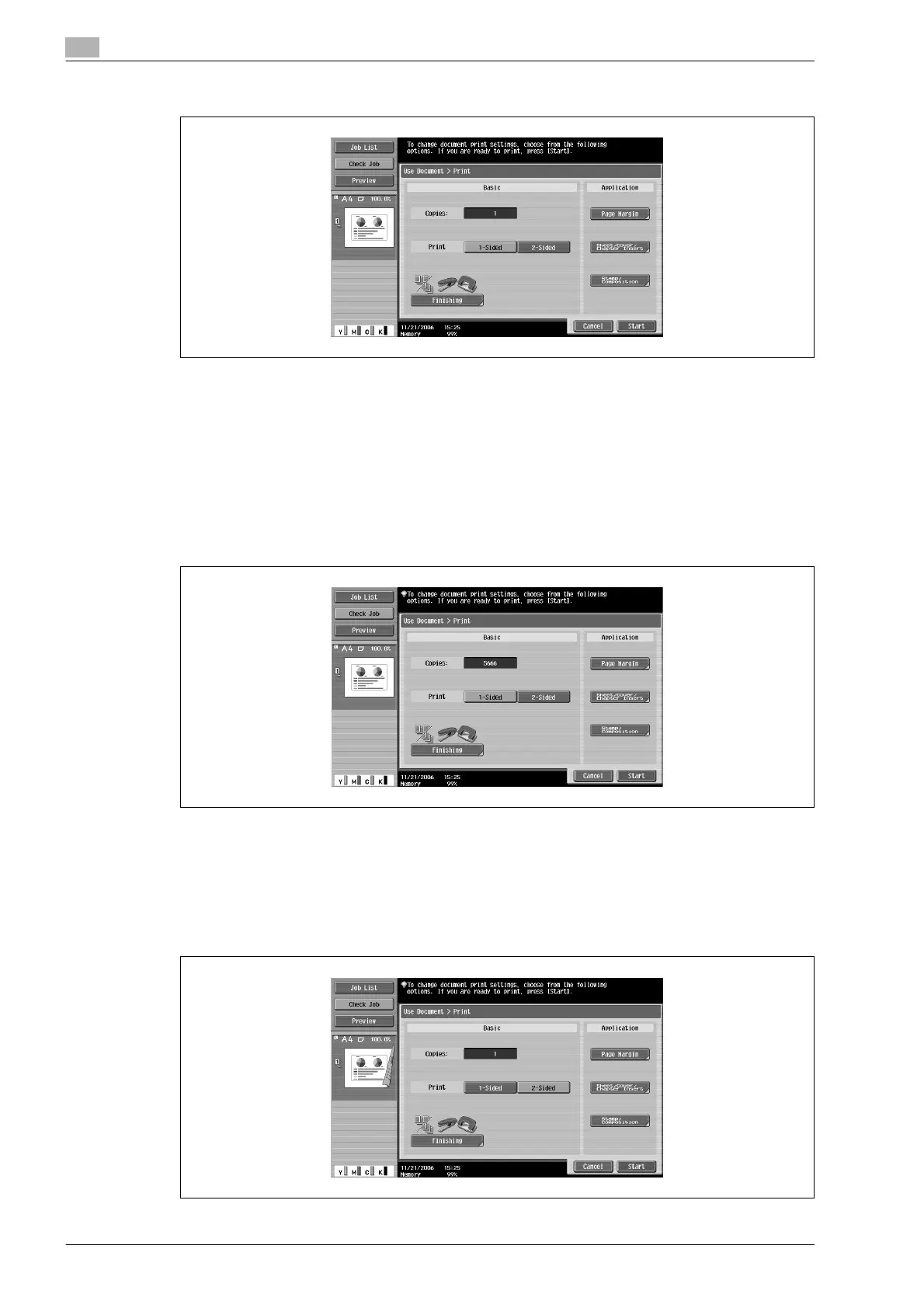
3 Select the print settings.
4 Touch [Start], or press the [Start] key in the control panel.
!
Detail
For details on changing the settings, refer to the descriptions starting with page 4-38.
Changing the number of copies
Specify the number of copies to be printed.
% In the Print screen, use the keypad to type in the desired number of copies.
– The number of copies can be set between 1 and 9,999.
– To reset the number of copies to "1", press the [C] (clear) key.
Specifying single-sided/double-sided printing
Select whether a single-sided or double-sided copy of the document is to be printed.
% Touch [1-Sided] or [2-Sided].









 To Next Page