2
Copy Operations
2-78 ineo+ 650/550/451
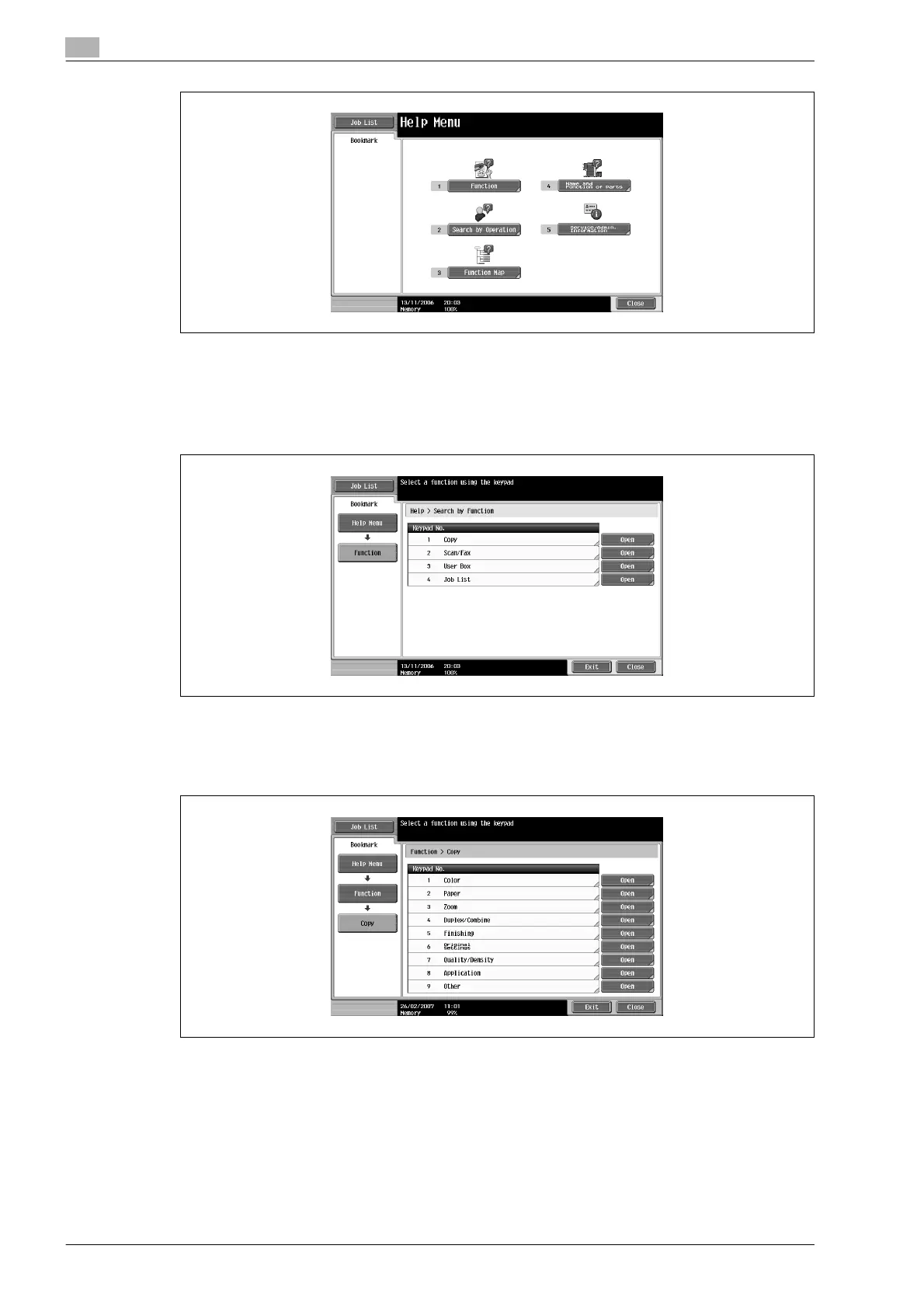
The Help screen for "Function" appears.
?
Is there more information about the buttons of the Help screens?
% Refer to "Overview of help screens" on page 2-75.
3 Touch [Copy] or [Open] or press the [1] key in the keypad.
The Copy Help screen appears.
4 Touch [Open] or the desired information or press the key in the keypad for the number to the left of the
desired information to display the corresponding Help screen.
5 After checking the Help information, touch [Exit] or press the [Help] key again.
The Basic screen appears again.









 To Next Page