2
Copy Operations
2-112 ineo+ 650/550/451
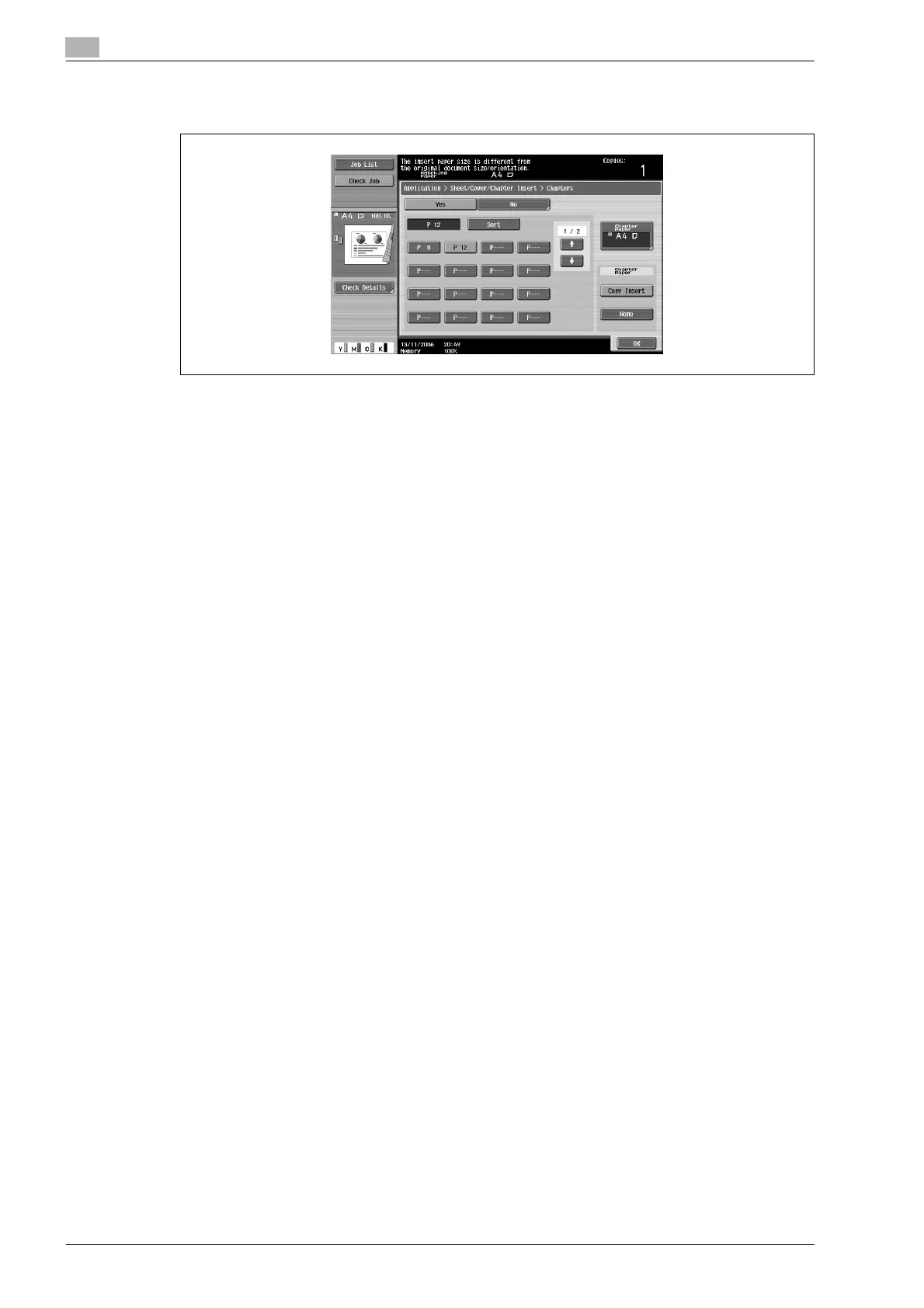
– If "Copy Insert" is selected, [Chapter Paper] appears. Touch [Chapter Paper], select the paper to be
used for the first page of the chapter, and then touch [OK].
6 Touch [OK], and then touch [OK] in the next screen that appears.
7 Specify any other desired copy settings.
8 Using the keypad, type in the desired number of copies.
9 Press the [Start] key.









 To Next Page