2
Copy Operations
2-114 ineo+ 650/550/451
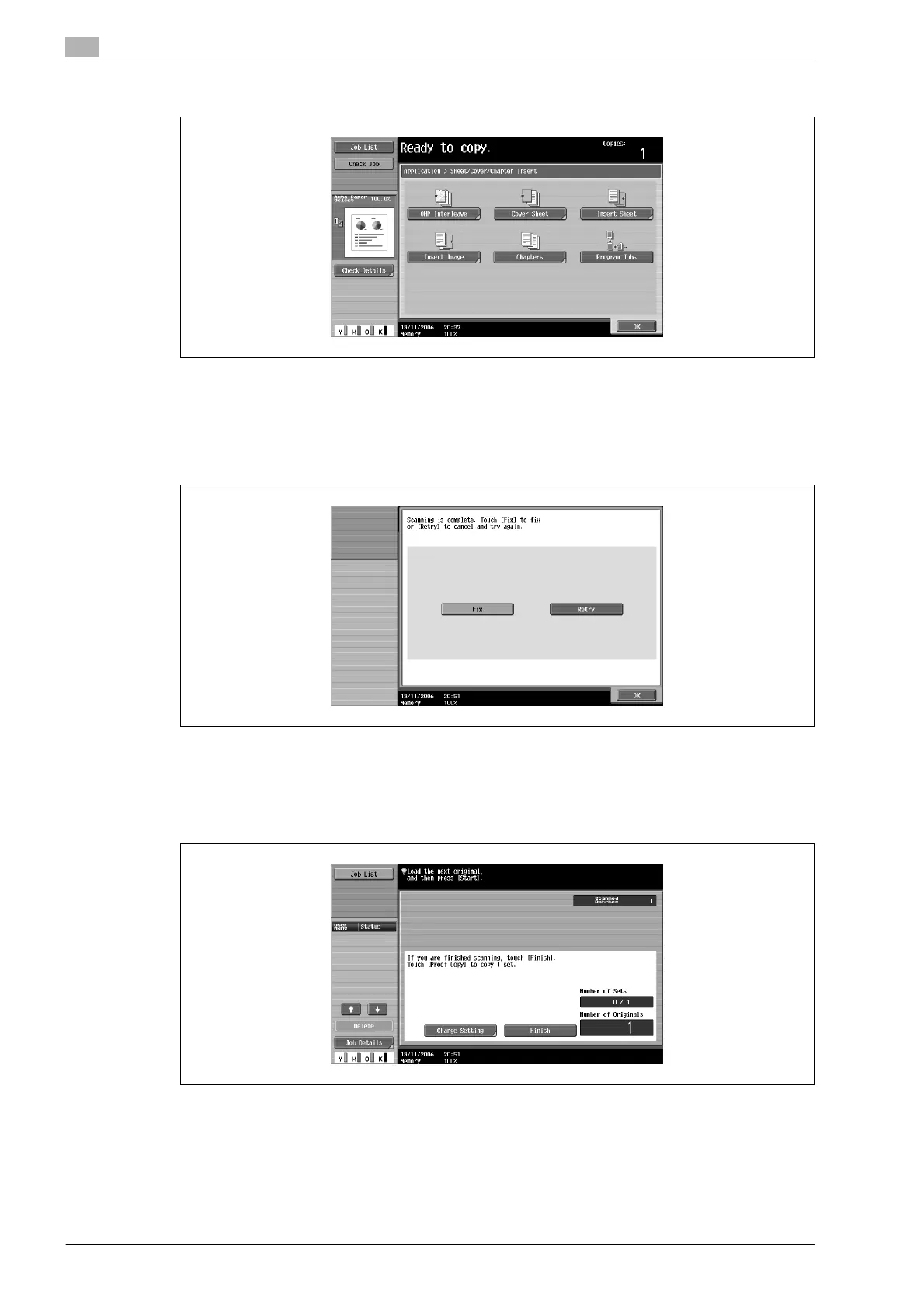
3 Touch [Program Jobs], and then touch [OK].
4 Select the desired copy settings, and then press the [Start] key.
– To print a single copy to be checked, press the [Proof Copy] key.
Scanning begins.
5 Touch [Fix], and then touch [OK].
– If the document was loaded on the original glass, touch [Finish] in the screen that appears,
requesting confirmation that scanning is finished.
– If "Retry" was selected, touch [Change Setting] to change the copy settings.
6 Position the next document, and then touch [Change Setting].









 To Next Page