3
Print Operations
3-28 ineo+ 650/550/451
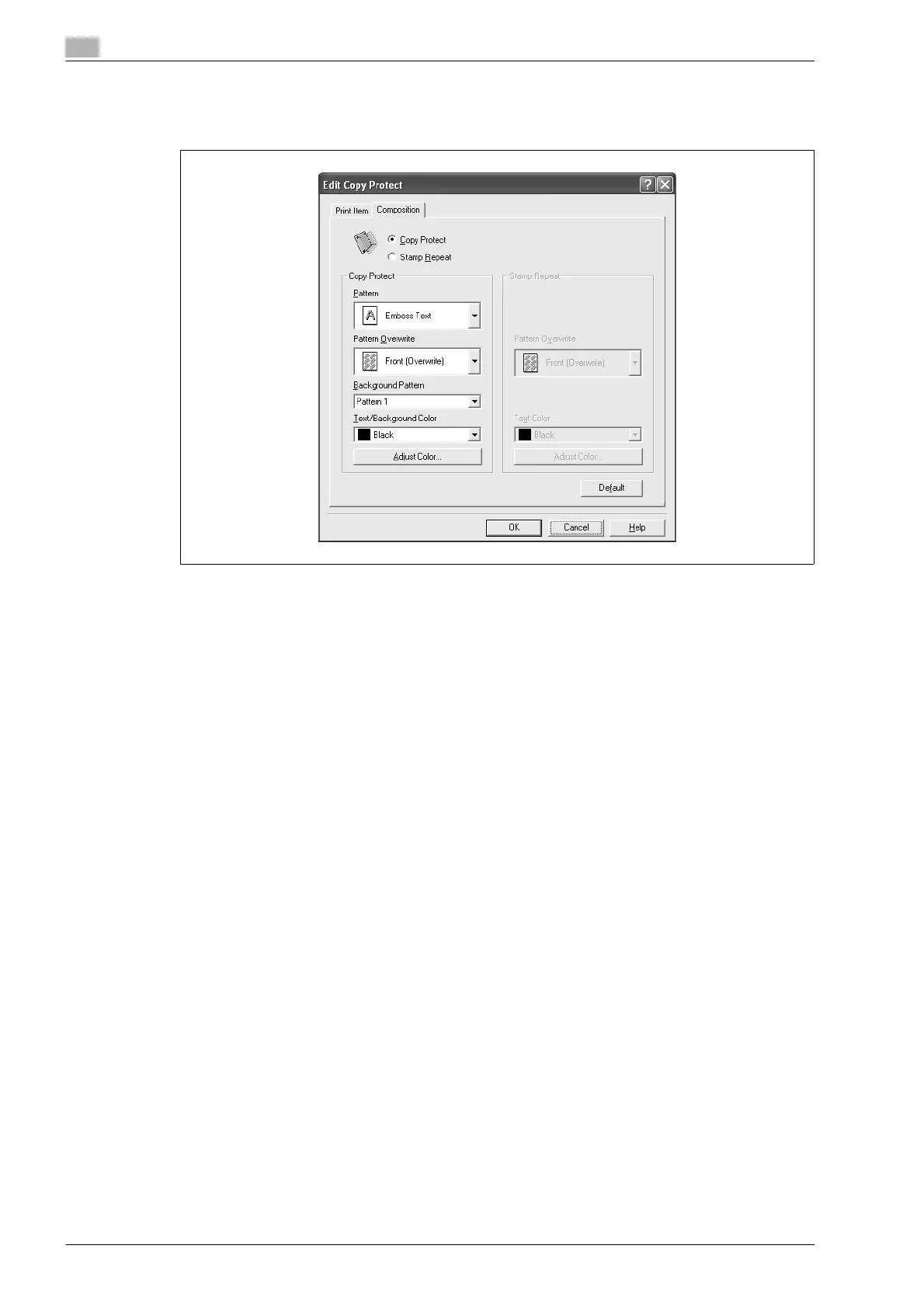
5 Select the composition method for copy protection.
Select "Copy Protect" to specify the desired results when copying, or simply select "Stamp Repeat".
In addition, you can select the embedding conditions.
– Pattern: Specifies the embedding method of a pattern.
– Pattern Overwrite: Specifies the order for printing a pattern on the original document.
– Background Pattern: Specifies the pattern background.
– Text/Background Color: Specifies the pattern color. The density and color contrast can be specified
by clicking the [Adjust Color] button.
6 Click the [OK] button.









 To Next Page