ineo+ 650/550/451 3-59
Print Operations
3
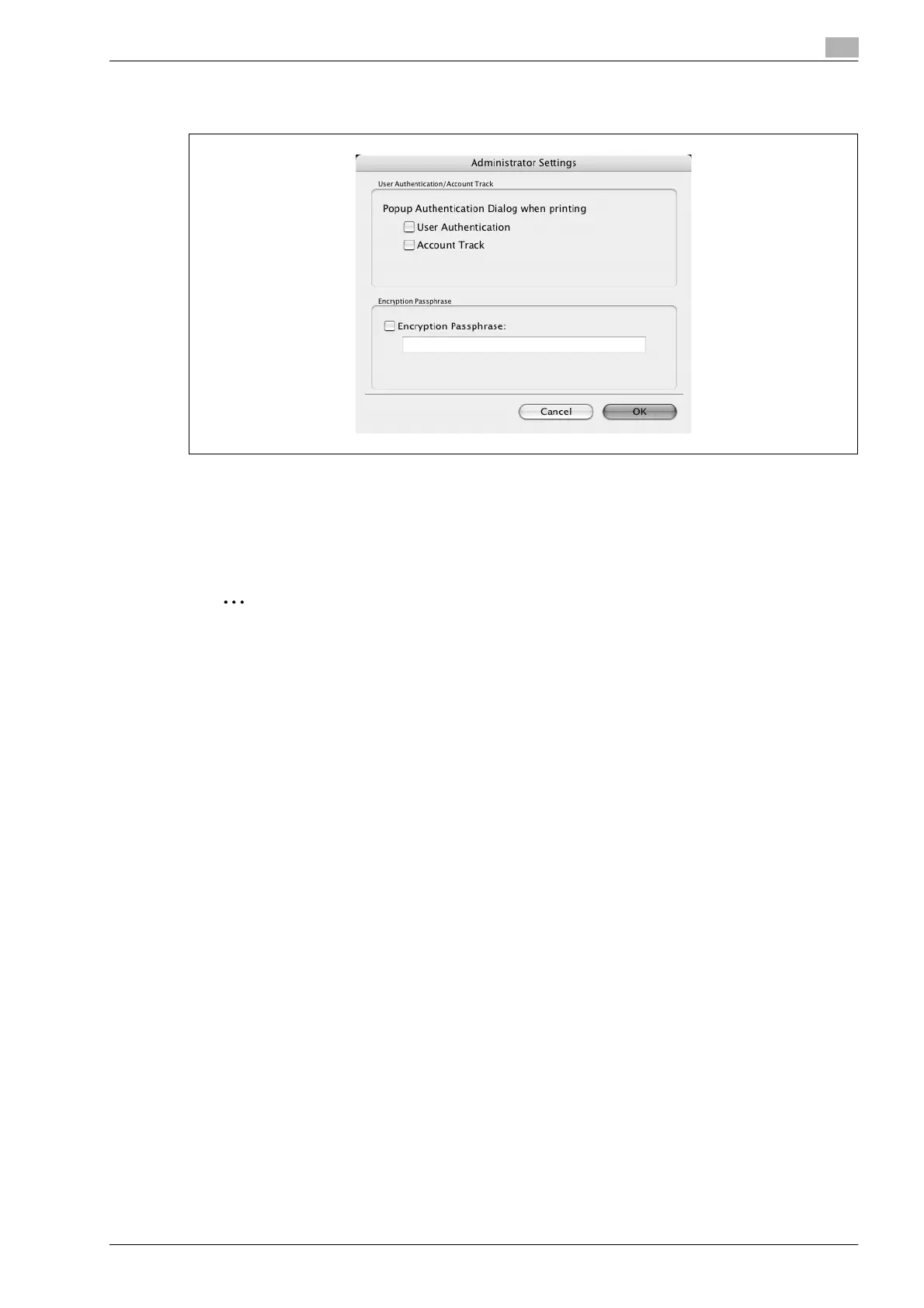
Administrator Settings: Displays the dialog box in which you can change the display of the authentication
setting dialog box or in which you can change the encryption passphrase.
Popup Authentication Dialog when printing: Displays the User Authentication dialog box or the Account Track
dialog box when a print job is specified to enter a user name or a department name.
Encryption Passphrase: Specifies an encryption passphrase when it is user defined by communicating with
this machine. The encryption key is automatically generated according to the entered characters and it is
used to communicate with this machine.
2
Reminder
Specify "Encryption Passphrase" according to the encryption passphrase that was specified in "Driver
Password Encryption Setting" of this machine.









 To Next Page