ineo+ 650/550/451 3-83
Print Operations
3
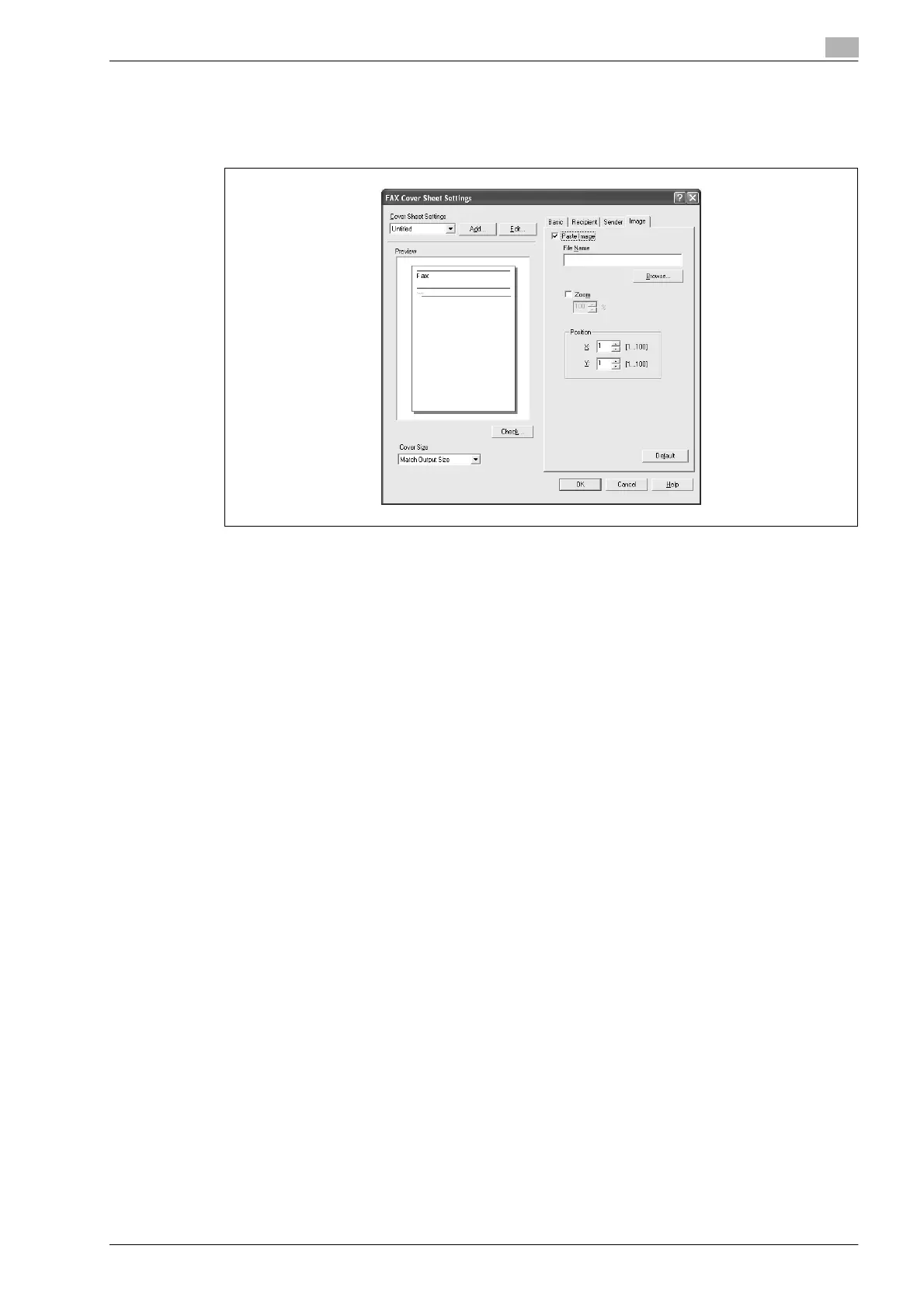
7 To place graphics such as a company logo or map on a cover sheet, specify the image file on the Image
tab.
Select the "Zoom" check box to specify the size, and set the position with the values in the "X" and "Y"
boxes.
8 Check the specified settings.
Click the [Check] button to check an enlarged preview image.
– Click the [Add] button to save the cover sheet settings. The settings can then be recalled from the
"Cover Sheet Settings" drop-down list the next time a cover sheet is used.
9 Click the [OK] button.









 To Next Page