4
Box Operations
4-52 ineo+ 650/550/451
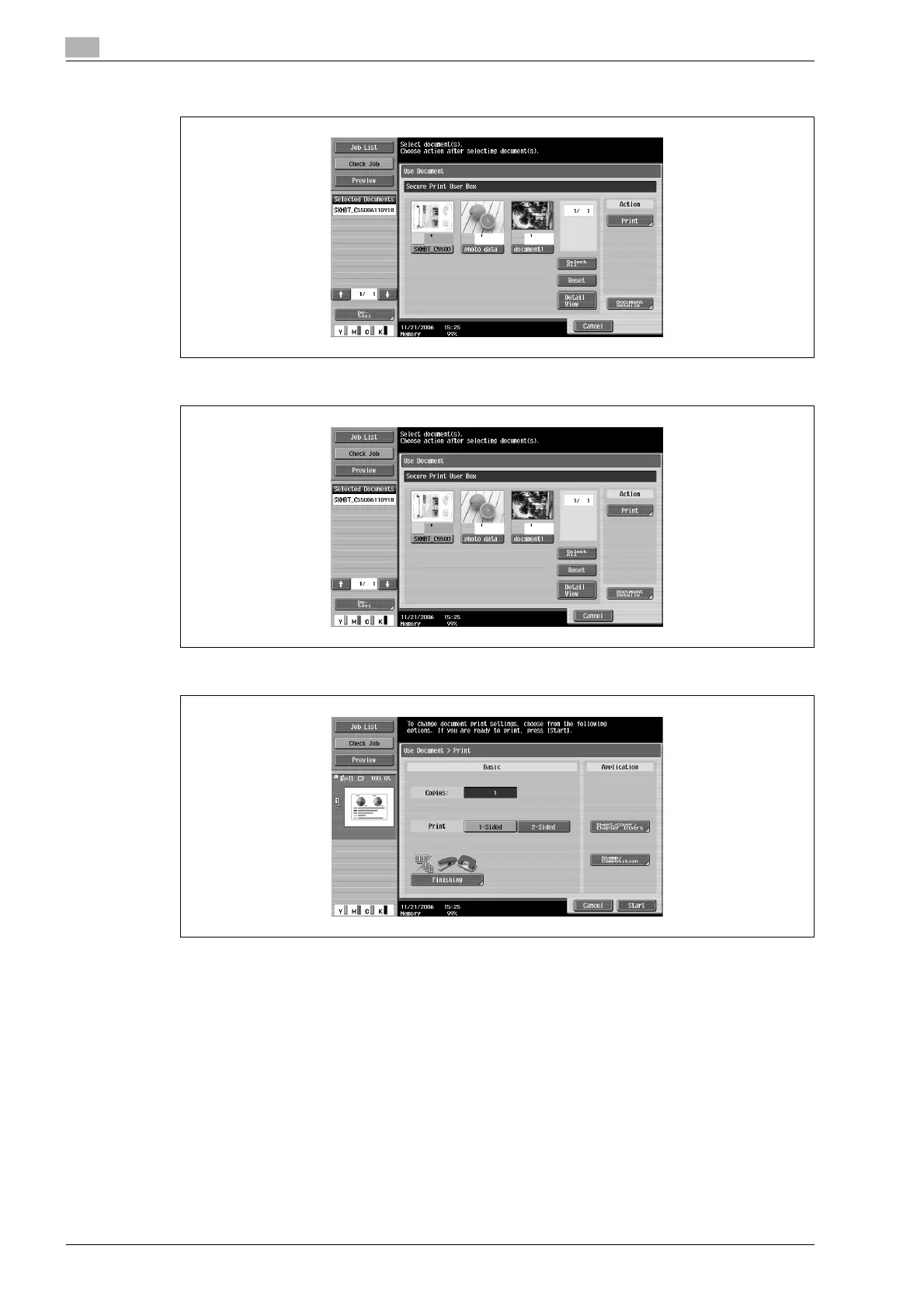
6 Select the document to be printed.
7 Under "Action", touch [Print].
8 Select the print settings.
9 Touch [Start], or press the [Start] key in the control panel.
!
Detail
For details on changing the settings, refer to the descriptions starting with page 4-38.









 To Next Page