4
Box Operations
4-54 ineo+ 650/550/451
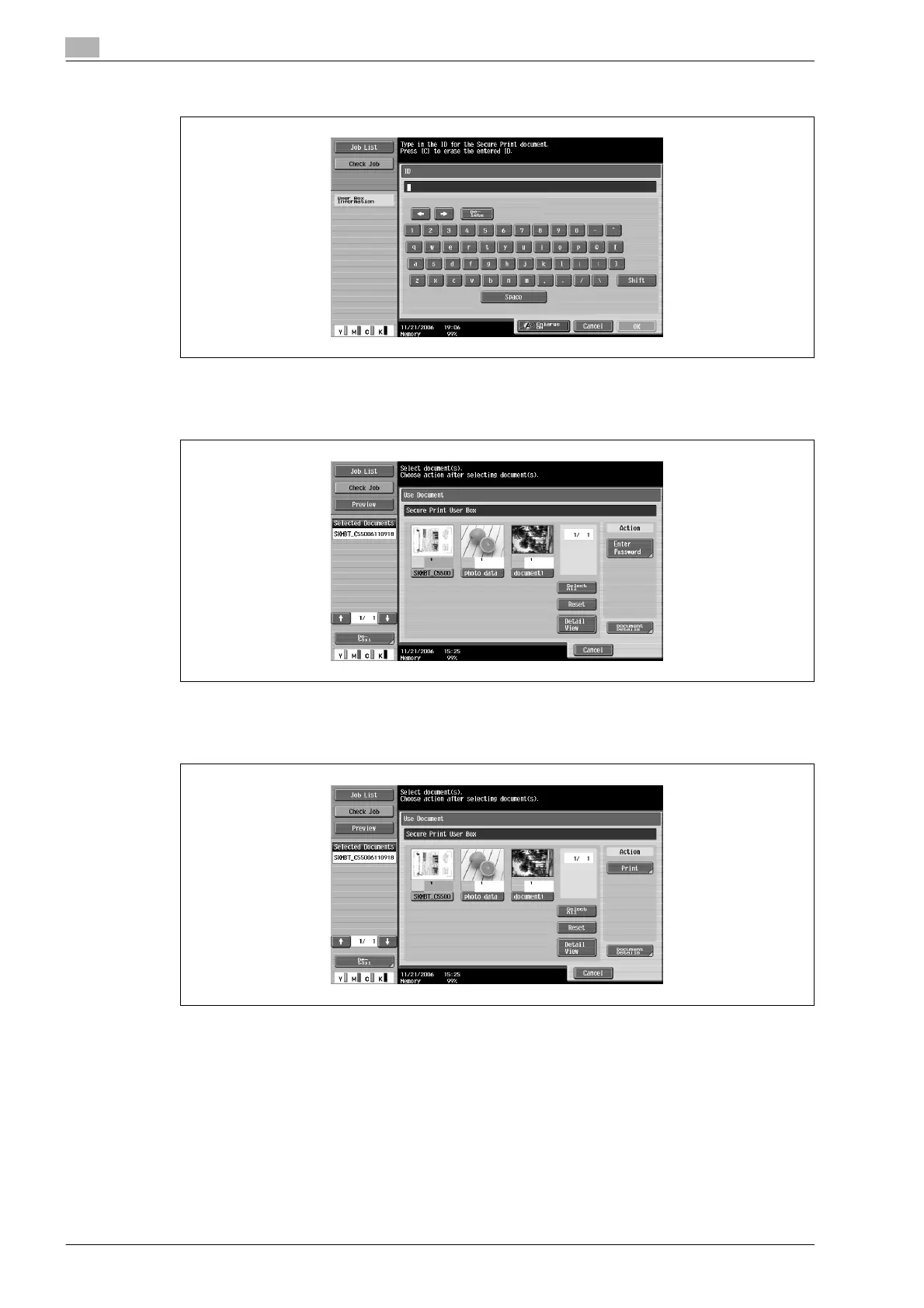
4 Type in the ID for the secured document, and then touch [OK].
A list of the documents that can be printed is displayed.
5 Select the document to be printed and then touch [Enter Password].
6 Type in the password for the secured document, and then touch [OK].
7 Under "Action", touch [Print].









 To Next Page