ineo+ 650/550/451 5-5
Network Scanner Operations
5
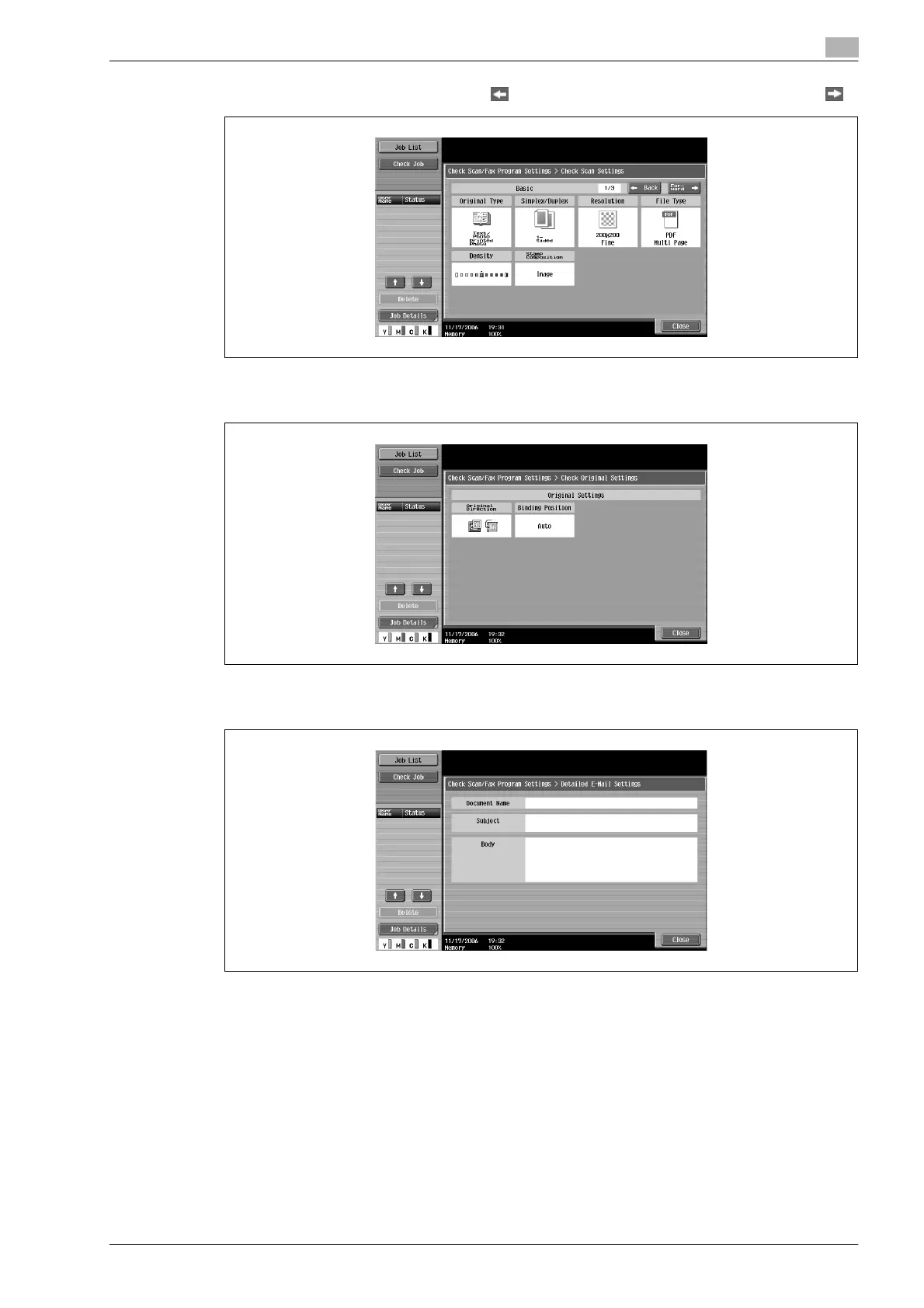
– To display the previous screen, touch [ Back]. To display the next screen, touch [Forward ].
– To check settings such as the document orientation and binding position, touch [Check Original
Settings].
– To check settings such as the e-mail subject name and message text for Scan to E-Mail operations,
touch [Check E-Mail Settings].









 To Next Page