ineo+ 650/550/451 6-21
Web Connection Operations
6
For a bulletin board user box
2
Note
Depending on the user box type, some displays and operations may not be available.
For details on the document operations, refer to "Document operations" on page 6-16.
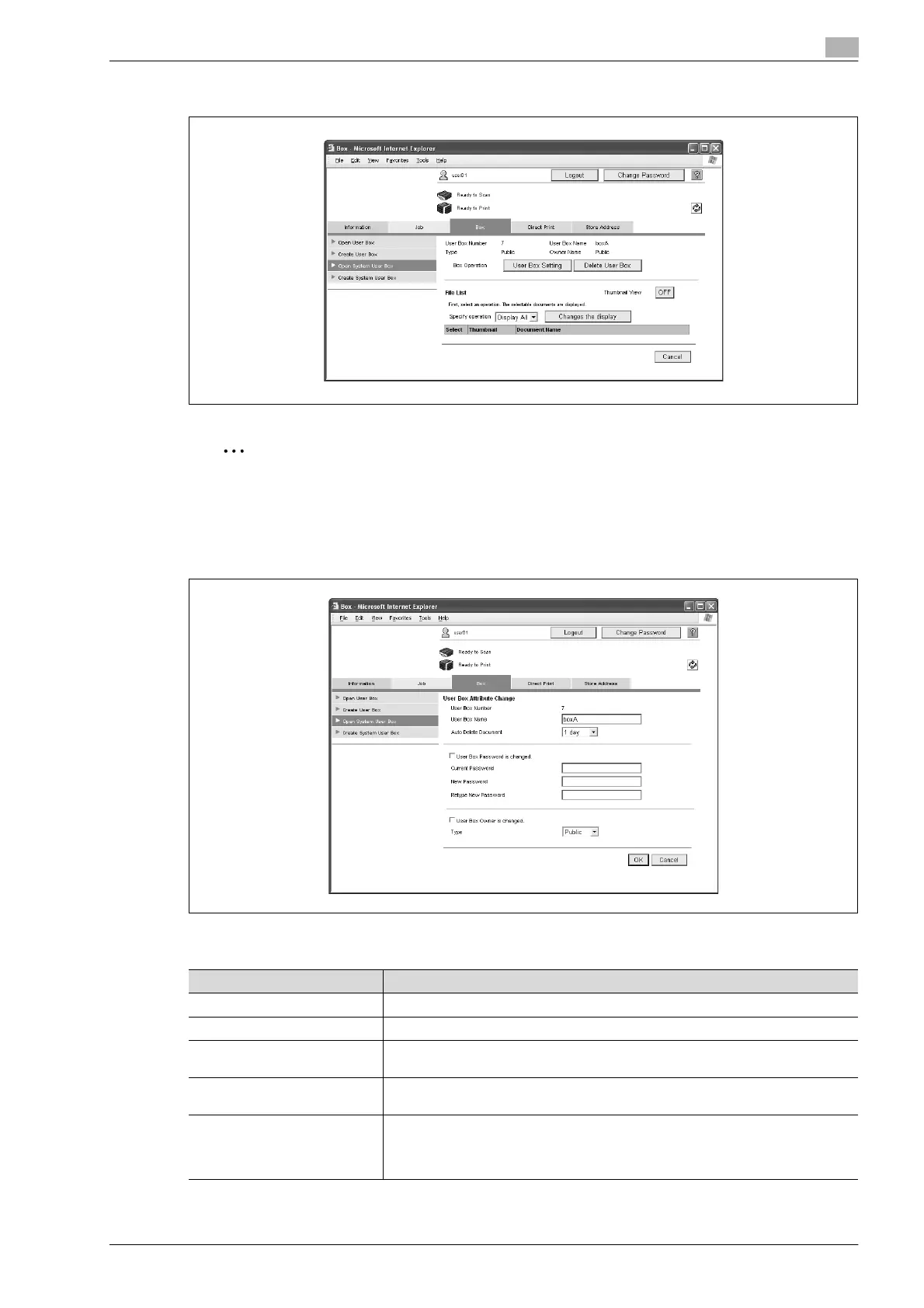
% For bulletin board user boxes and relay user boxes, click the [User Box Setting] button to change user
box settings.
Change settings of the bulletin board user box
Item Description
User Box Number Displays the user box number. This cannot be changed.
User Box Name Type in a user box name (up to 20 characters).
Auto Delete Document Select the length of time ("Save", "12 hours", "1 day", "2 days", "3 days", "7 days"
or "30 days") that a document is stored in a user box.
User Box Password is
changed.
To change the user box password, select the check box. Type in the current pass-
word and the new password (up to 8 characters, including only numerals, * and #).
User Box Owner is changed. To change the user box owner, select the check box, and then select the user box
type.
If "Personal" or "Group" is selected, specify the user box owner. To select a user
box owner from a list, click the [User List] or [Account List] button.









 To Next Page