2
Copy Operations
2-32 ineo+ 650/550/451
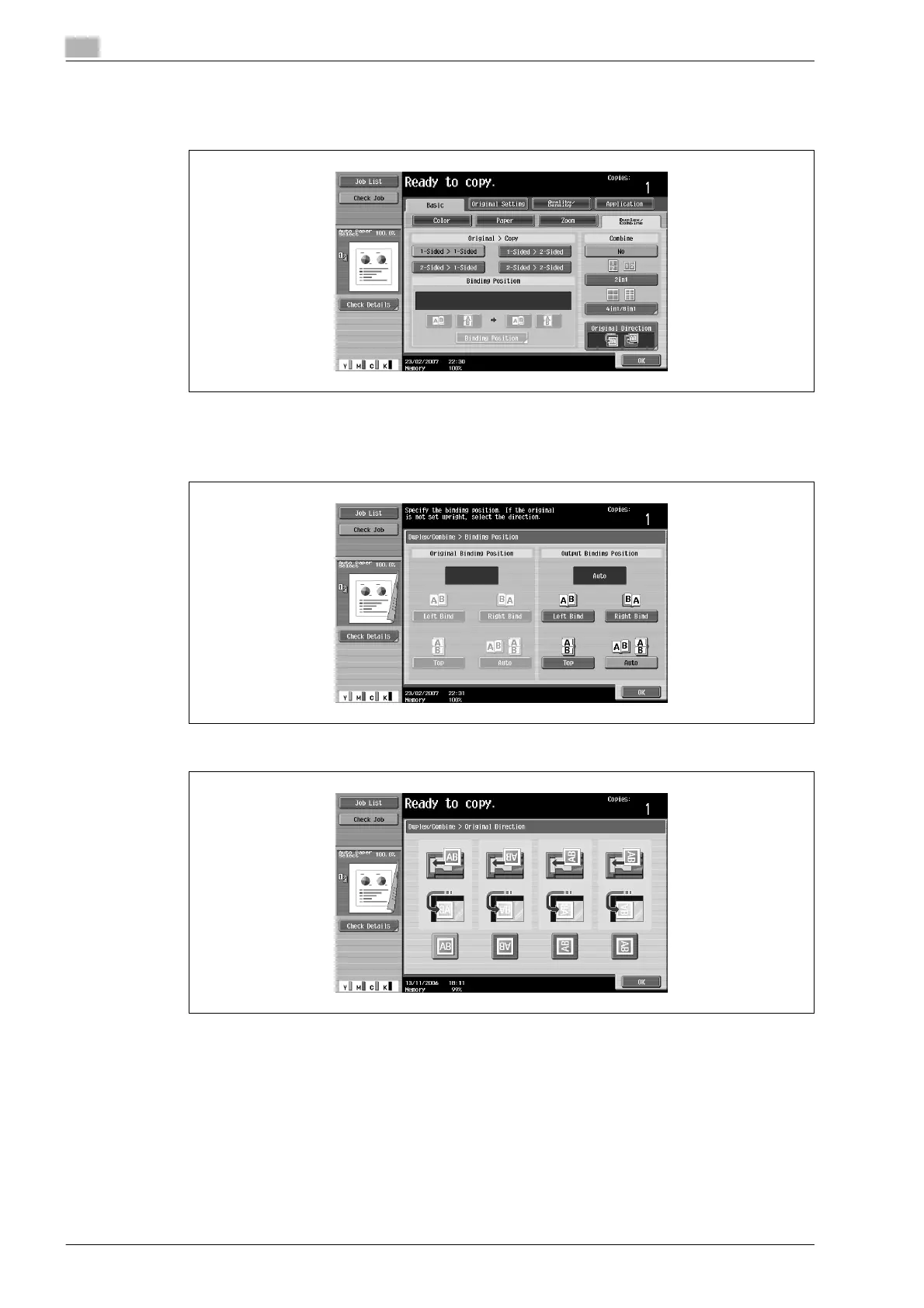
The Duplex/Combine screen appears.
5 Touch [1-Sided > 2-Sided].
6 Touch [Binding Position], select the binding position for the copy, and then touch [OK].
– For details on specifying the binding position, refer to "Selecting an Original > Copy setting
(Duplex/Combine)" on page 2-41.
7 Touch [Original Direction], select the orientation of the loaded document, and then touch [OK].
8 Touch [OK].









 To Next Page