Chapter 13: Metering 97
Meter Bridge
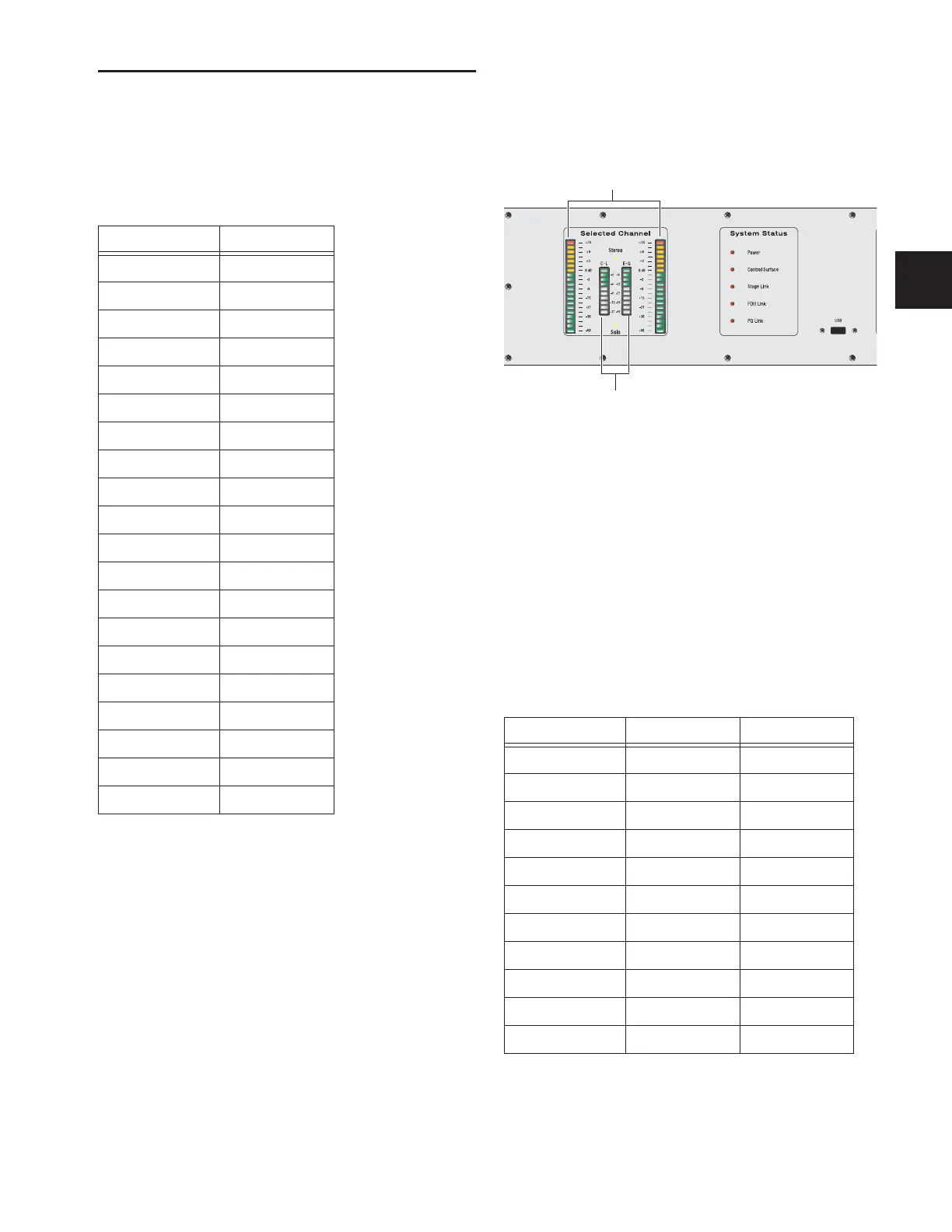
The D-Show meter bridge includes meters for the selected
channel, the Output section, and the Main Outputs.
All of the 20-segment meters in the meter bridge show levels
according to the following scale:
Selected Channel and Solo Bus Meters
The Selected Channel meters in the meter bridge include two
20-segment bi-color level meters and two 10-segment dynam-
ics gain reduction meters.
Selected Channel Level Meters
These meters show mono or stereo levels on the selected chan-
nel. The 20 bi-color LEDs show input from bottom to top, ac-
cording to the scale shown in Table 14 on page 97.
Selected Channel Dynamics Gain Reduction
Meters
These meters show gain reduction for the built-in Compres-
sor/Limiter and the built-in Expander/Gate on the selected
channel. The 10 LEDs show dynamics gain reduction for the
selected channel, from top to bottom, according to the follow-
ing scale:
Table 14. Meter bridge 20-segment meter scale
LED Level
1 (top) +15 dB
2 +12 dB
3 +9 dB
4 +6 dB
5 +3 dB
6 +1 dB
70 dB
8 –1 dB
9 –3 dB
10 –6 dB
11 –9 dB
12 –12 dB
13 –15 dB
14 –18 dB
15 –21 dB
16 –24 dB
17 –30 dB
18 –40 dB
19 –50 dB
20 –60 dB
Selected channel meters in the meter bridge
Selected channel dynamic gain reduction meter scale
LED Gain Reduction Color
(none) 0 dB (none)
1 (top) 3 dB Green
26 dB Green
39 dB Green
4 12 dB Green
5 15 dB Green
6 21 dB Green
7 24 dB Green
8 30 dB Green
9 40 dB Green
10 (bottom) 60 dB Red
Selected channel level meters
Selected channel gain reduction meters



 To Next Page