PSS5000/TEMA/803046/05 65 of 152
PSS 5000 – Technical Manual
6 Operation (Menu 3)
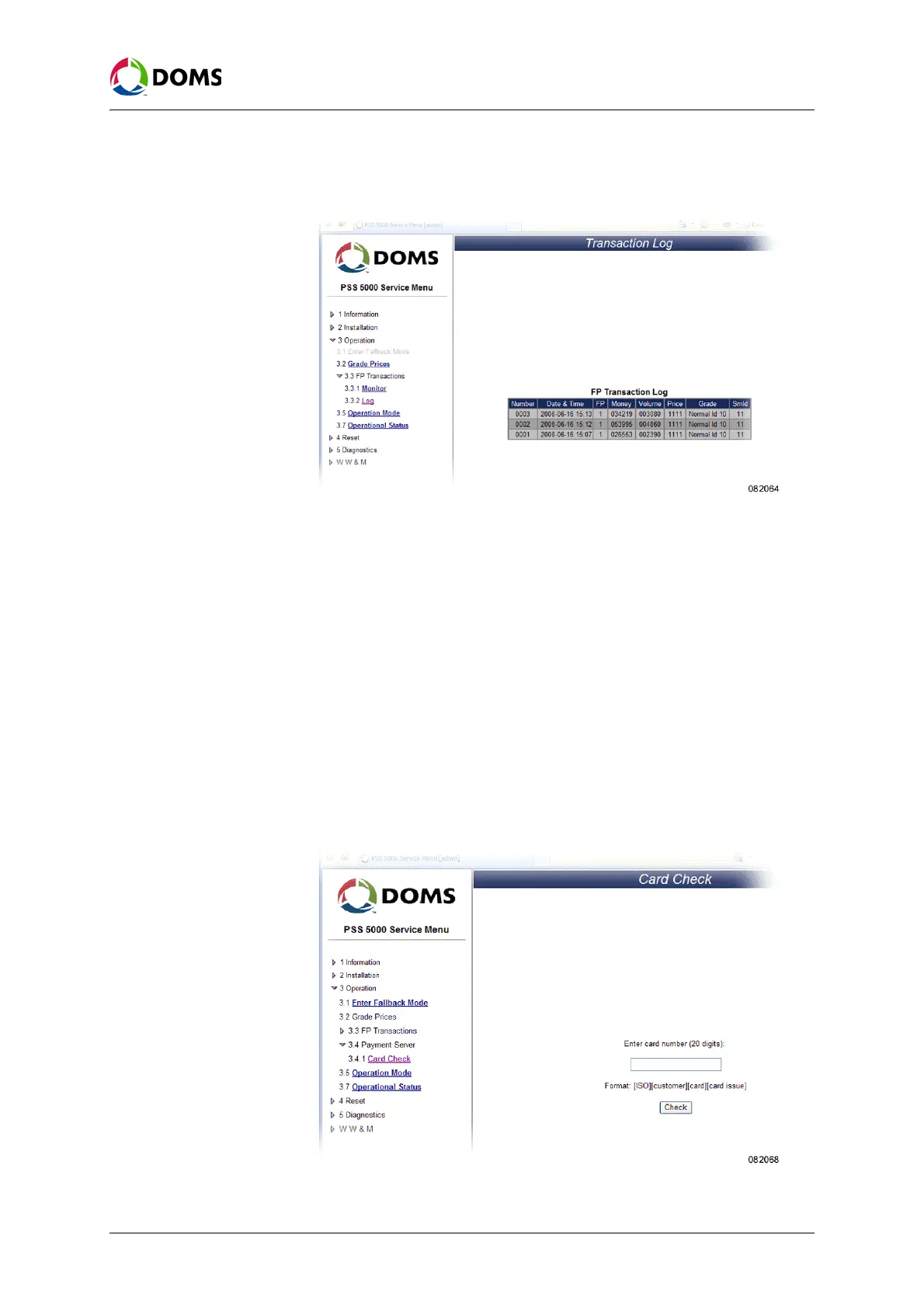
1. Select 3 Operation → 3.3 FP Transactions → 3.3.2 Log.
The
Transaction Log page appears.
2. Use the list view the last 10 transactions, both paid and unpaid.
Note: Error transactions are shown in red.
6.4 Payment Server (Menu 3.4)
Description of Payment
Server menu
The Payment Server menu is used to control which cards that can be used on
the site.
Note: Not all versions of the PSS 5000 application software include the pay-
ment server.
To check the validity of a
card
The Card Check menu enables you to check if a card is included in the white
list loaded in the PSS 5000.
1. Select 3 Operation → 3.4 Payment Server → 3.4.1 Card Check.
The
Card Check page appears.



 To Next Page