84 of 152 PSS5000/TEMA/803046/05
PSS 5000 – Technical Manual
8 Diagnostics (Menu 5)
to update immediately.
8.1.5 Device Test (Menu 5.1.5)
Description Device Test
menu for VRC
The Special Vapor Recovery Monitoring functions for test and service can
only be accessed when you are logged on to the PSS 5000 System as a VRC
user.
Log in details: User name:
vrc, Password: password (default)
To view the internal VRM
test functions with web
service pages
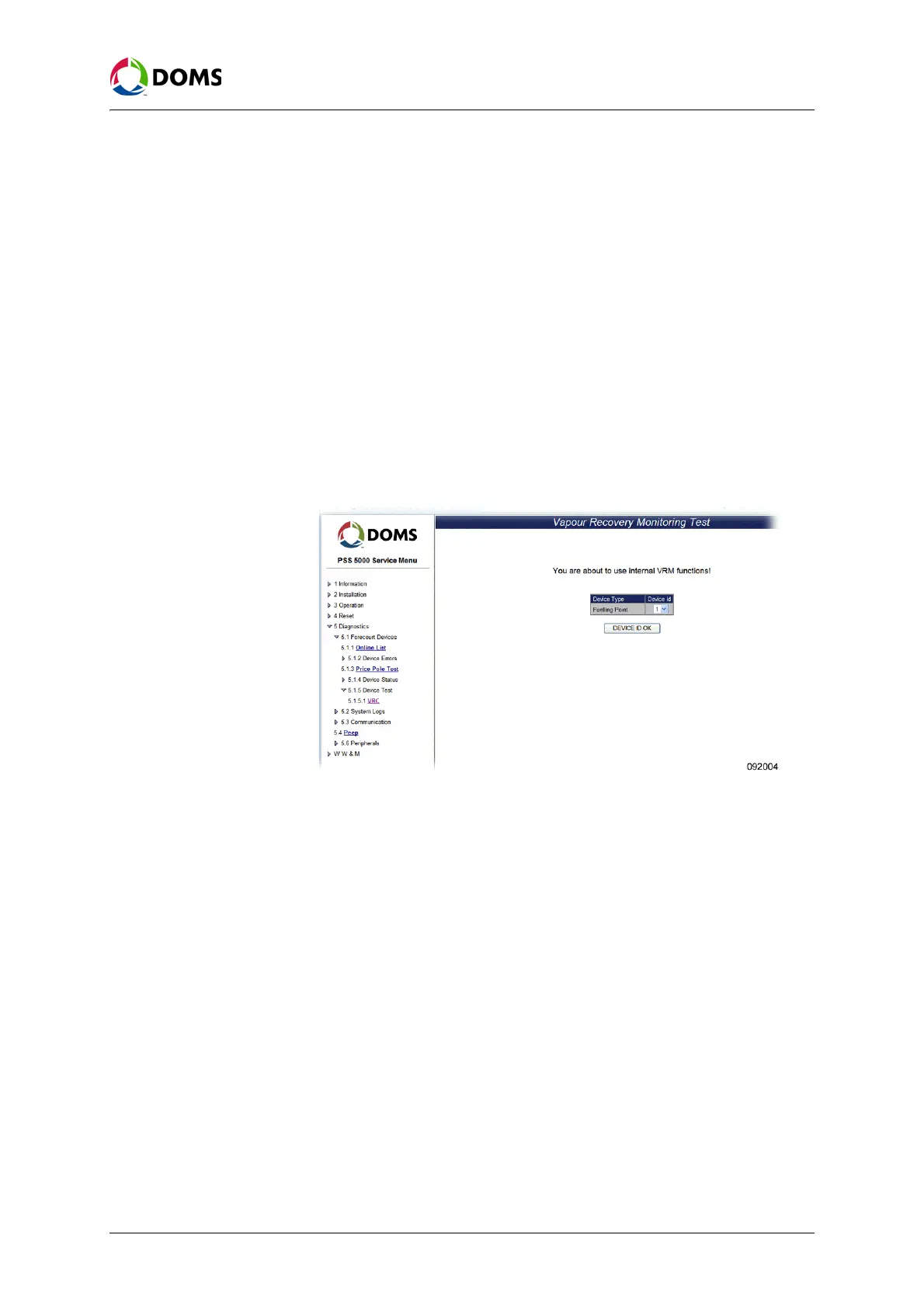
This procedure describes how to use the Service Menu in the web browser to
view the internal VRM (Vapor Recovery Monitoring) test functions.
Note: You must be logged on with the user name: vrc.
1. Select 5 Diagnostics → 5.1 Forecourt Devices → 5.1.5 Device Test → 5.1.5.1
VRC
.
The
Vapour Recovery Monitoring Test page appears.
2. Open the Device Id drop-down list and select the ID for the selected device
type.



 To Next Page