30 of 152 PSS5000/TEMA/803046/05
PSS 5000 – Technical Manual
4 Information (Menu 1)
4.2.2 Sealing Switch (Menu 1.2.2)
Description of Sealing
Switch menu
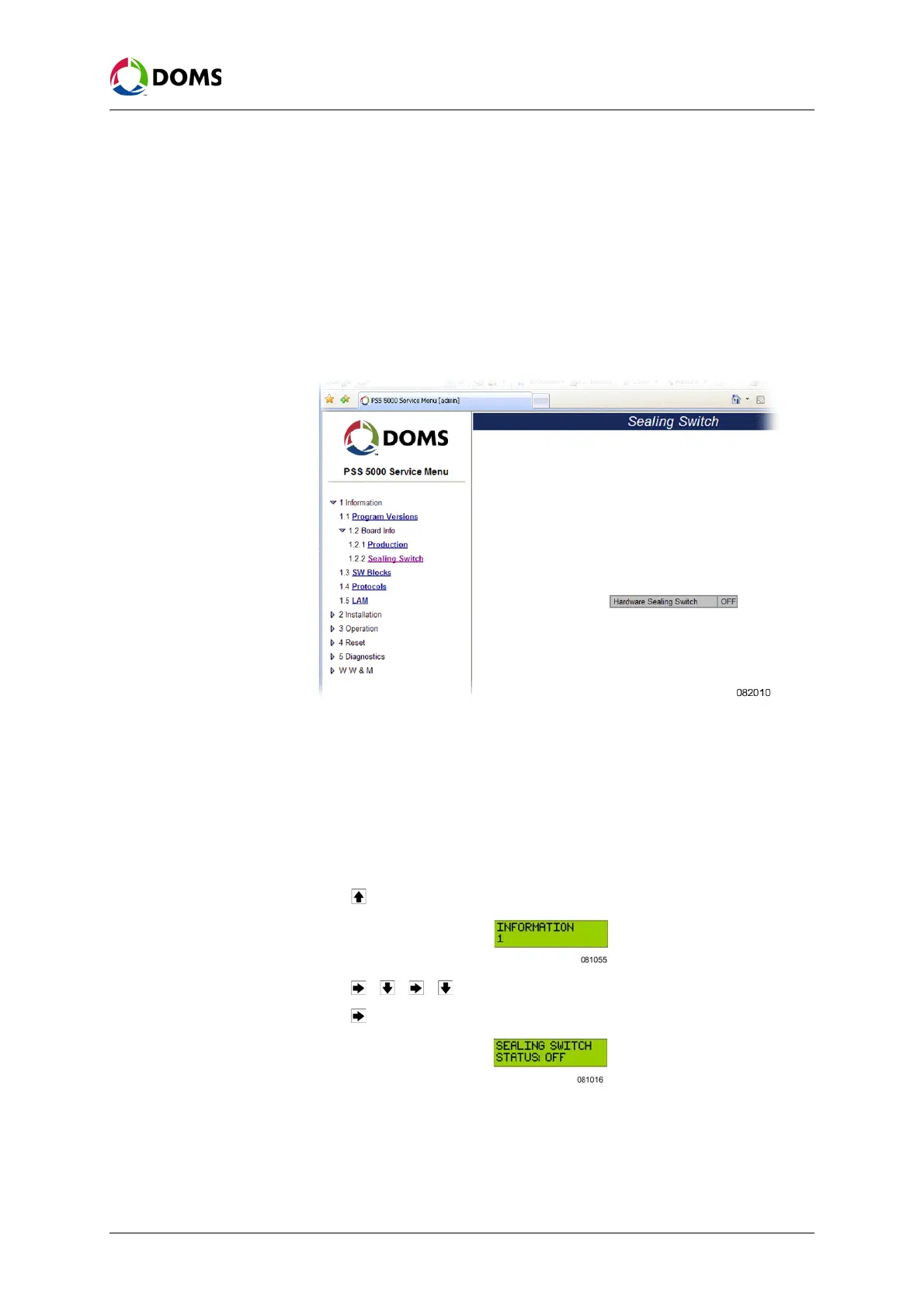
The Sealing Switch menu provides information about the status of the sealing
switch, which is used to hardware seal the LAM software on the CPU board.
To view sealing switch
status with web service
pages
This procedure describes how to use the Service Menu in the web browser to
view the status of the hardware sealing switch, which is used to enable LAM
uploads.
1. Select 1 Information → 1.2 Board Info→ 1.2.2 Sealing Switch.
The
Sealing Switch page appears.
2. Use the information on this page to see the status of the Hardware Sealing
Switch.
•
OFF - no hardware sealing present on CPB
•
ON – hardware sealing present on CPB
To view sealing switch
status with local service
panel
This procedure describes how to use the Local Service Panel to view the status
of the hardware sealing switch.
1. Press to move to the INFORMATION 1 menu.
2. Press , , , to move to the SEALING SWITCH 1.2.2 menu.
3. Press to view the status of the sealing switch.



 To Next Page