Page 40 of 112
DMM-0200 Product User Guide
159 Swanson Road
Boxborough, MA 01719
Tel: 508-475-3400
Email: sales@dovermotion.com
Software Description
The software that is used to communicate and to run the DMM-0200 is the PMX-2EX-SA software. This software
provides the user with an intuitive graphical user interface for running and programming the DMM-0200. The user also
needs to install the PMX drivers to complement the software.
Note: Using the PMX-2EX-SA Software is not required in order to communicate to the DMM-
0200. The user may use Labview, Matlab, or a number of other software to communicate to the
DMM-0200 through USB. See the USB Communications section for communication details and
associated ACSII commands.
Installing PMX-2EX-SA Software
GUI (PMX-2EX-SA) Install
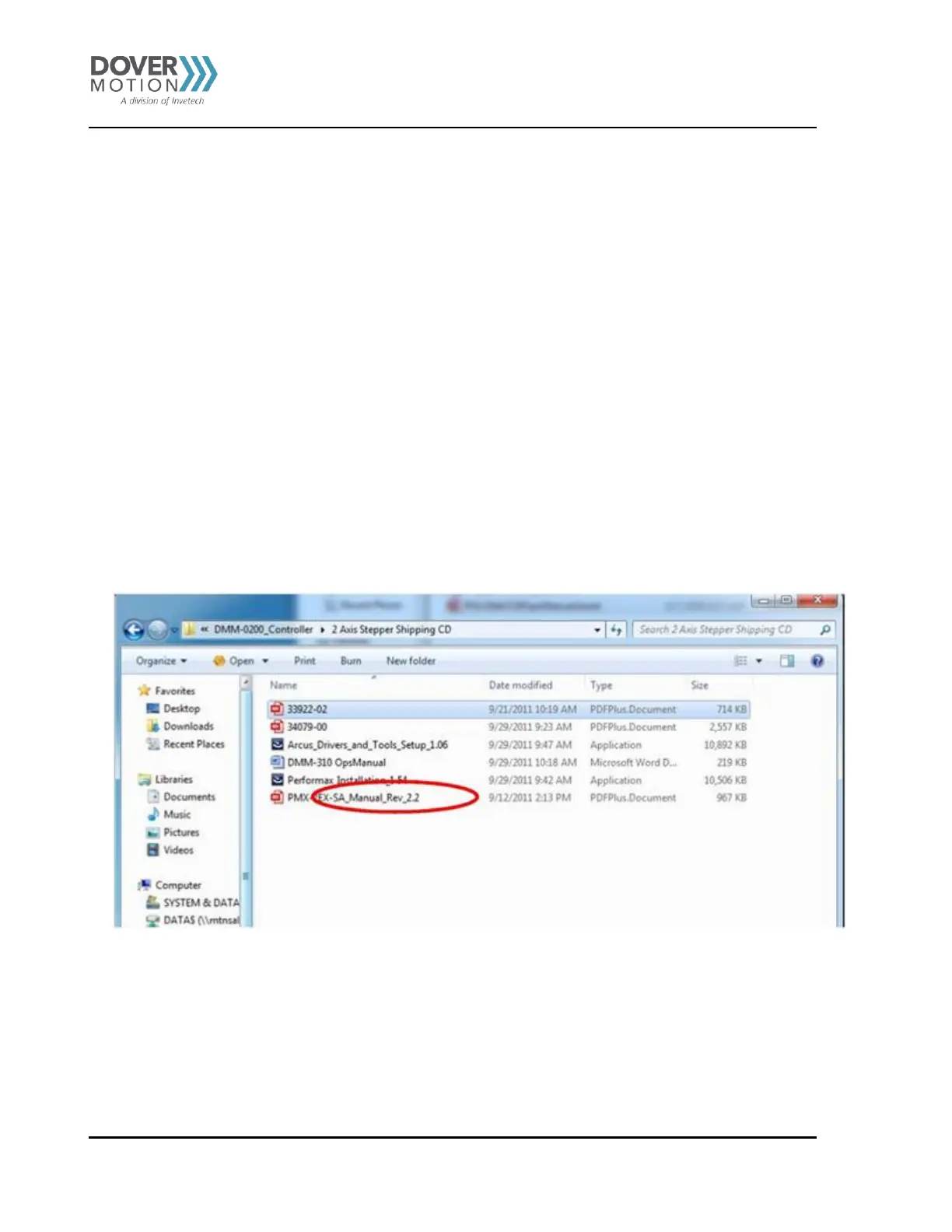
Locate the CD that was shipped with your DMM-0200. From your Windows folder double click
the
“Performax_Installation_1.54” and follow the on screen instructions. See Figure 10.
Figure 10 Performax Installation



 To Next Page