Page 60 of 112
DMM-0200 Product User Guide
159 Swanson Road
Boxborough, MA 01719
Tel: 508-475-3400
Email: sales@dovermotion.com
Editing a Stored Program
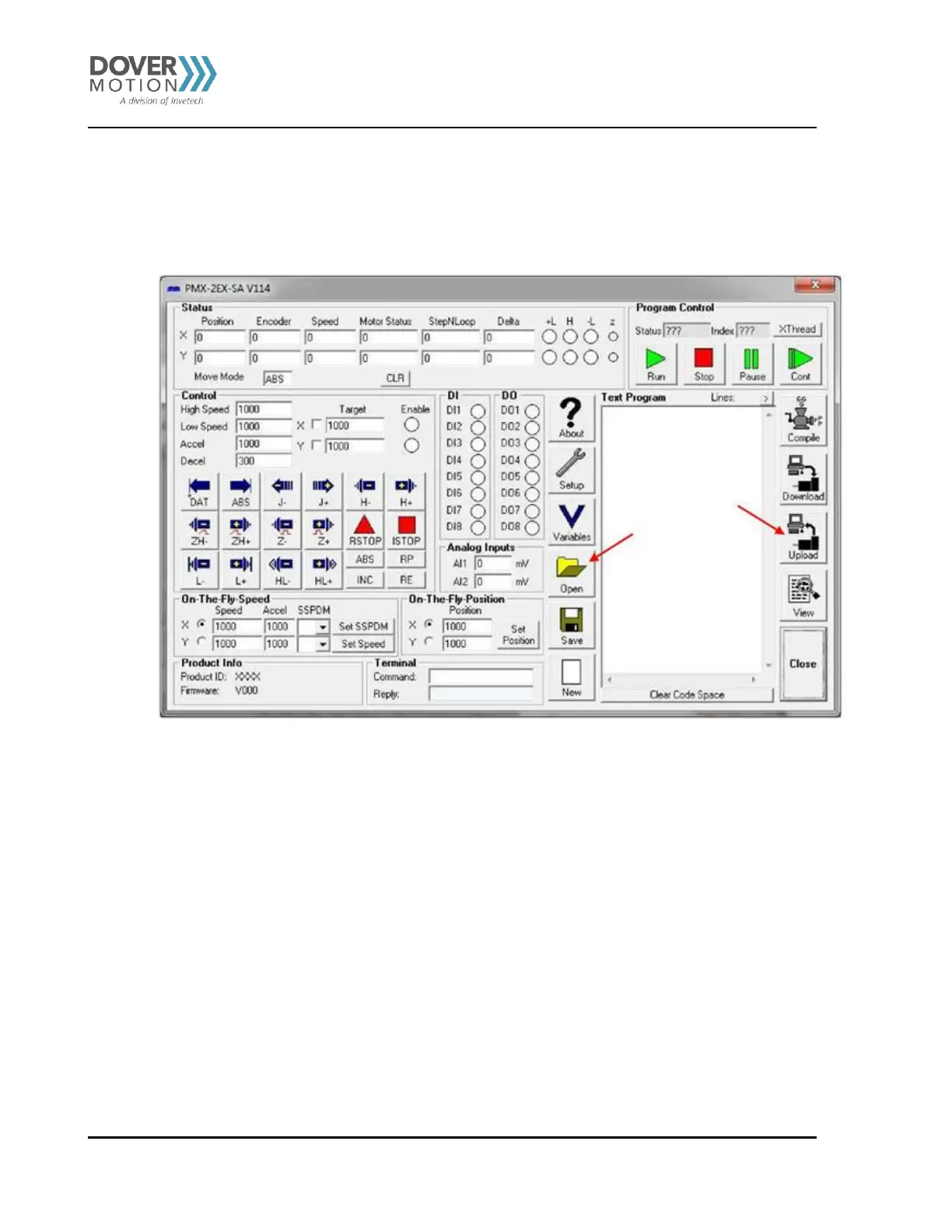
To edit a stored program with the GUI, you first need to open the program. You can either Upload the program from the
controller’s memory or open a program saved on your PC. Within the GUI you can hit the Open or Upload button. See
Figure 30.
Figure 30: Retrieving a Program



 To Next Page