Page 44 of 112
DMM-0200 Product User Guide
159 Swanson Road
Boxborough, MA 01719
Tel: 508-475-3400
Email: sales@dovermotion.com
Connecting a USB Cable
To communicate with the DMM-0200 via a terminal you will need a USB 2.0 cable not supplied with this DMM. See
Table 3 for details of cable specifications.
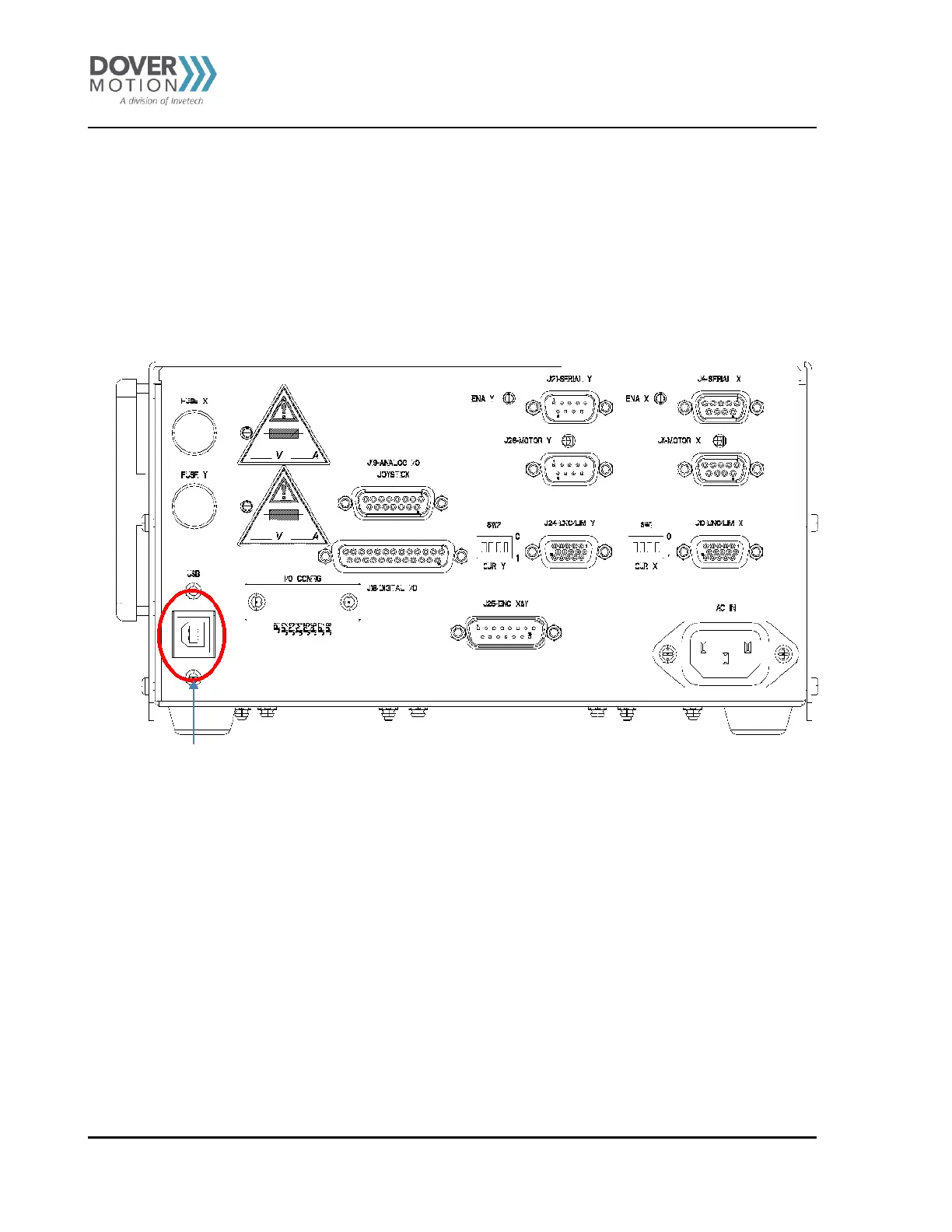
Once you have located a USB cable, plug the “B” end into the DMM-0200 USB port. See
Figure 12 . Then plug the “A” end in any open USB port of your PC.
U S B
Figure 12 DMM-0200 USB Port



 To Next Page