Page 56 of 112
DMM-0200 Product User Guide
159 Swanson Road
Boxborough, MA 01719
Tel: 508-475-3400
Email: sales@dovermotion.com
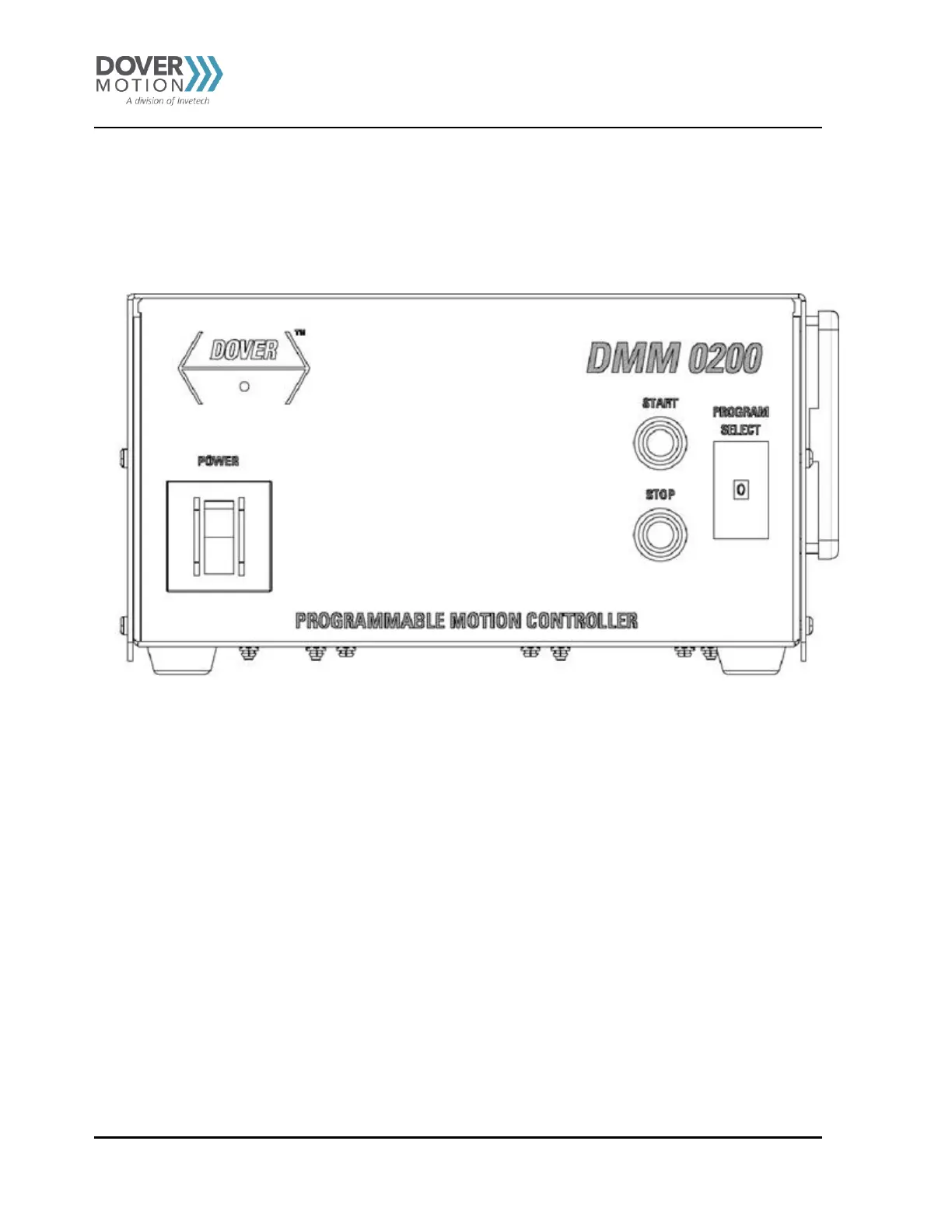
Front Panel Buttons
The DMM-0200 front panel is made up of a Thumb wheel, Start/ Jog+, and Stop/ Jog- buttons, see
Figure 29. These
buttons can be used to run stored programs in the DMM-0200s memory. No USB communication to the DMM-0200 is
required for standalone operation. The DMM-0200 will function as a completely standalone motion controller.
Figure 29 DMM-0200 Front Panel



 To Next Page