Page 45 of 112
DMM-0200 Product User Guide
159 Swanson Road
Boxborough, MA 01719
Tel: 508-475-3400
Email: sales@dovermotion.com
Establishing Communication with the DMM-0200
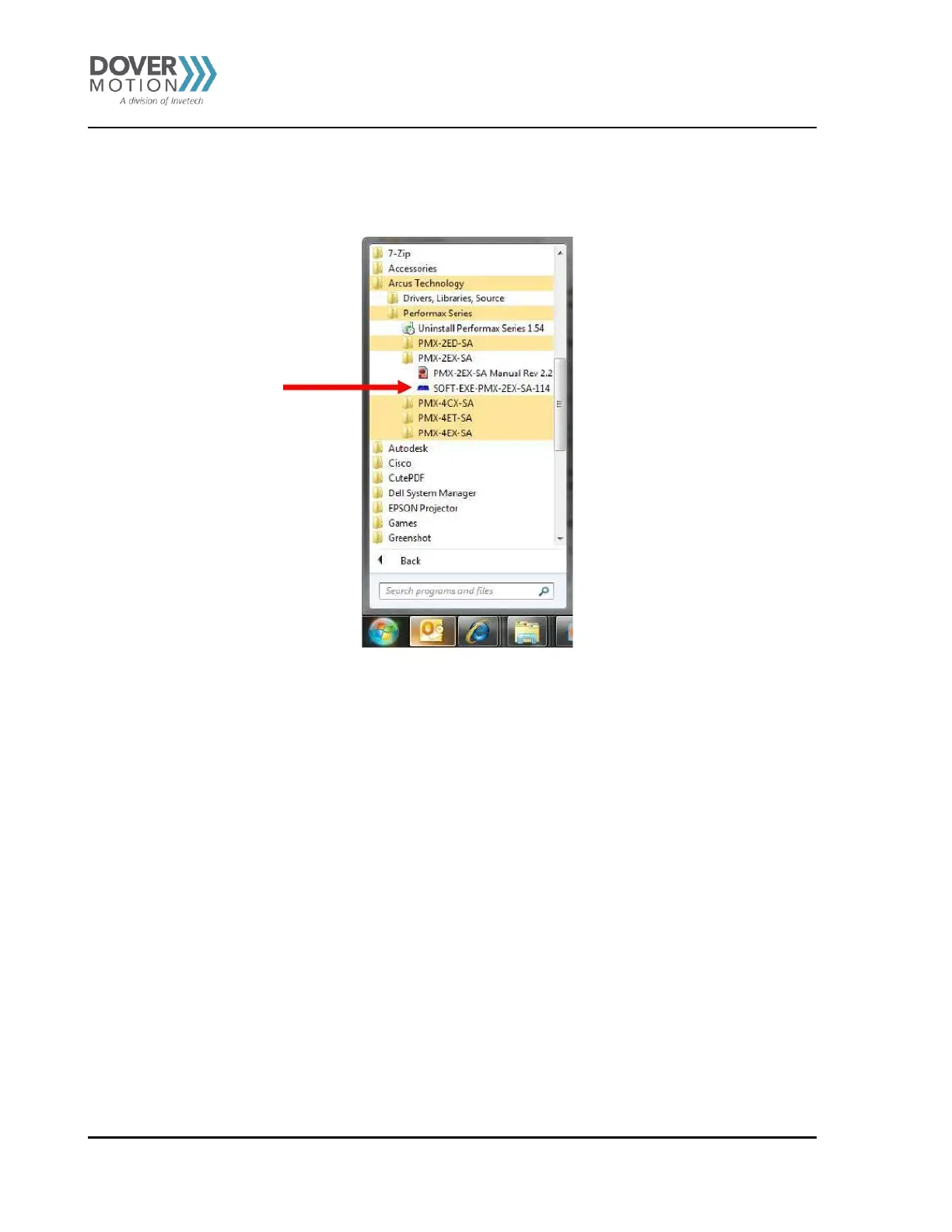
Locate the “SOFT-EXE-PMX-2EX-SA-114” icon on your desktop or locate it in your START menu.
Figure 13 PMX-2EX-SA Application
Select the device you what to communicate with. Choose USB for USB communications for the DMM-0200.



 To Next Page