Page 57 of 112
DMM-0200 Product User Guide
159 Swanson Road
Boxborough, MA 01719
Tel: 508-475-3400
Email: sales@dovermotion.com
DMM-0200 Stored programs
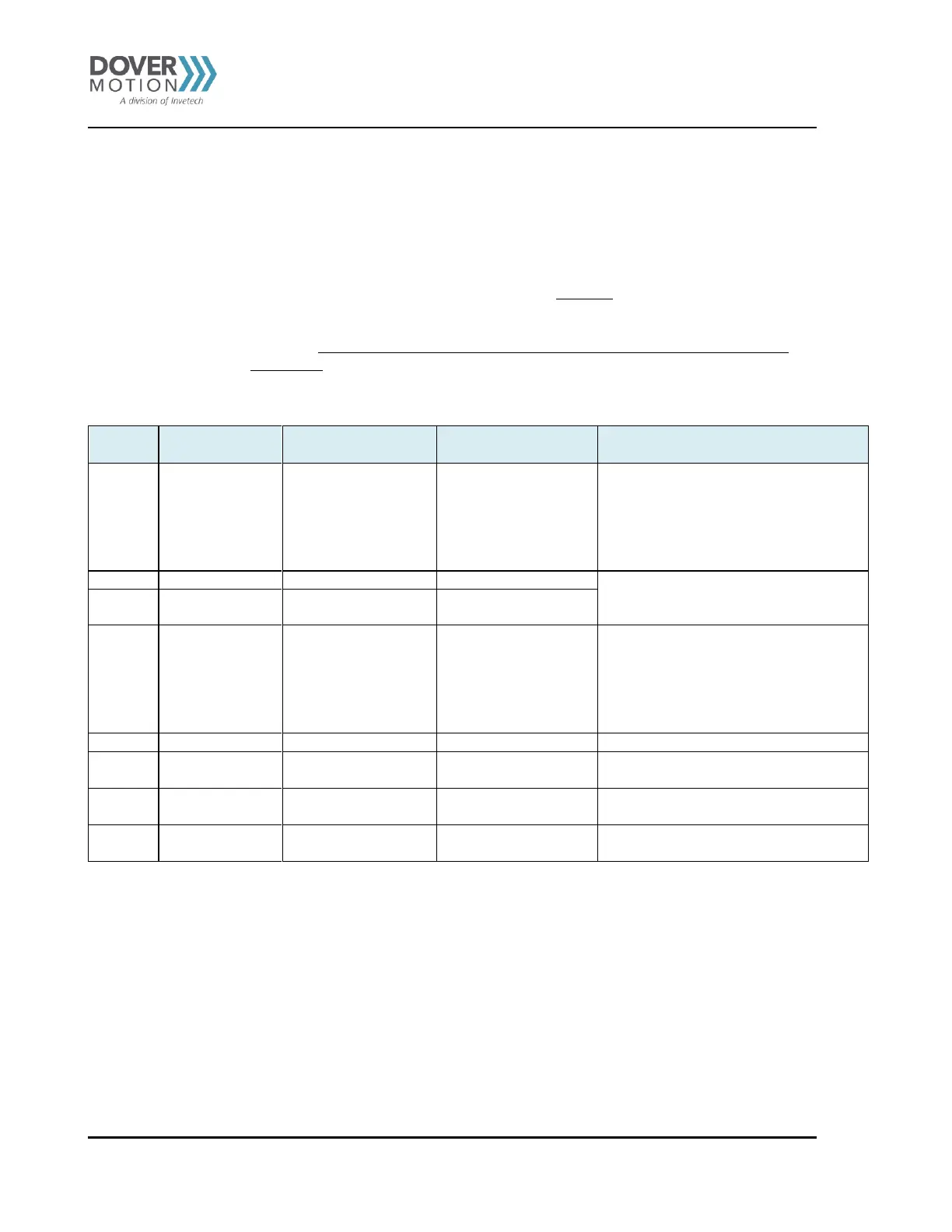
The DMM-0200 is shipped with 7 standard programs that can be executed via the Thumbwheel and Start/
Stop buttons. See
Table 18.
Note: The programs shipped with the DMM-0200 are SAMPLE programs. These programs are
not intended to be the customer’s final solution.
They are standard Dover Motion programs that may not be exactly suitable for the customer’s
application. The user should create their own motion programs for specific motion profiles
and control.
Pushing the START
Button will...
Pushing the STOP
Button will...
Enable external joystick
control
Disable external joystick
control
When the joystick control is enabled, starting
another motion program will automatically
disable the joystick and run the selected
motion program.
To enable the joystick again, the user must
start program 0 again.
Holding the START (or STOP) button will
jog the axis. Releasing the START (or
STOP) button will stop the jogging.
The homing program will home all axis
sequentially one after another. The axis will
jog to the negative limit, jog off the negative
limit by 1 mm, and zero the position
counter. The resulting position is the home
or zero position.
Available for
customer use
Available for
customer use
Available for
customer use
Table 18 Standard Programs
Executing Stored Programs
To execute one of the stored programs, select that program number on the thumbwheel and then depress the
Start button.
To stop the program, press the Stop button.



 To Next Page