Page 49 of 112
DMM-0200 Product User Guide
159 Swanson Road
Boxborough, MA 01719
Tel: 508-475-3400
Email: sales@dovermotion.com
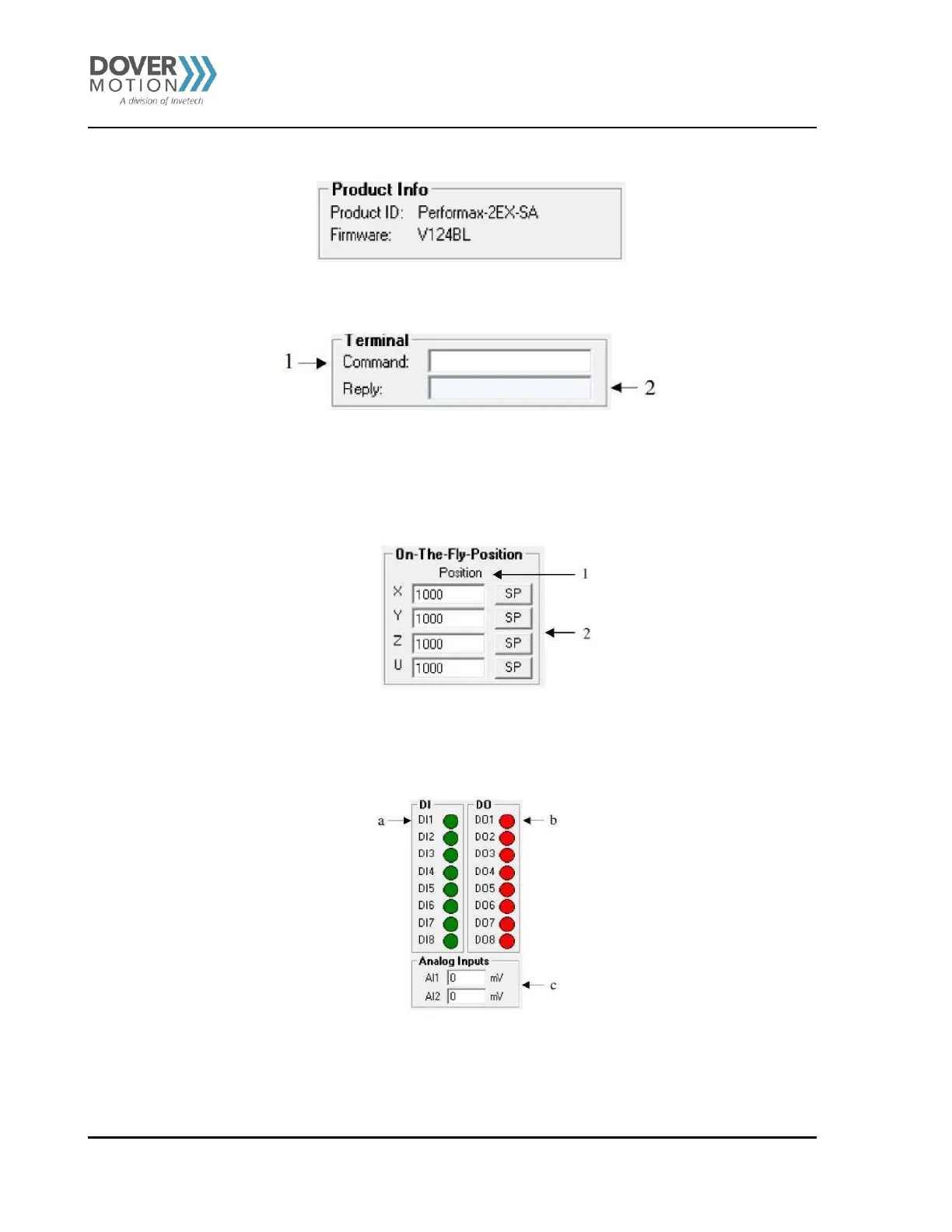
Product Information (D)
Figure 18 Product Information (D)
Terminal (E)
Figure 19 Terminal (E)
1. Send commands to the PMX-2EX-SA through this terminal
2. Replies from the PMX-2EX-SA will be shown here.
On-The-Fly-Position Control (F)
Figure 20 On-The-Fly-Position Control (F)
1. Select X/Y axis.
2. Set the new target position of the axis.
3. Perform an on-the-fly position change.
Figure 21 Digital I/O Status (G)
a. Digital input status for DI1-DI8.
b. Digital output status for DO1-DO8.
c. Analog input status for AI1 and AI2 [0-5000 mV].



 To Next Page