Page 103 of 112
DMM-0200 Product User Guide
159 Swanson Road
Boxborough, MA 01719
Tel: 508-475-3400
Email: sales@dovermotion.com
ASCII Programming Language
Invalid command is returned with ?(Error Message). Always check for proper reply when command is sent. Like the
commands, all responses are in ASCII form.
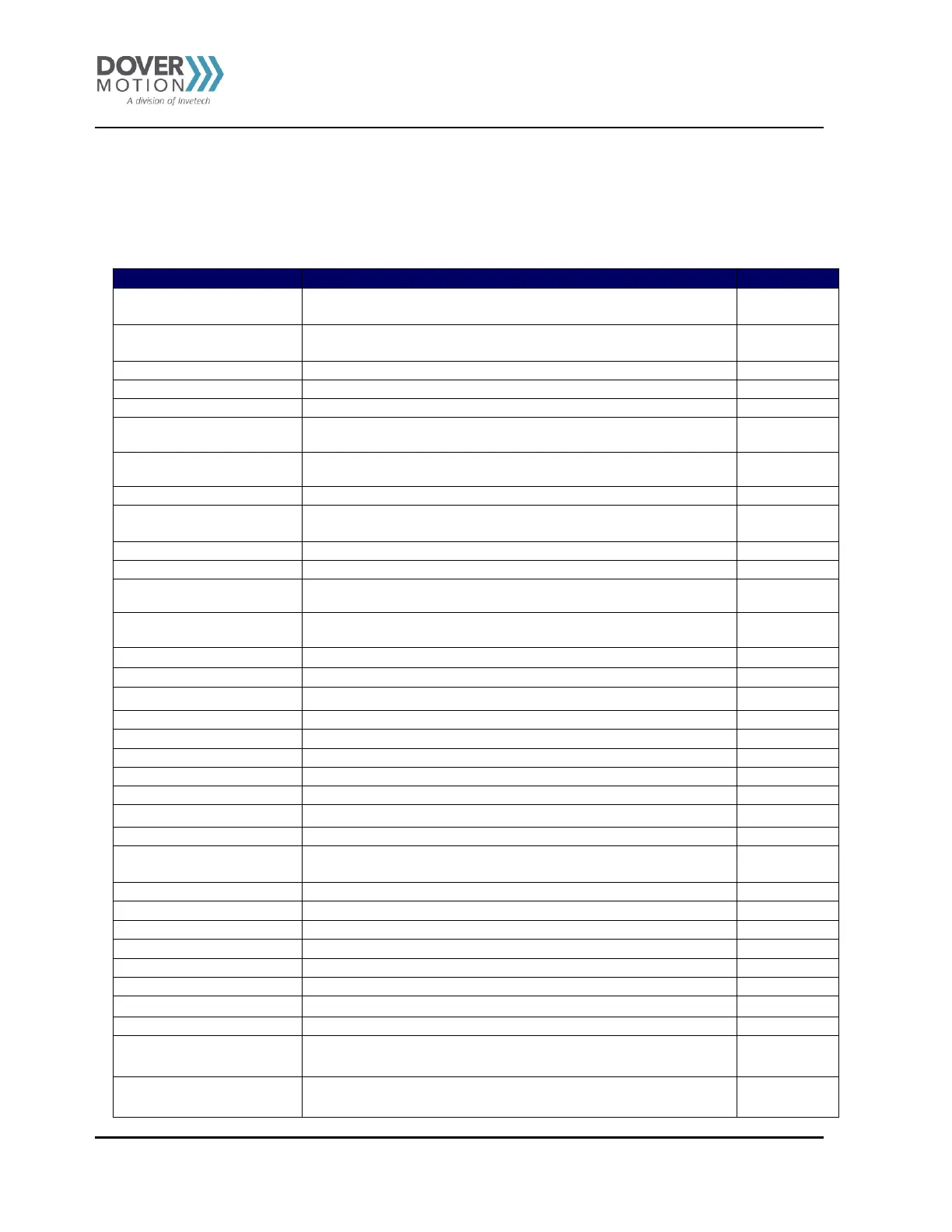
Table 32 ASCII Commands
Immediately stops all the motors if in motion. Abort turns off the
buffered move.
Immediately stops individual motor if in motion. Abort turns off
the buffered move.
Turns on absolute move mode
Returns current global acceleration value in milliseconds.
Sets global acceleration value in milliseconds.
Returns current individual acceleration value in milliseconds.
ACCX=[value]
ACCY=[value]
Sets individual acceleration value in milliseconds.
Returns Analog Input in millivolt.
Clears motor limit or alarm status bit. Also clears a StepNLoop errors
Returns the current global deceleration value in milliseconds
Sets the global deceleration value in milliseconds
Returns the current individual deceleration value in milliseconds
DECX=[value]
DECY=[value]
Sets the individual deceleration value in milliseconds
Returns 8 bits of general purpose digital input.
Returns bit status of general purpose digital input.
Returns 8 bits of general purpose digital output value.
Sets 8 bits of general purpose digital output.
Returns bit of general purpose digital output value.
Sets bit of general purpose digital output.
Get StepNLoop delta value of axis
Returns the enable deceleration status
Sets the enabled deceleration status
Returns 2 bits of enable output value.
Sets 2 bits of enable outputs.
Returns bit of enable output value.
Set bit of enable outputs.
Returns Current Encoder Position
Set encoder value of axis



 To Next Page