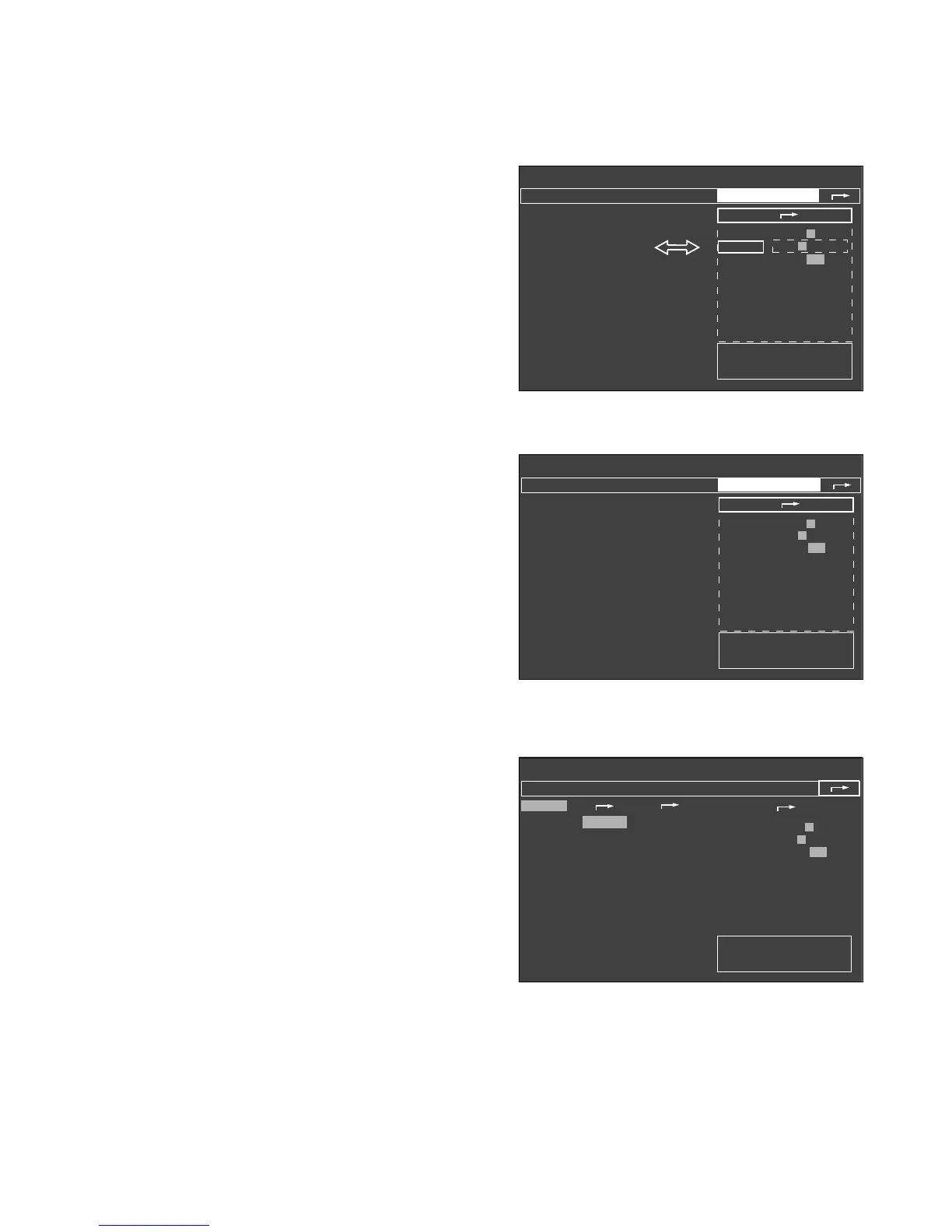
● Press rotary control = confirm selection.
The selection is confirmed and appears in dark type
on a light background.
● Turn rotary control = select new setting.
● Press rotary control = confirm selection.
The cursor frame is now on the arrow symbol (
z
)
to the next higher menu.
● Turn rotary control = select new setting.
Or:
● Press rotary control again = close submenu
»defaults«.
The cursor frame is on the arrow symbol (
z
)
to the next higher menu.
The current configuration is indicated by the fields with
grey background.
● Press rotary control again = exit menu.
15
Operating concept
Operating concept of the monitor
Rotary control
Standby / Configuration
✓
anaesth. gas
Halothane
Enflurane
Isoflurane
Sevoflurane
Desflurane
no
anaesth. gas
warning
default
✓
calibrating
O
2
-sensor
21 Vol.%
flow sensor
Ventilator
start up test
more
✓
Alarms inactive!
defaults
pulse to.
0 1 2 3 4 5 6 7 8 9
alarm tone 1 2 3 4 5 6 7 8 9
mode adult Neo.
parameters
record
interfaces
alarm limits
curves
basic configuration
Standby / Configuration
Alarms inactive!
anaesth. gas
warning calibrating
defaults
pulse tone
0 1 2 3 4 5 6 7 8 9
alarm tone 1 2 3 4 5 6 7 8 9
mode adult Neo.
parameters
record
interfaces
alarm limits
curves
basic configuration
Menu for setting
pulse tone volume.
Standby / Configuration
Alarms inactive!
anaesth. gas
warning calibrating
defaults
pulse tone
0 1 2 3 4 5 6 7 8 9
alarm tone 1 2 3 4 5 6 7 8 9
mode adult Neo.
parameters
record
interfaces
alarm limits
curves
basic configuration
006289710072897100828971












 To Next Page