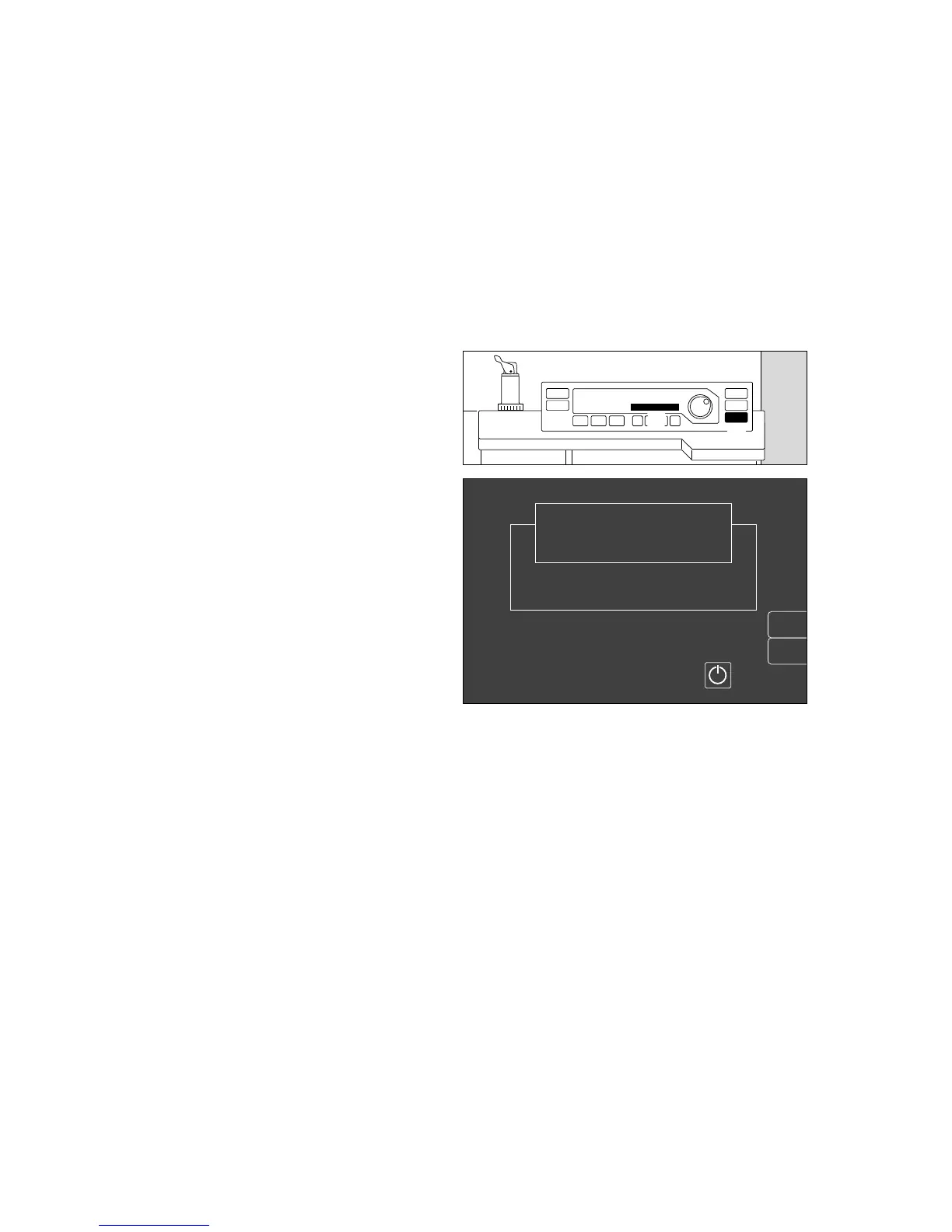
Set machine to »standby«
In »standby« mode,
– the system can immediately be switched to any
operating mode,
– gas consumption is zero,
– power consumption is marginal and
– the piston cylinder unit is in withdrawal position.
1 Press A on the ventilator for at least three
seconds.
2 Display
Standby
The flow tubes are no longer lit up.
The monitor remains operational and should be set to
»standby« by pressing
E
if not required.
The monitor can only be switched to standby if the
ventilator is already in standby!
During breaks:
● Set fresh gas flow to »O«.
● On Vapor: set control dial to »0«.
After use
If operation is interrupted for several hours, we
recommend that you do not leave the Cato in »Standby«
mode but switch it off completely.
● Turn the master switch to »O« = Off –
the switch symbol is no longer white.
After switching off, an OFF delay displays the
message »Power off« in the Ventilator display for
about 10 seconds.
● Disconnect the gas hoses from the wall sockets, or
close the cylinder valves of the gas cylinders.
● Roll up hoses and hang them over the holder at the
back of the machine.
● Disconnect the mains plug.
Operation
Set machine to »standby«
After use
48
1
2
erase
trend
Select ventilation mode at the ventilator
or switch on screen by pressing
Standby
Cato
SW-Version 2.05
02-05-00
config.
00337225 09128970












 To Next Page