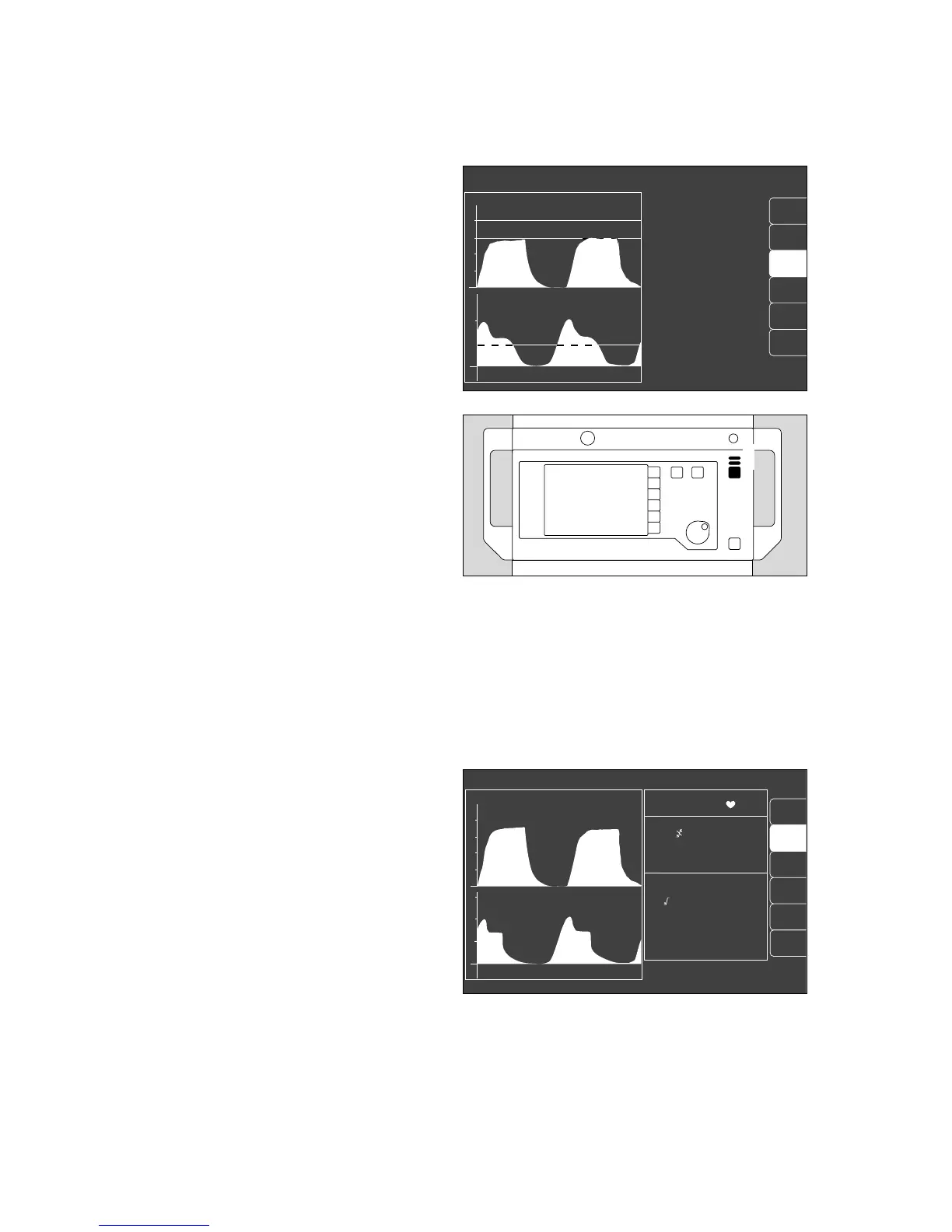
Displaying all alarms
● Press the softkey »alarm info« and keep pressed.
The alarm texts of all warning, caution and advisory
messages are displayed in order of priority.
● Release the softkey »alarm info«.
The alarm texts disappear.
Suppressing the alarm tone
1 Press G on the monitor for which the yellow LED
lights up. The alarm tone is then suppressed for two
minutes. Any new messages occurring during this
time, however, are indicated once with their
appropriate specific tone.
2 The red (upper) or yellow (lower) LED continues to
light up and the text remains on display.
To reactivate the alarm tone during the 2 minutes:
1 Press G again and the corresponding yellow LED
goes out.
CO2 alarm on/off
The CO2 alarms can be deactivated by the
»CO2 al. on/off« key.
In this case, CO2 is not monitored.
Press the key again to reactivate the alarm.
When the CO2 alarm is on, the inspiratory CO2
concentration in the breathing air is monitored with a
fixed maximum limit of 5 mmHg!
Monitor functions
Alarm concept
Alarm priority
CO
2
alarm on/off
66
curve
list
IPPV alarm limits
ET CO2 LOW !!
CO
2
PAW
20
0
alarm
limits
alarm
info
auto set
vent. al.
% HAL HIGH !!!
0
40
20
config.
2
1
alarm
limits
CO
2
al. on
curve
list
alarm
info
Man./spont. alarm limits
SpO
2
98 67
etCO
2
38
MV 6.0 freq 10
Fi Fet
O
2
29 25
Hal. 0.8 0.6
N
2
O 70 68
CO
2
40
0
PAW
20
0
20
18
config.
0632897106428971 02637224












 To Next Page