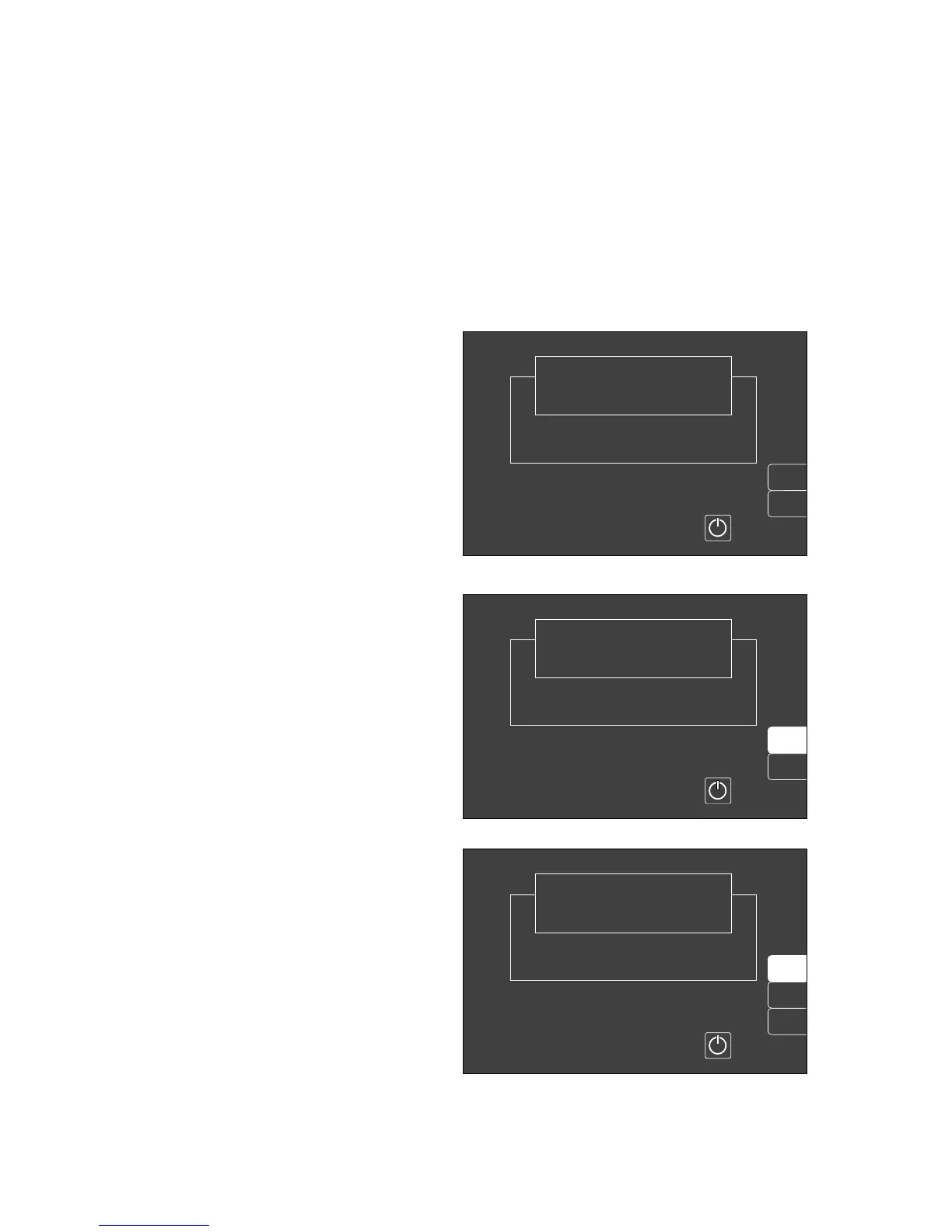
Screen saver
If none of the operating elements on the Cato is operated
in »standby« for approx. 2 minutes, the screen switches
off and becomes dark. The yellow LED in the standby key
and the word »Standby« on the ventilator light up. The
monitor display is immediately restored as soon as any
key is pressed.
Standby screen
The »standby« screen contains two softkeys with which
to invoke menus for
– erasing the trend and list memory,
– monitor configuration.
Erase trend
e.g. for a new patient:
The trend memory and list are erased together! This is
only possible in »standby«!
● Press E on the screen in order to switch to
»standby«. This is only possible if the ventilator is
also on »standby«!
● Press the softkey »erase trend«.
The system enquires again whether the trend is
indeed to be erased.
● Press the softkey »erase« to confirm.
The former screen is restored without change if the
softkey »Do not erase« is pressed.
The saved anaesthetic concentration trend is erased
when changing the anaesthetic vaporizer!
Monitor functions
Screen saver
Standby screen
50
erase
trend
Select ventilation mode at the ventilator
or switch on screen by pressing
Standby
Cato
SW-Version 2.05
02-05-00
config.
Do not
erase
erase
Select ventilation mode at the ventilator
or switch on screen by pressing
Standby
Cato
SW-Version 2.05
02-05-00
config.
erase
trend
Select ventilation mode at the ventilator
or switch on screen by pressing
Standby
Cato
SW-Version 2.05
02-05-00
config.
004372250053722500637225












 To Next Page