Alarm information
● The measured value field is erased and all active
alarms listed when this softkey is pressed.
The display can only be viewed as long as the key is
pressed.
Select list screen
For retrospective documentation of former measured
values and alarms. Generation of list entries is described
in the section »record« on page 53.
On the standard screen,
● press the softkey »list«.
● The display changes and the list appears on the
screen (example):
Return to previous page:
● Select »previous page« and confirm.
Move to next page:
● Select »next page« and confirm.
Erase list:
● Press »standby« key E and softkey »erase trend«.
Press new softkey »erase« in response to system
enquiry.
Monitor functions
Softkeys
Alarm information
Select list display
62
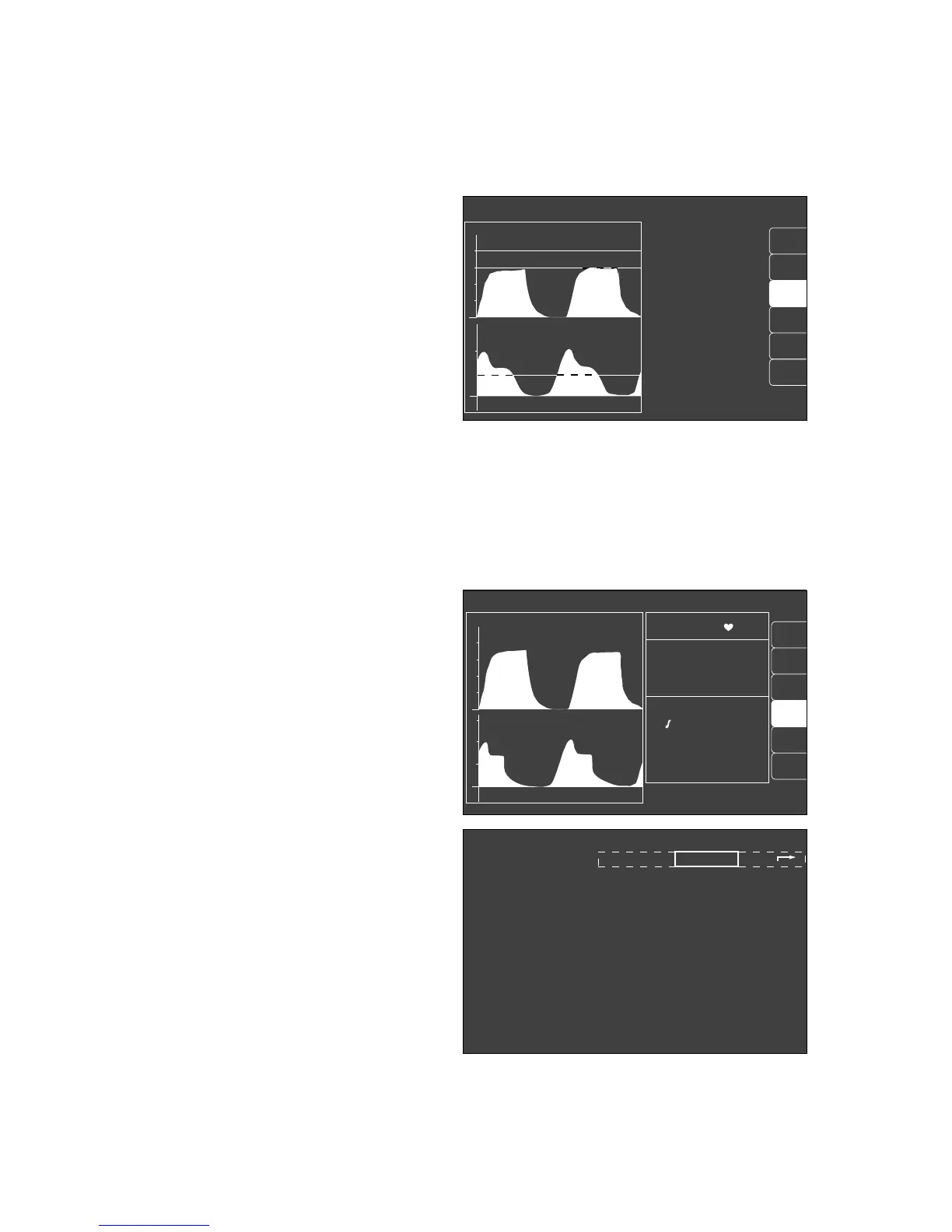
IPPV-alarm limits
next page previous page
warning time HR/pulse NiBP/mmHg SpO
2
etCO
2
MV O
2
AGas PAW
sys/m/dia Fi/Fet Fi/Fet peak/Peep
% HAL HIGH !!! 12:13 65 99 40 6.0 30/26 1.6/0.6 33/10
% O2 LOW !!! 12:15 65 98 38 5.9 25/20 0.8/0.7 30/10
12:16 66 99 40 6.1 30/26 0.8/0.7 30/10
alarm
limits
CO
2
al. off
curve
list
alarm
info
Man./spont. alarm limits
SpO
2
98 67
etCO
2
38
MV 6.0 freq10
Fi Fet
O
2
29 25
Hal. 0.8 0.6
N
2
O 70 68
CO
2
40
0
PAW
20
0
20
18
config.
curve
list
IPPV alarm limits
ET CO2 LOW !!
CO
2
PAW
20
0
alarm
limits
alarm
info
auto set
vent. al.
% HAL HIGH !!!
0
40
20
config.
055289710562897105728971












 To Next Page